
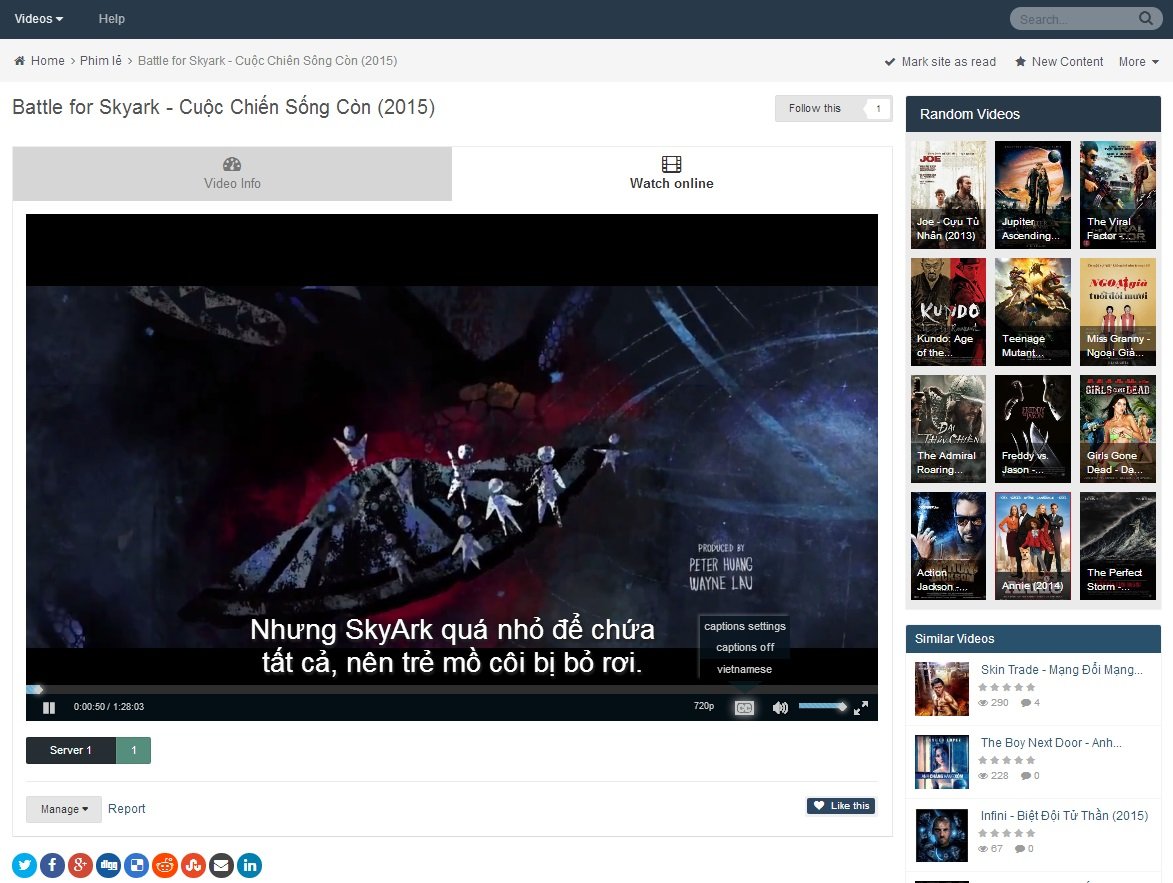
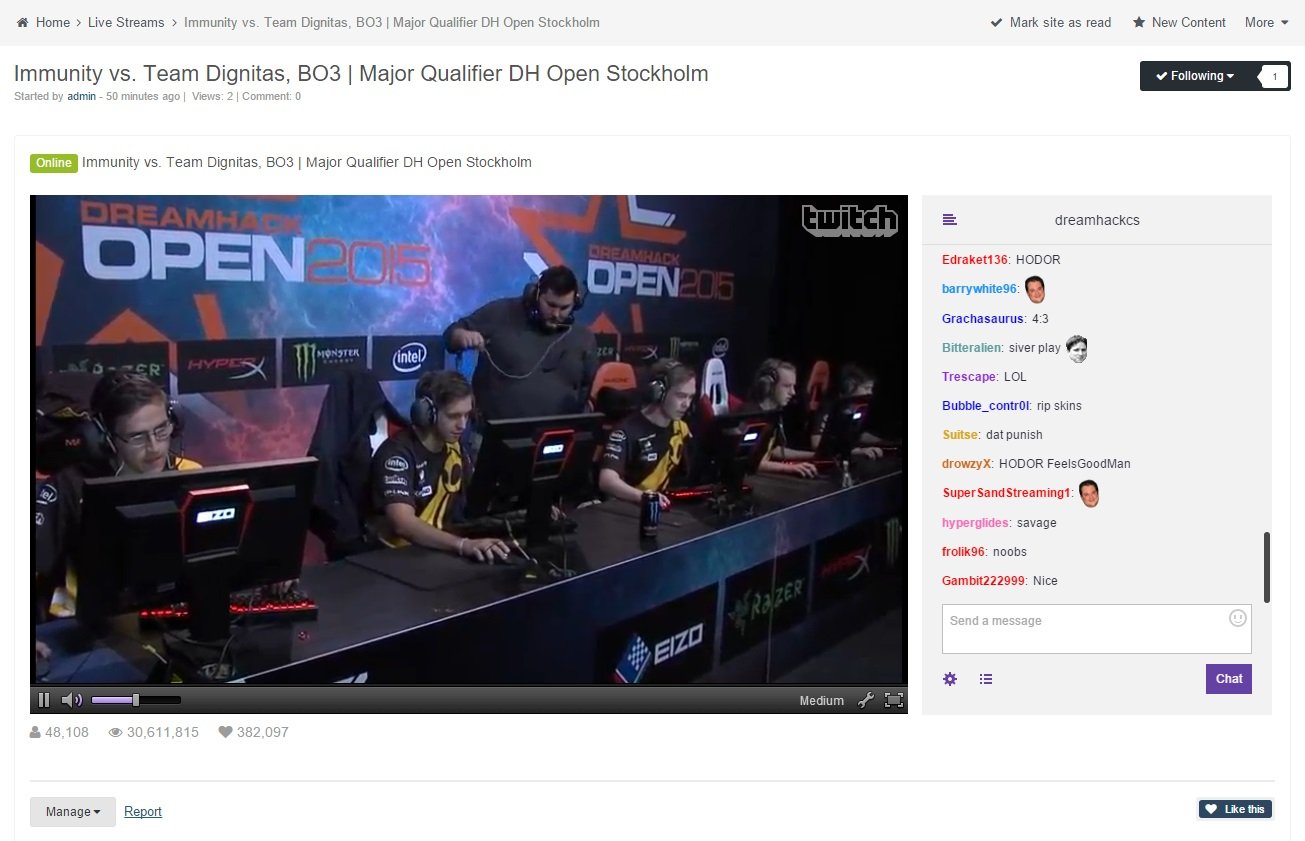
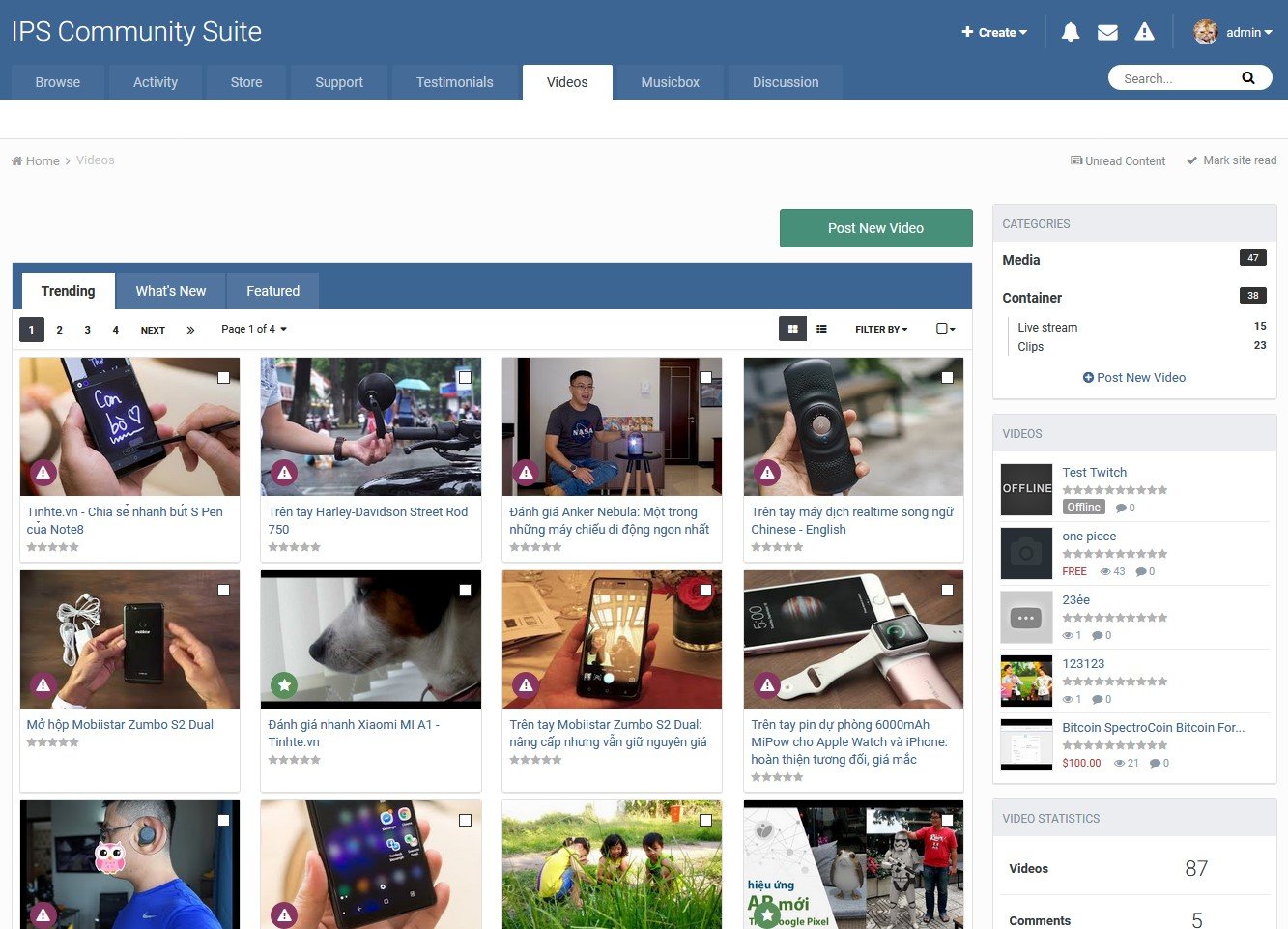

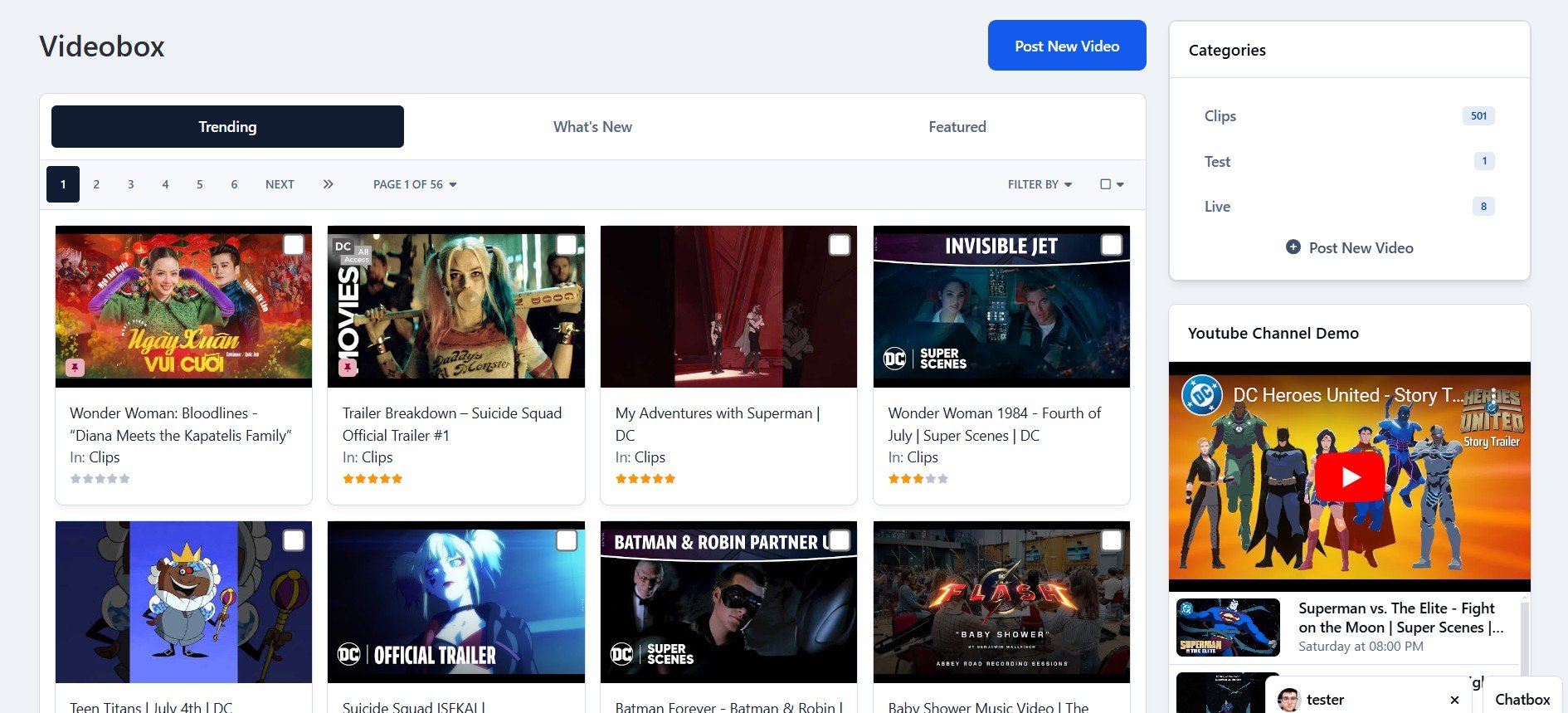
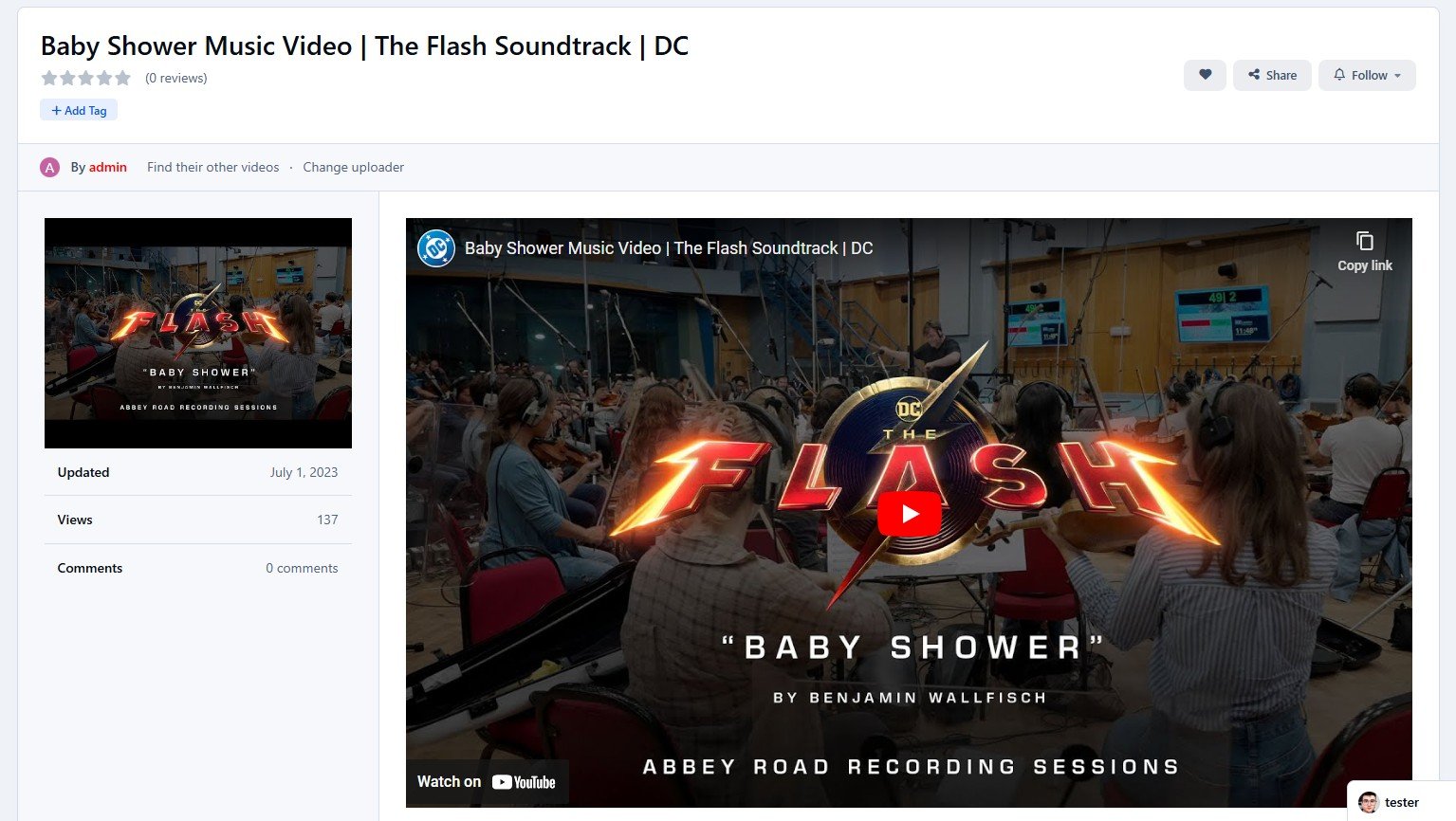

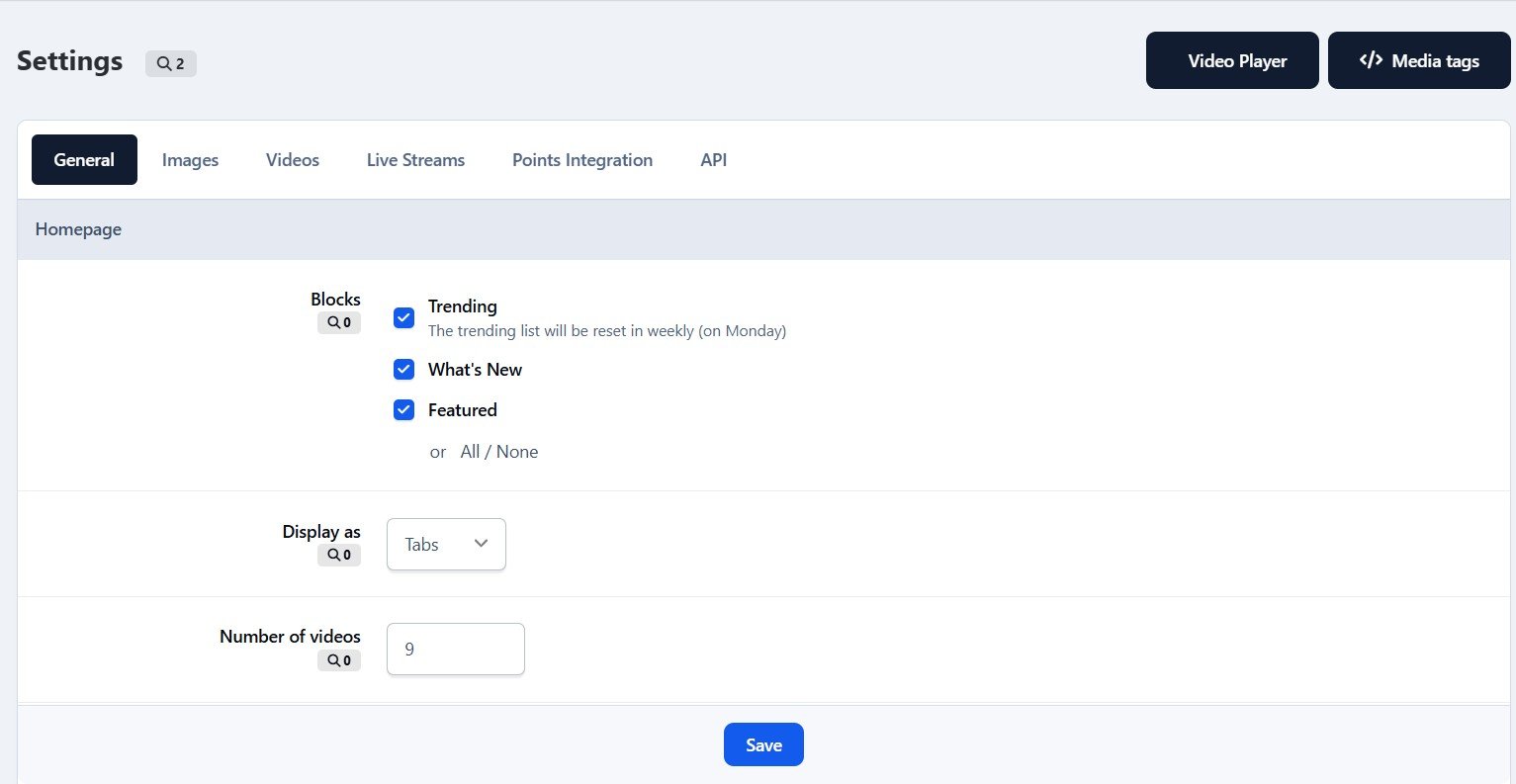
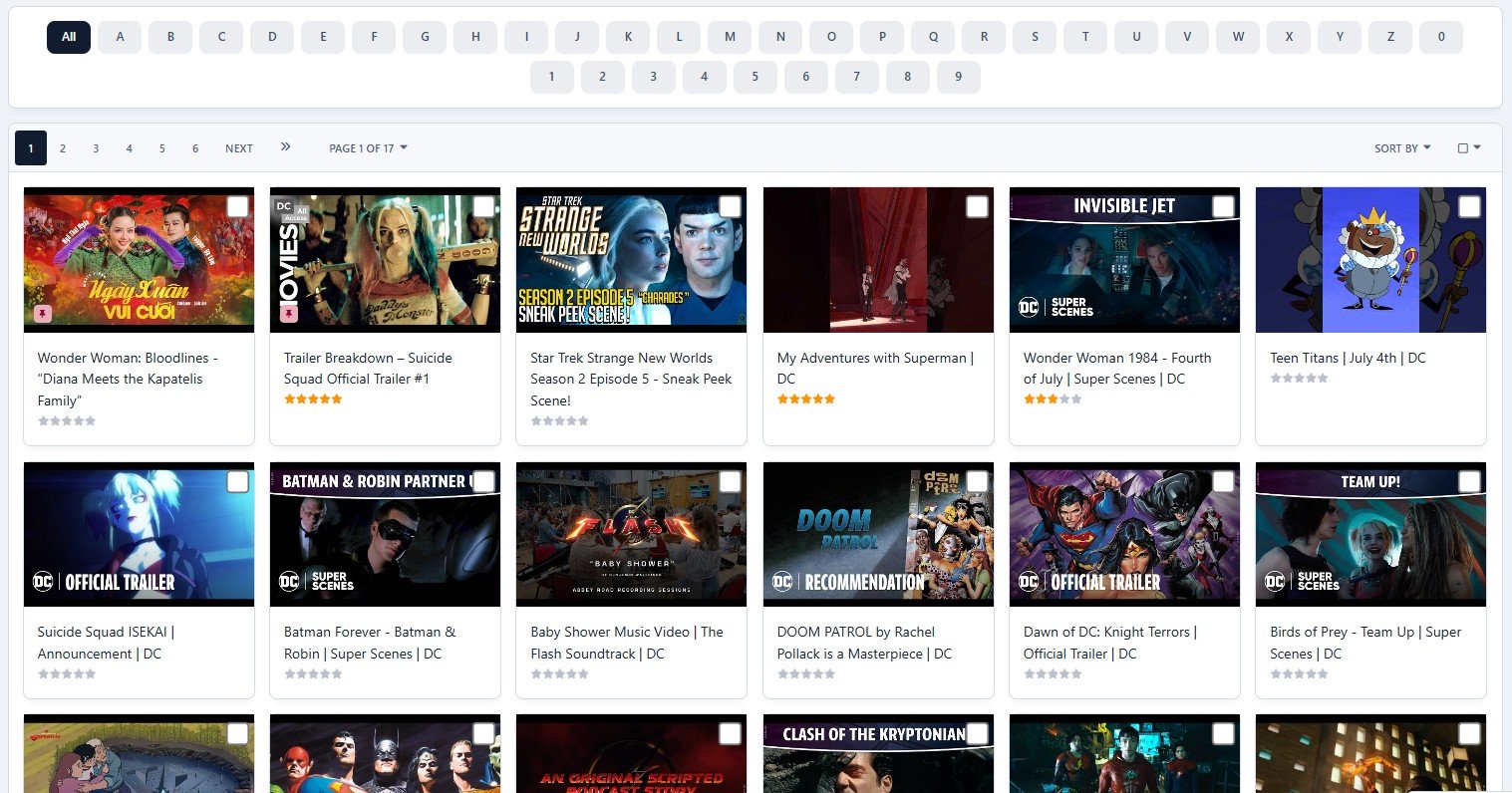
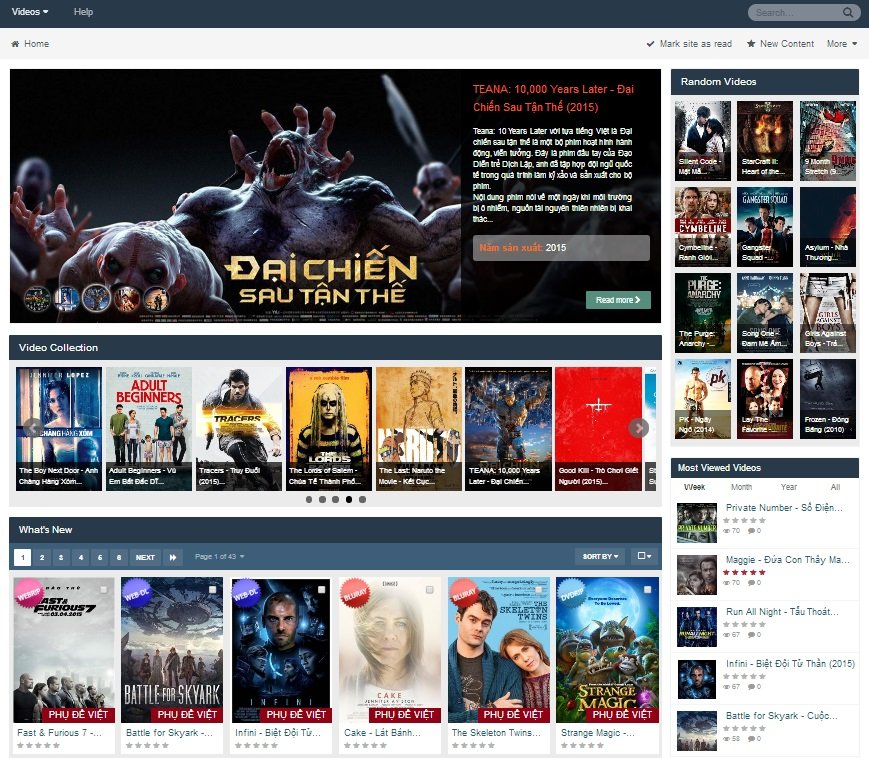
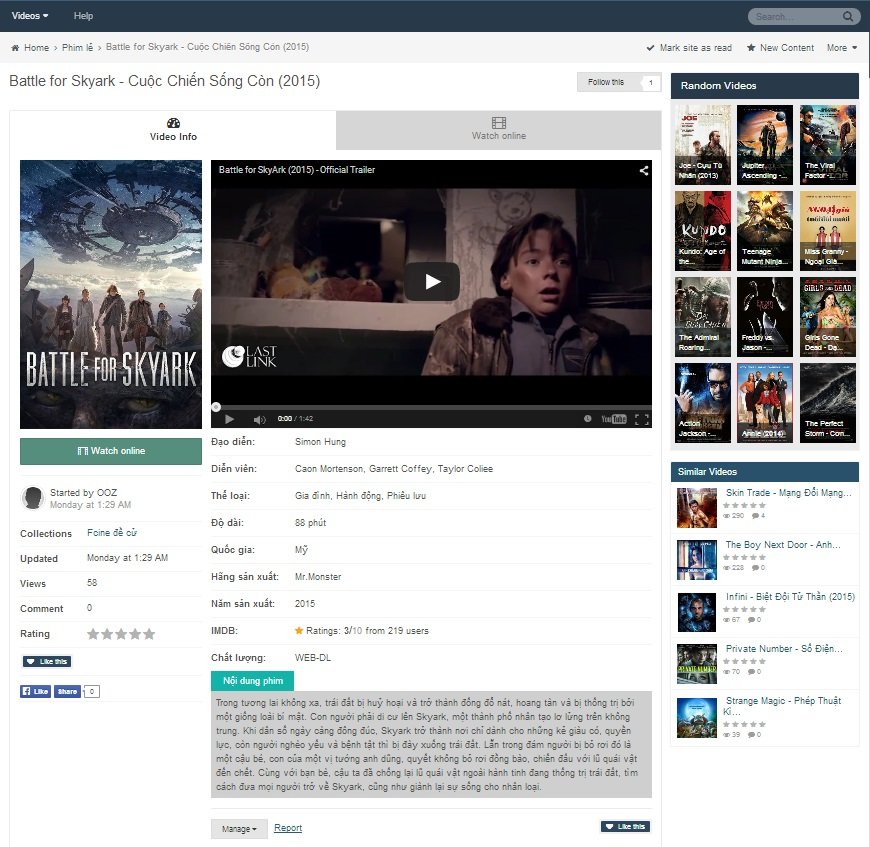
VideoBox is an application that allows sharing videos & livestream (from Twitch & Youtube), the best choice to run your own Movies/TV Shows website.
Live demo: http://demo.ipsappzone.com/video/
Features:
Categories/subcategories.
Custom fields for video's information.
Protected custom fields that only display for logged members, or who liked the video.
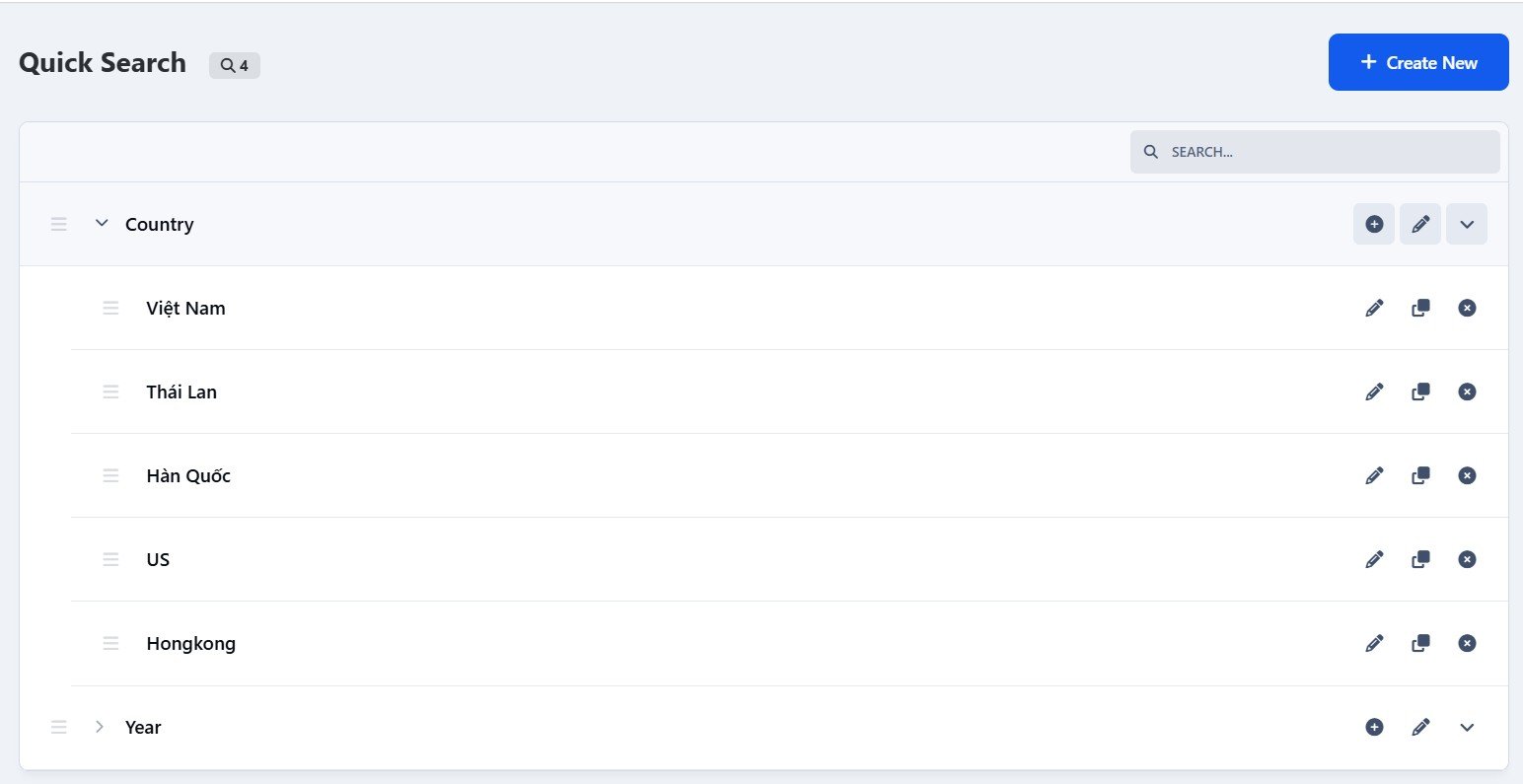
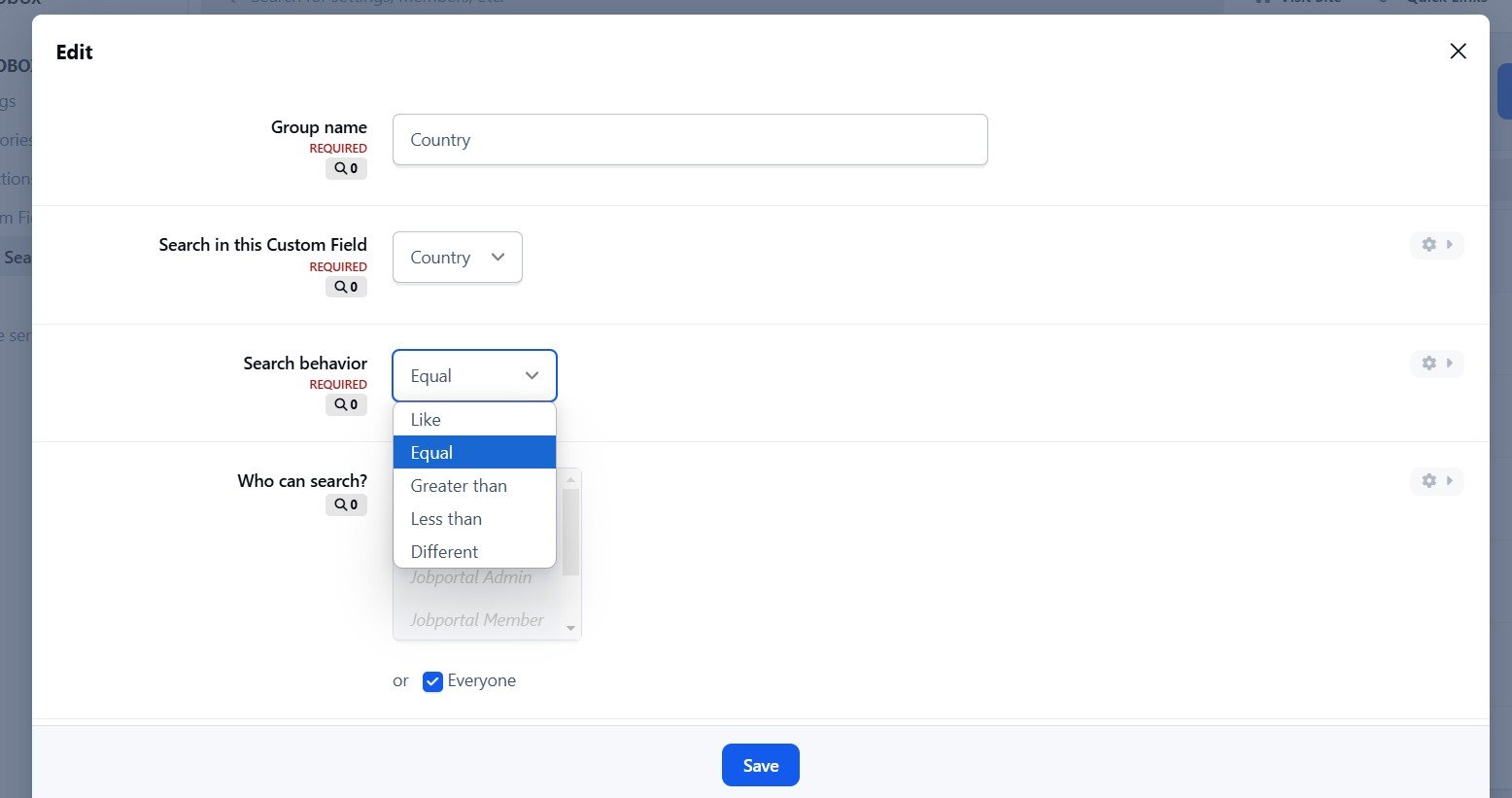
Search videos by custom fields.
Video Collections: create/edit/remove the collections for your videos.
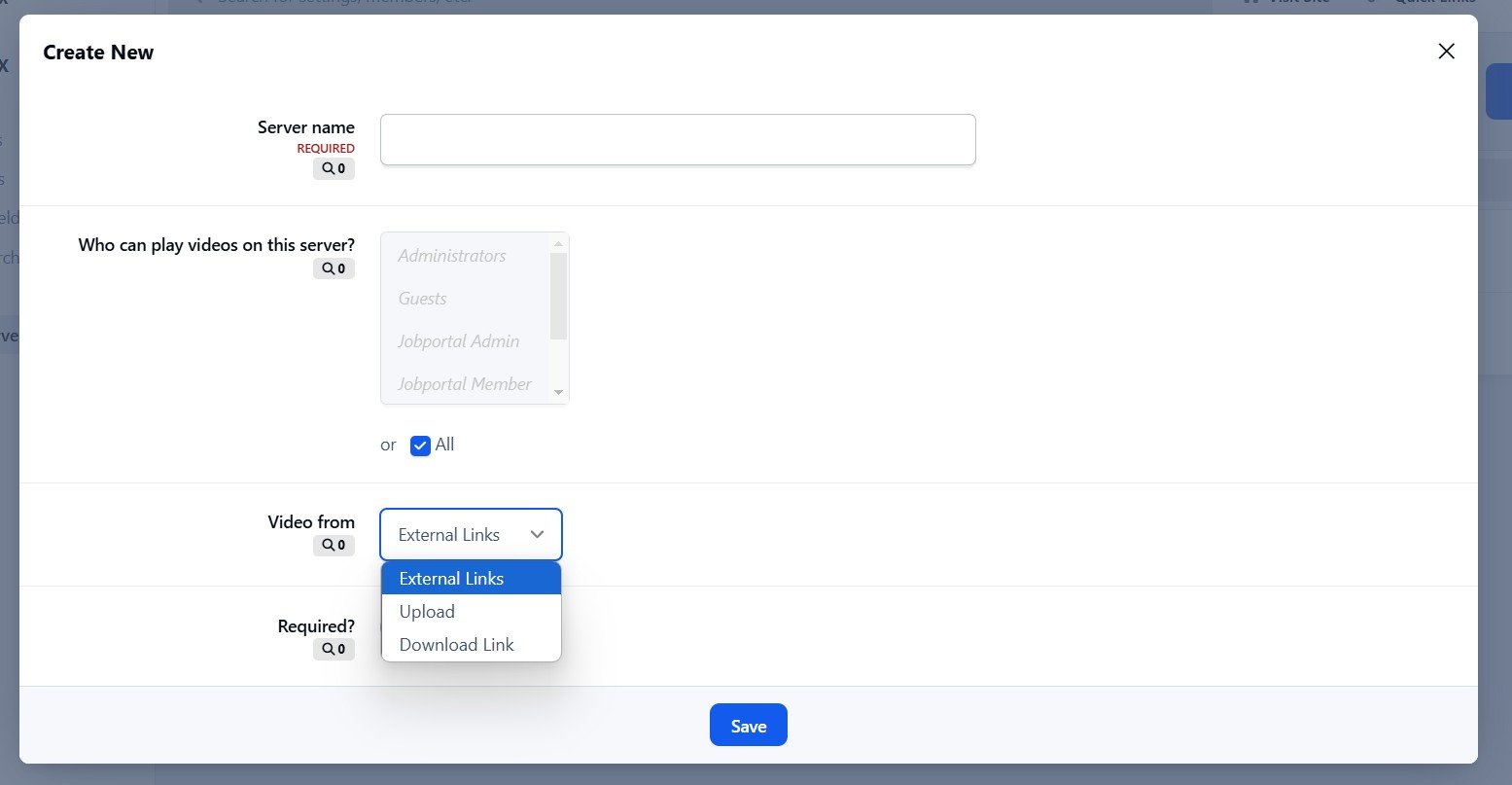
Servers: allows sharing videos from various sources. This feature is also suitable for multi-episode series.
Widgets: top poster, top videos, random videos, featured videos in a slider, collections in a carousel, quick search by custom fields,...
Pages system: easy to create a new page with custom content.
Uploading or using external video URL (supports: mp4, m4v, webm, m3u8, youtube, vimeo, dailymotion).
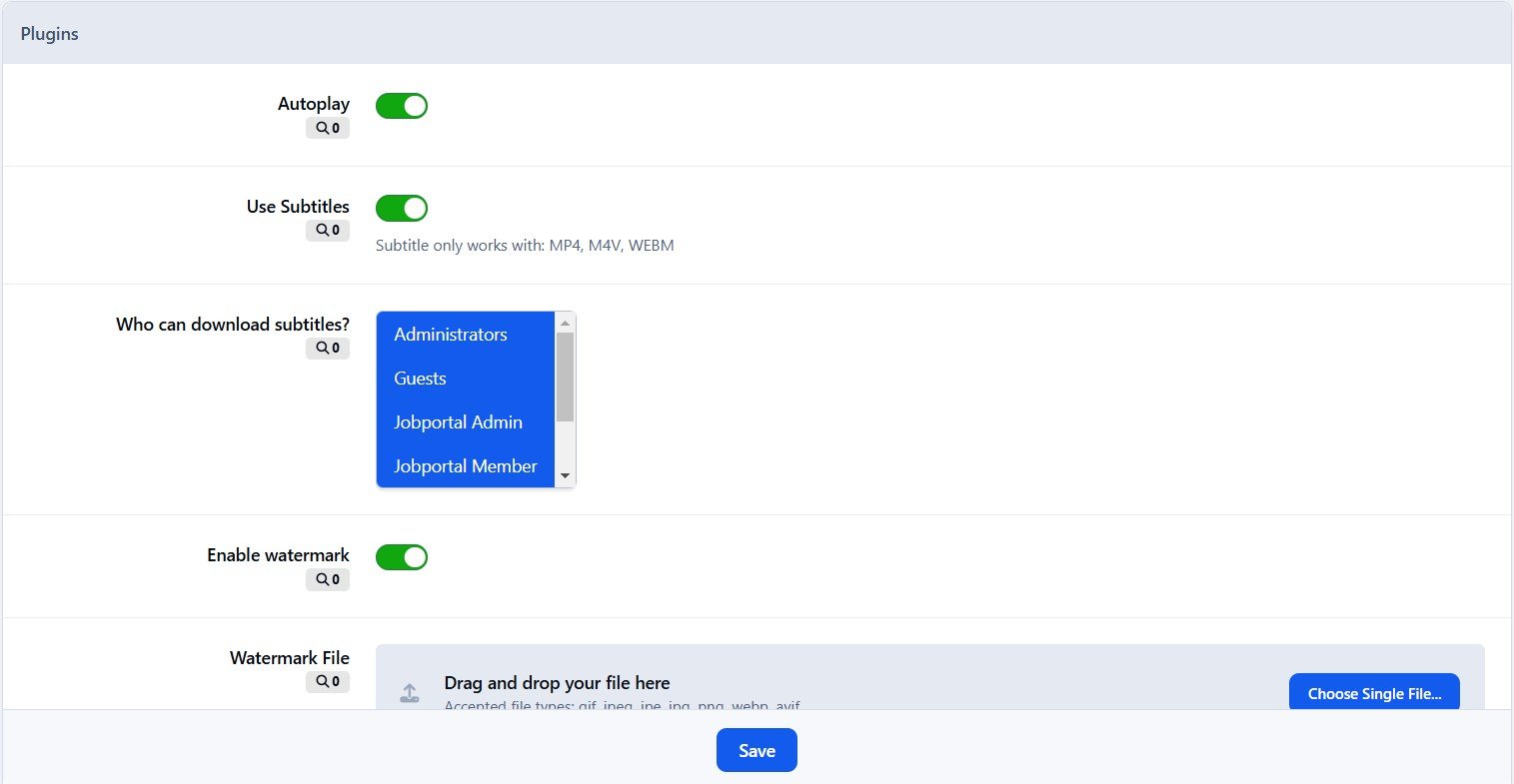
Using VideoJS to play video formats: mp4, m4v, webm. With plugins:
Support VTT captions
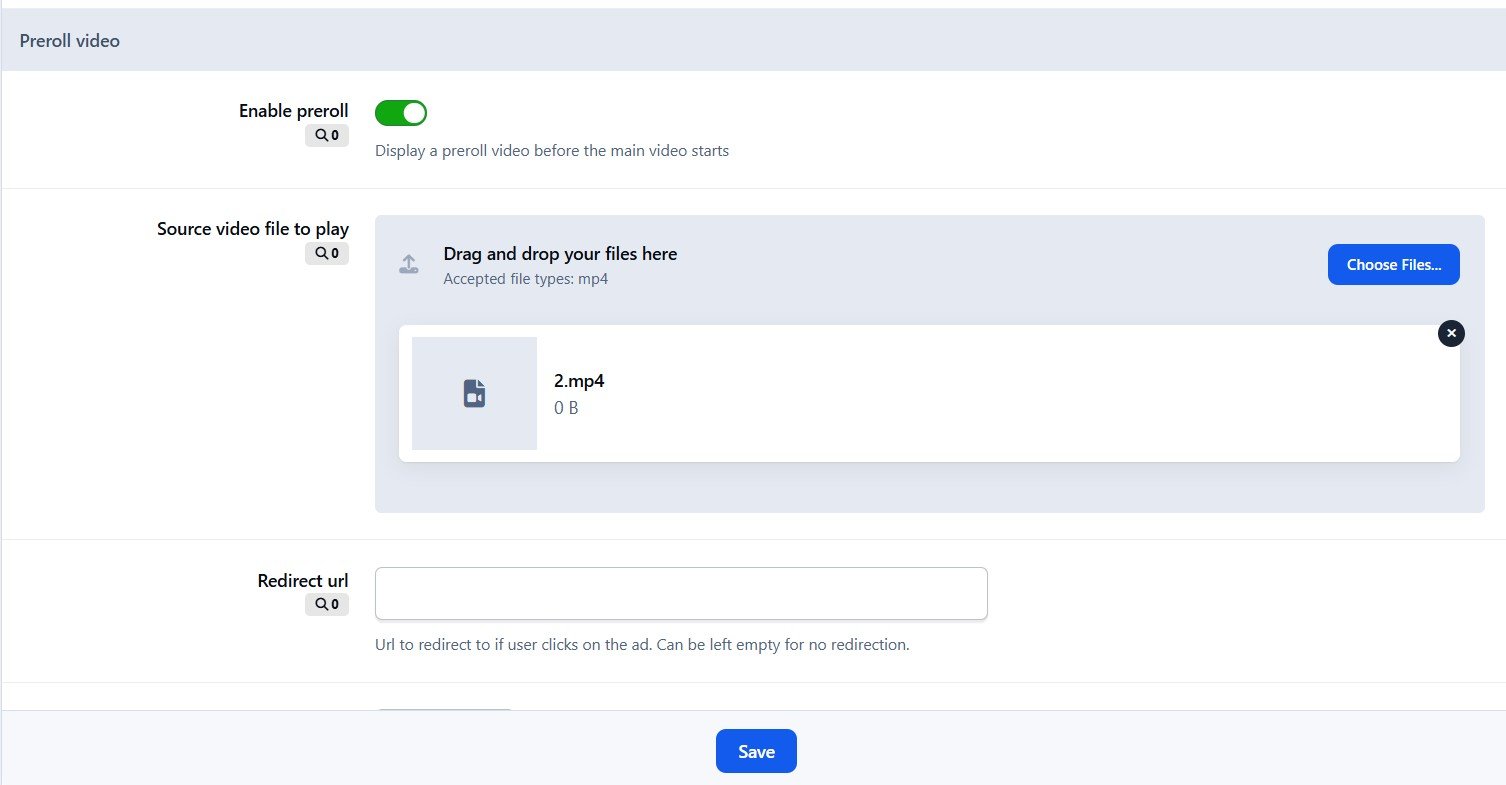
Preroll video for advertising purpose.
Watermark
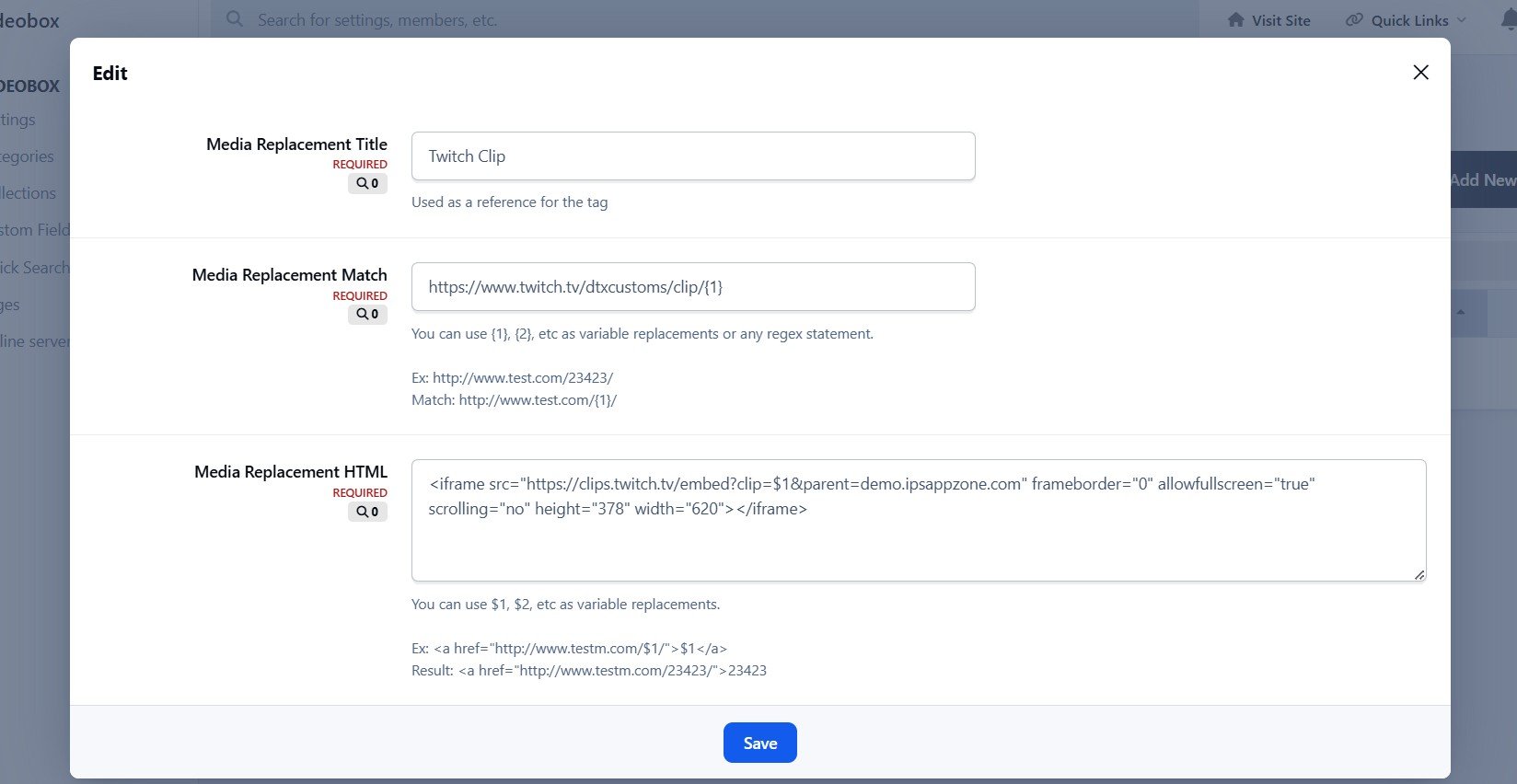
Media Tags system to define your custom player embedded from any video services.
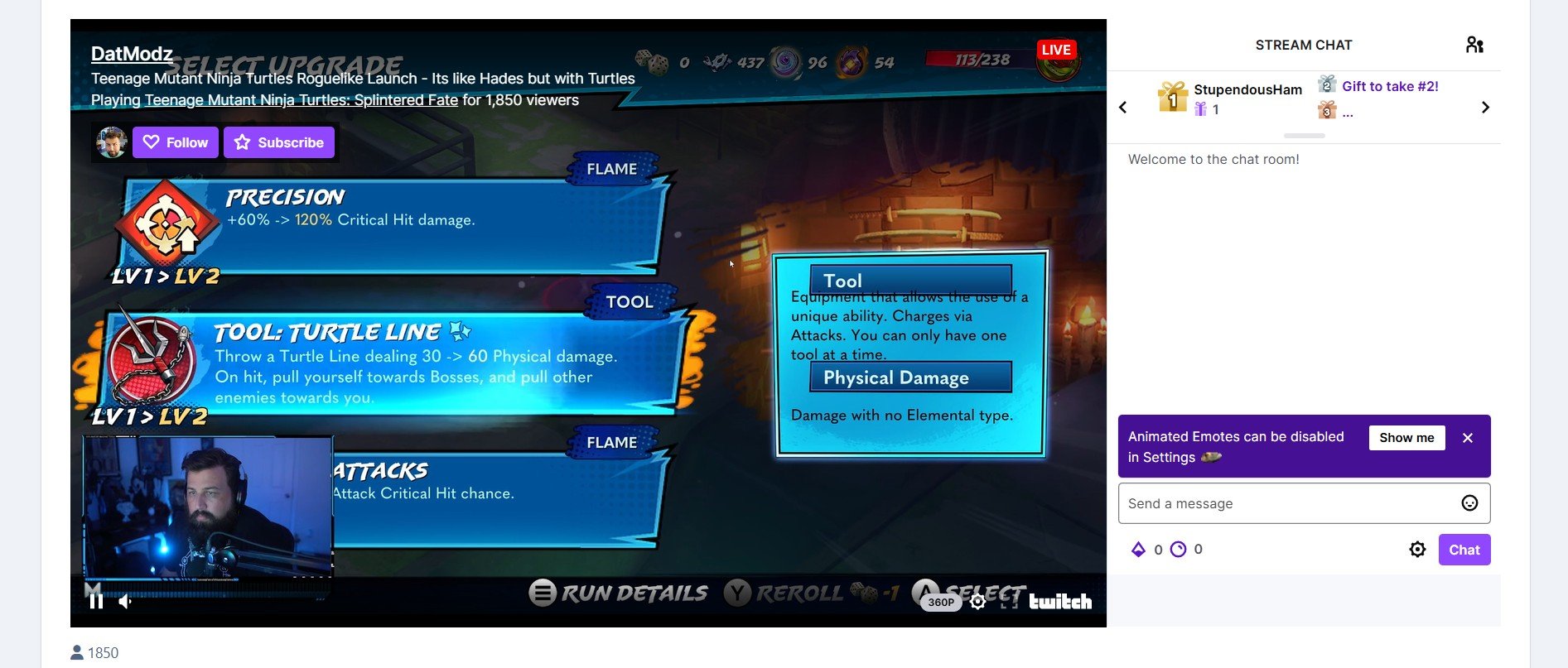
Live Streams from Twitch.tv and Youtube.com
View video in lightbox
Friendly URL.
Comment system.
Review system
Rating system.
Following system.
Clubs
Reactions
Supports Nexus (Commerce) to sell and buy videos.
Supports all Points systems:
Points for new video
Points for new comment
Points for new review
Points for reaction
Lazyload.
Tags.
Latest Videos RSS feed.
What's New in Version 5.1.16
Released
New option "Protect Uploaded Videos Link"
Moved ACP Videobox menu to Community > Videobox
Fixed exception errors
Fixed an issue with autoplay
Fixed JS errors
-
 5
5
-
 1
1