

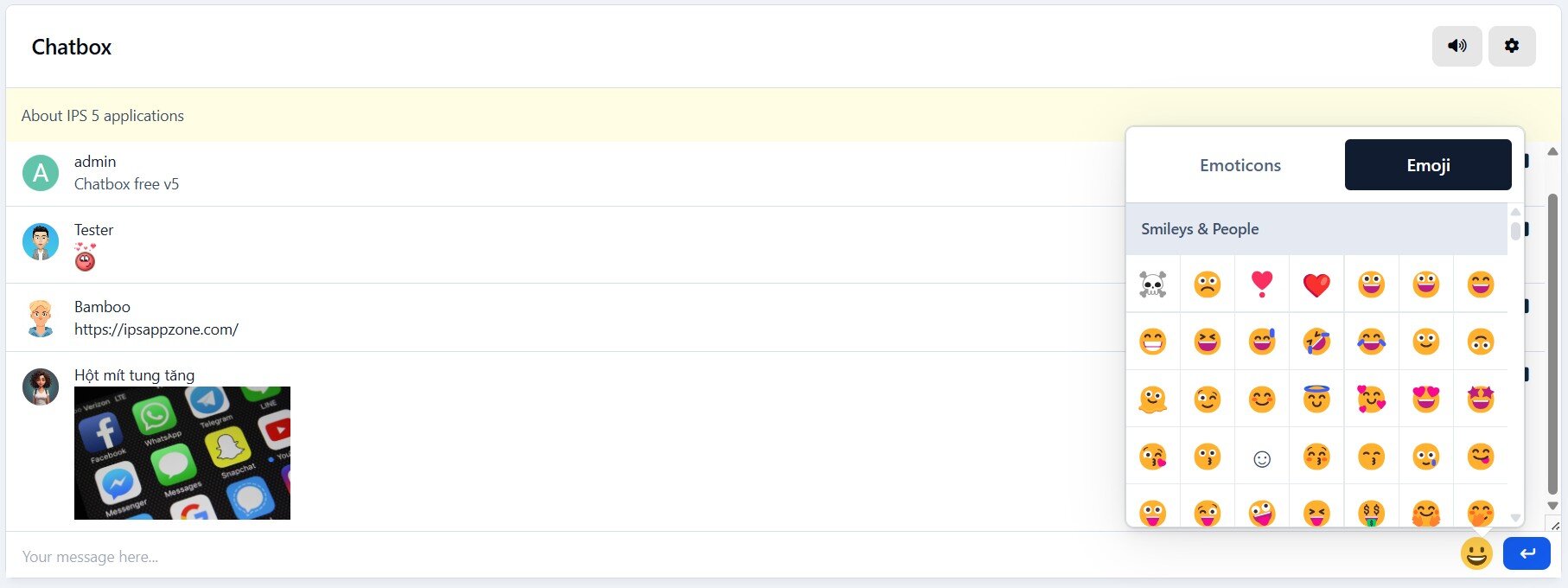
This is very simple chat system with the basic features:
Ajax chat, auto update.
Display as a widget, so you can place it in sidebar or top page.
Sound notification. User can toggle on/off.
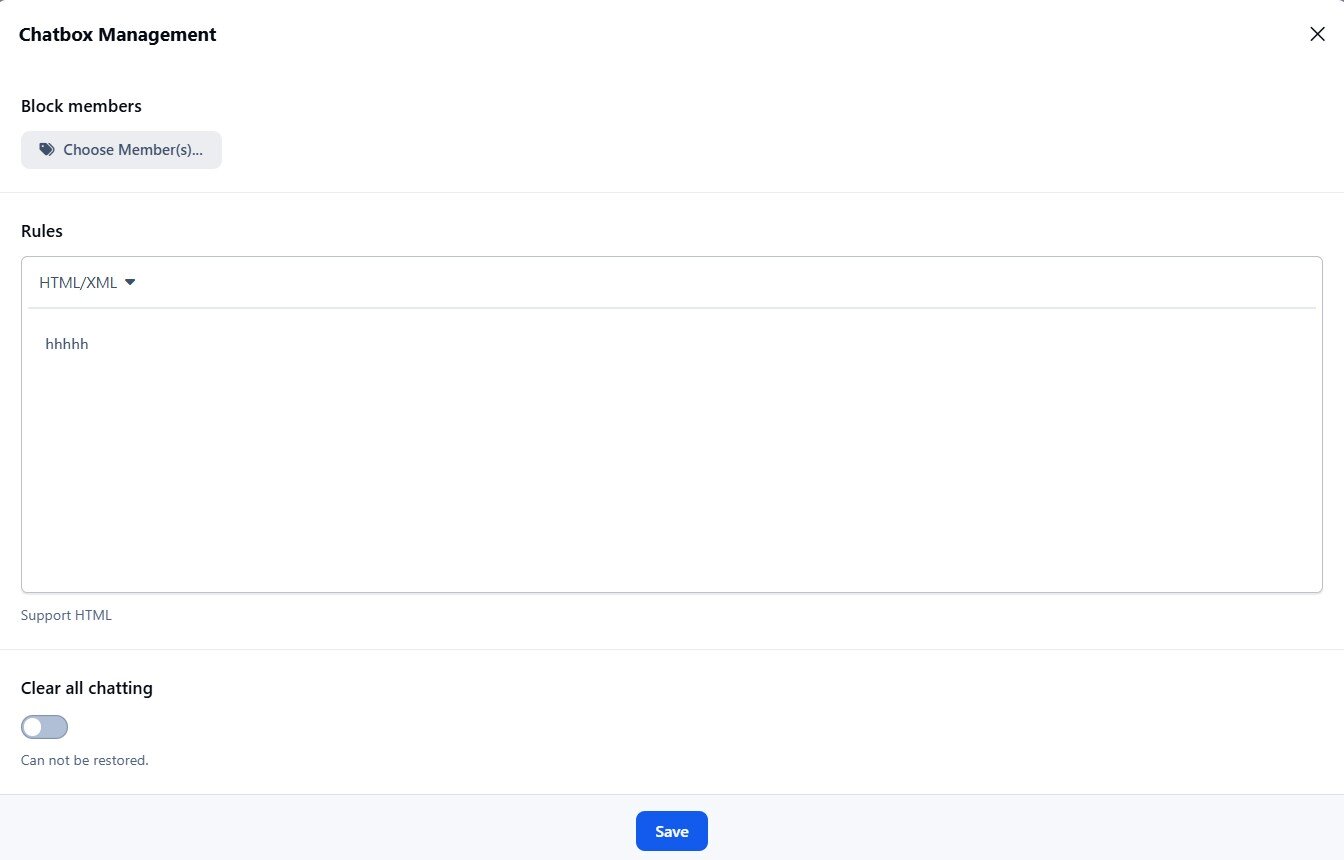
Admins/Moderators can block users.
Load more messages when scrolling end (or top).
Rules.
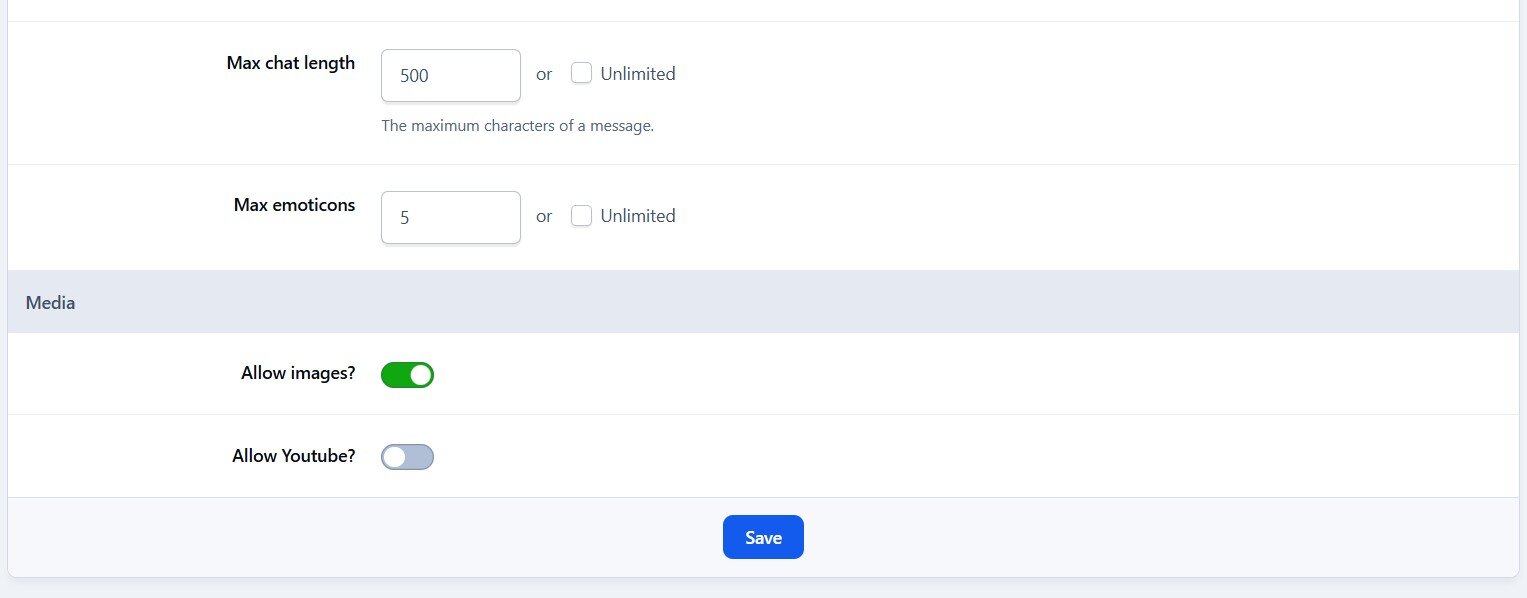
Supports emoticons, URL, Images (GIF, PNG, JPG)
Supports GIPHY to finds GIFs and Stickers by using /giphy command (Eg: /giphy happy new year)
Supports Voice Messages
Supports Youtube, playing video in iframe and popup
@mention by clicking on usernames.
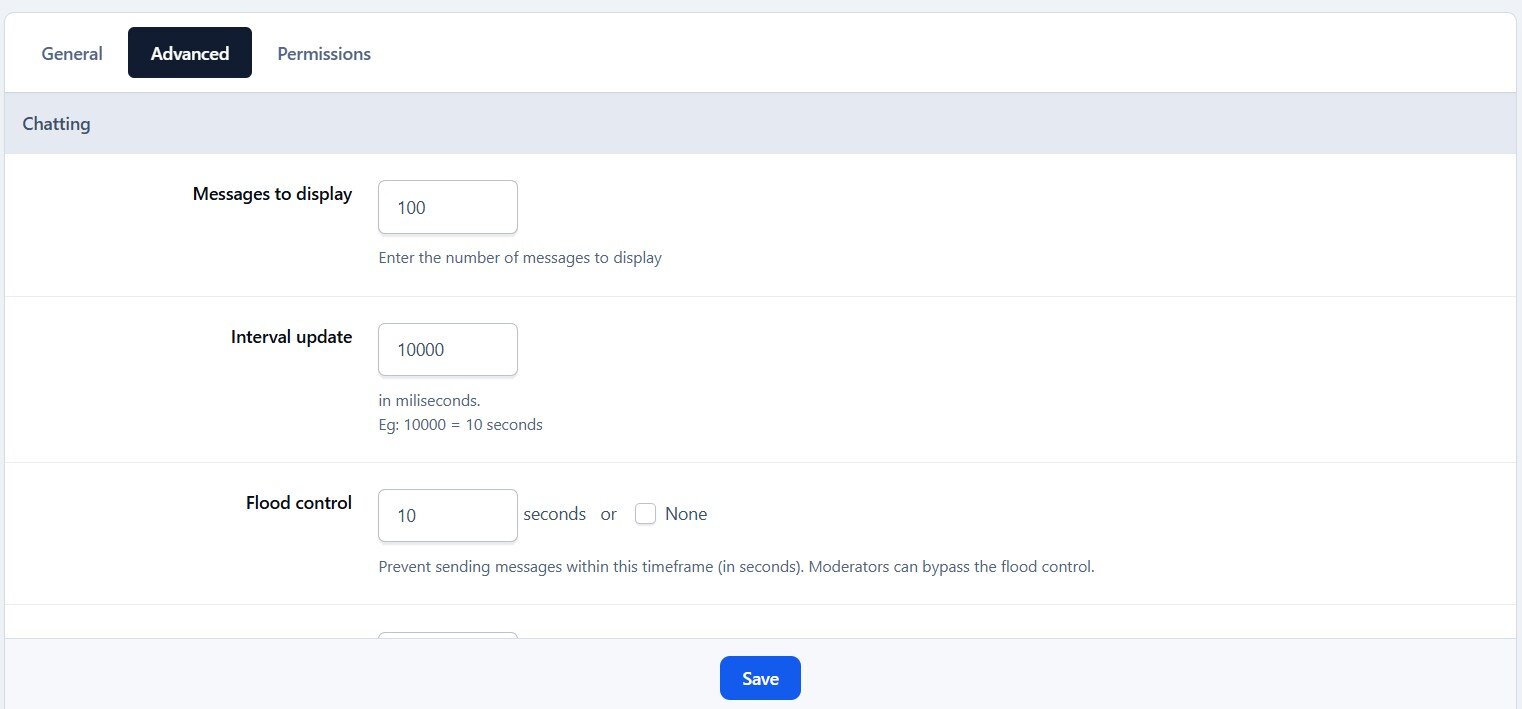
Flood control.
Bad word filters.
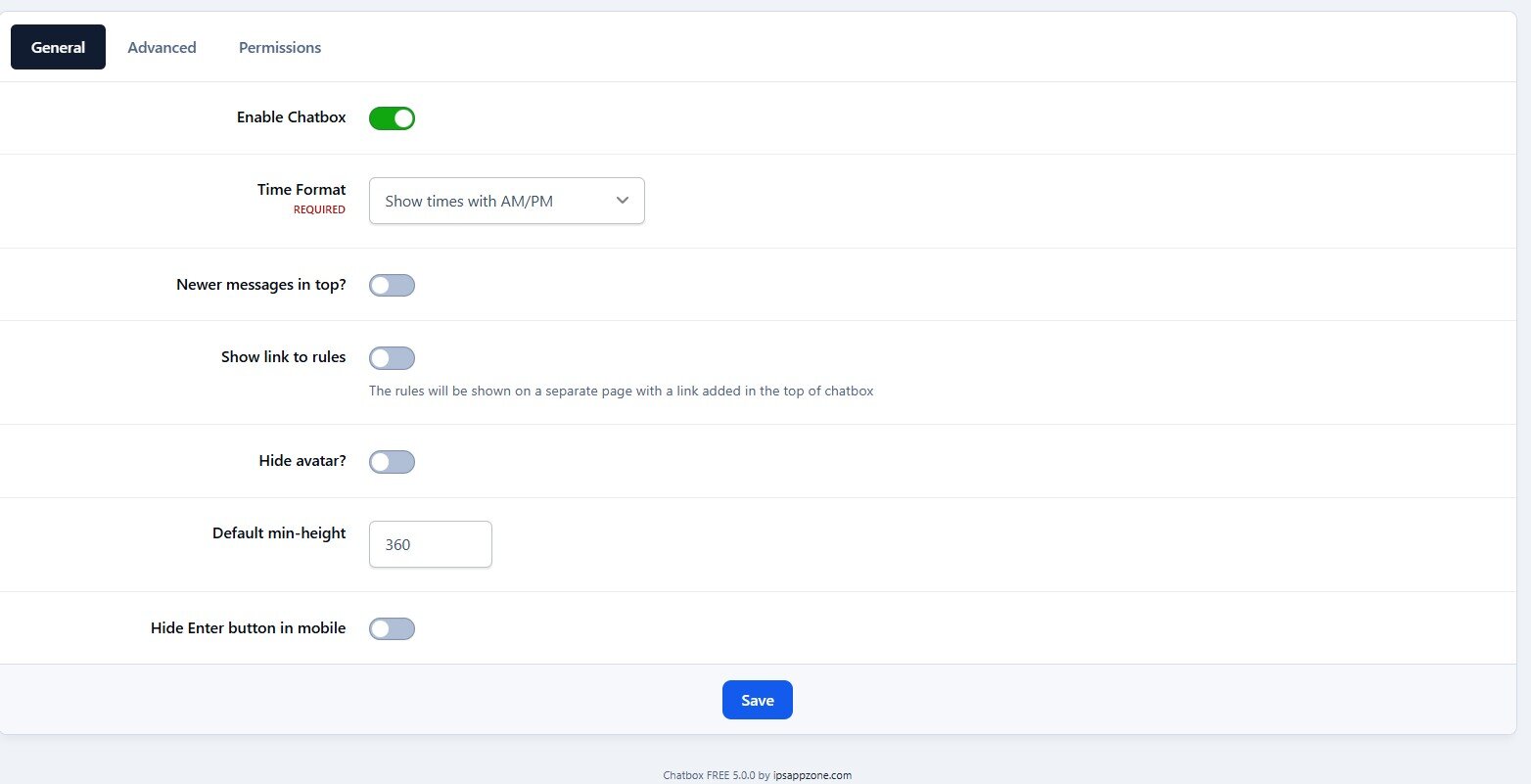
Time format.
Display newer messages in top or bottom.
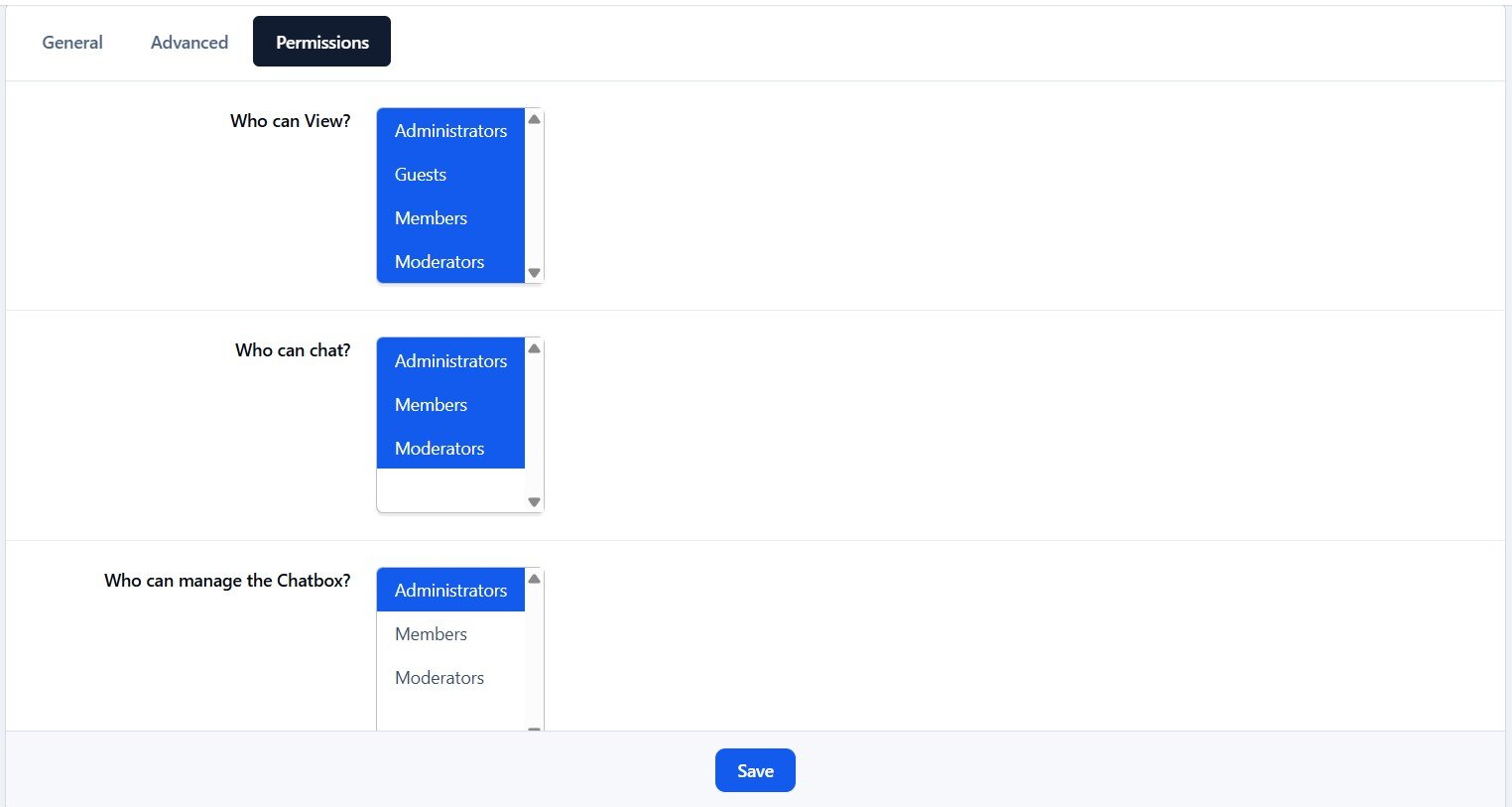
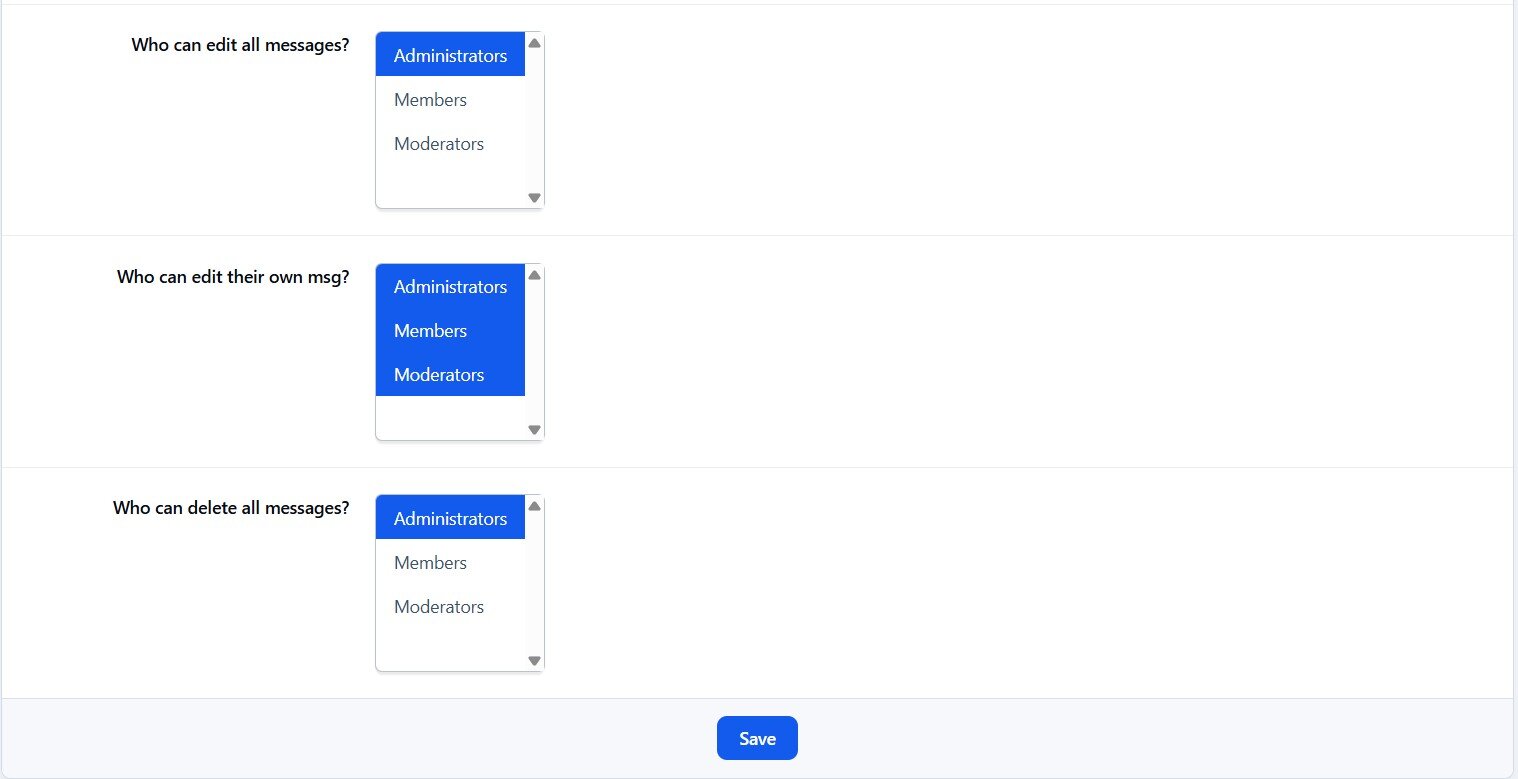
Permissions for viewing, chatting & management.
Edit/Delete messages.
Demo: https://demo.ipsappzone.com/bimchatbox/
This is a free version with basic features, if you need advanced features, take a look at PLUS version:
What's New in Version 5.1.5
Released
Refactored for performance improvements.
Replaced emoji button image with smiley icon.
Removed the unnecessary "Max Messages" setting; an optimal default value is now applied automatically.
Fixed CSS issues.
-
 31
31
-
 7
7