
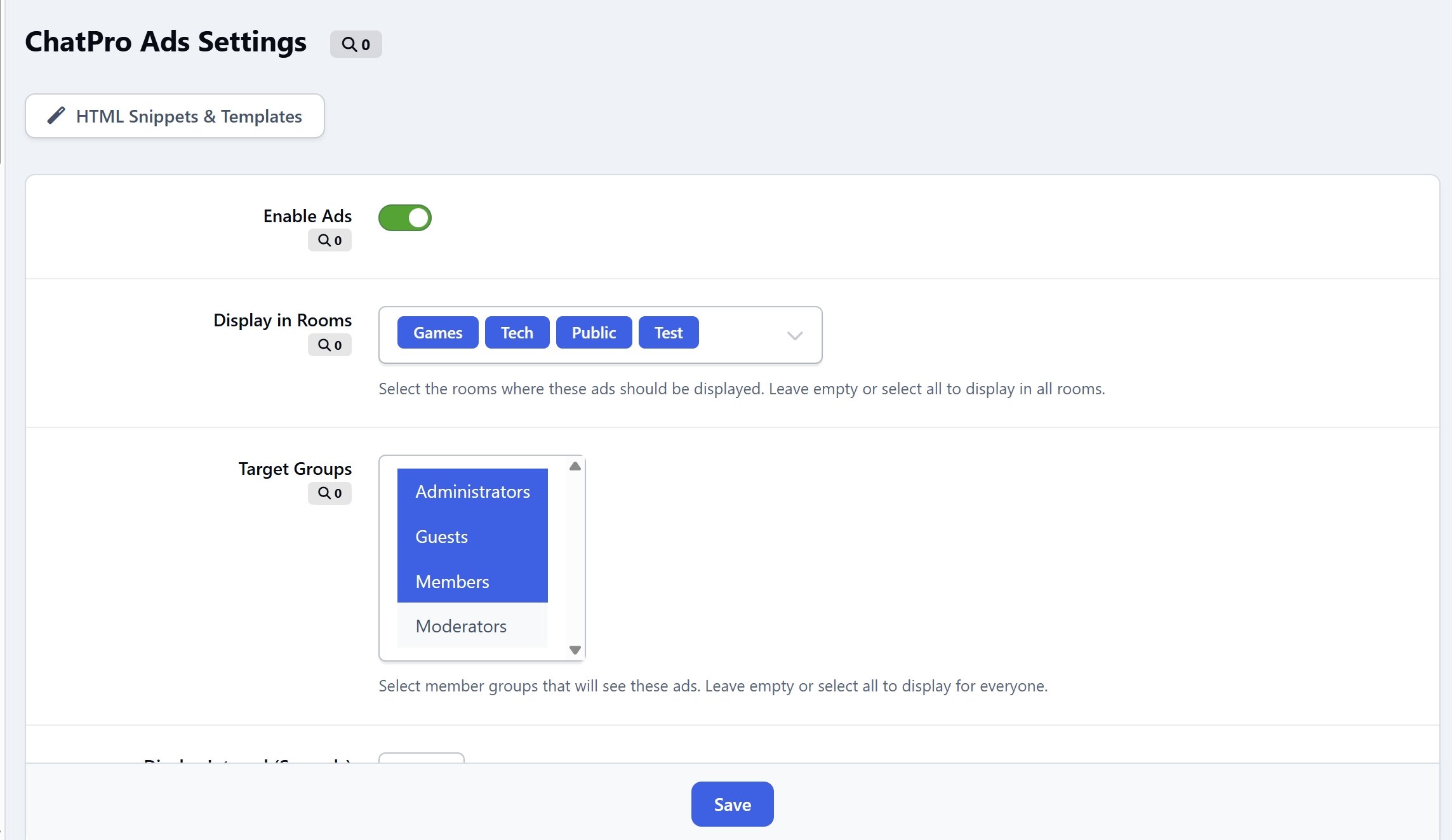
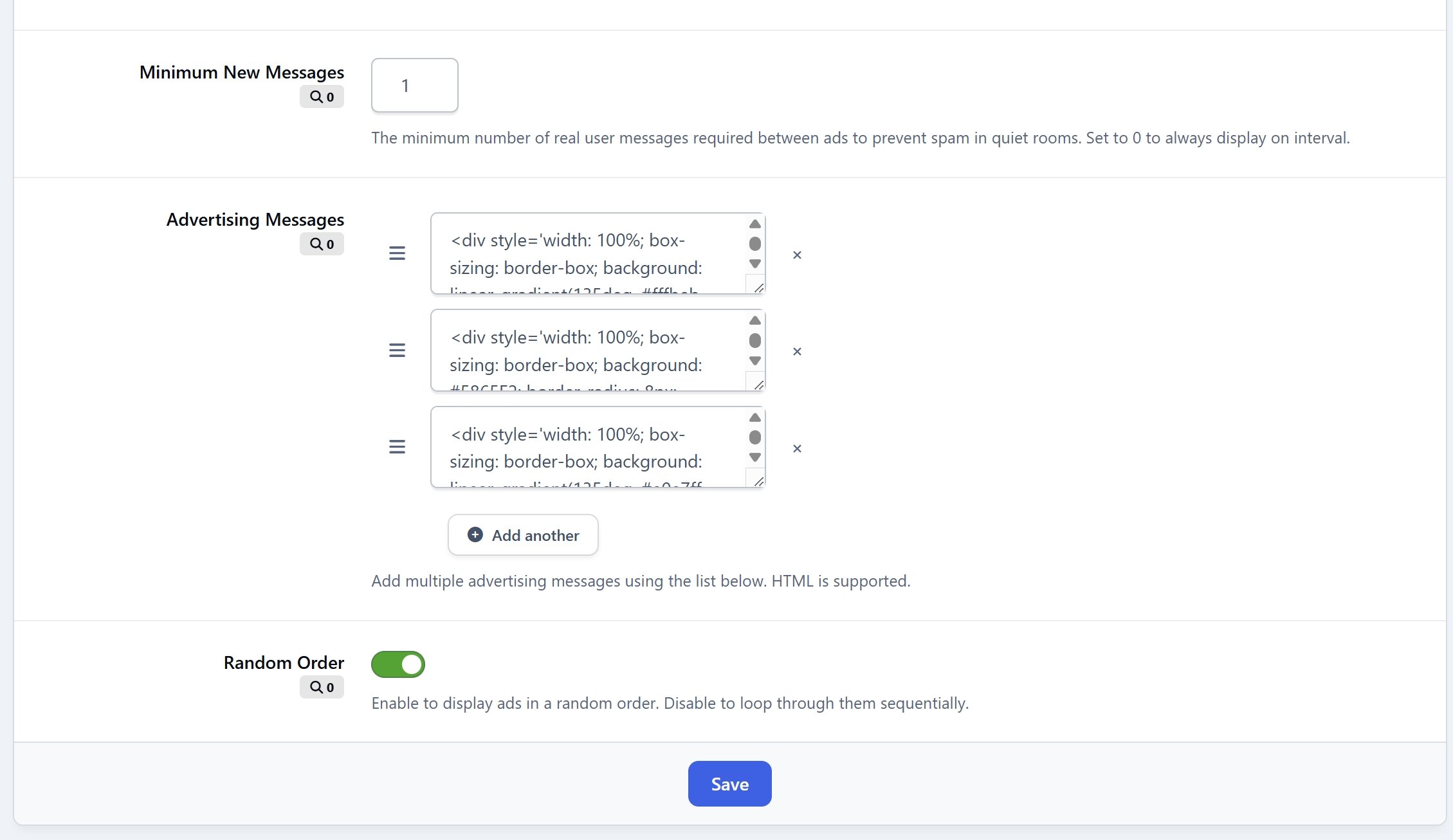

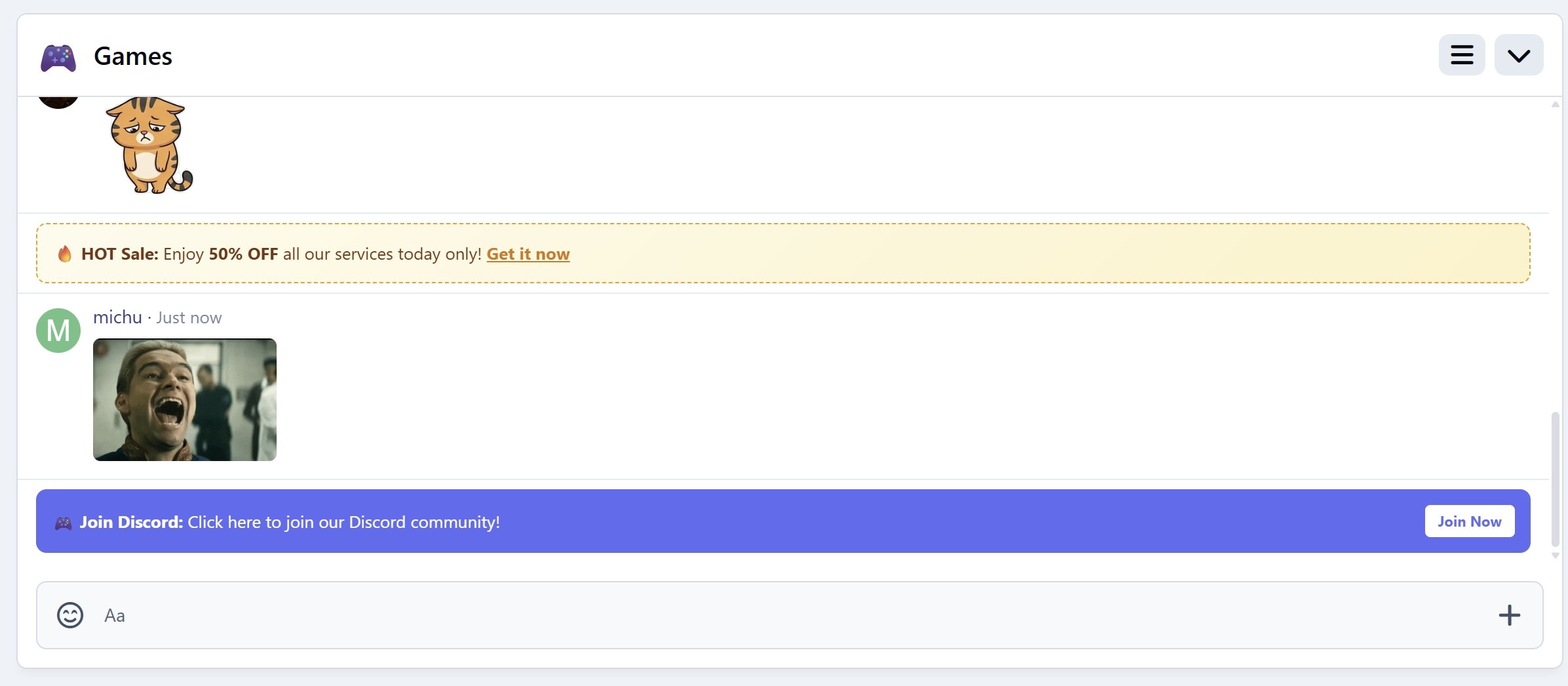
ChatPro Ads is a basic, easy-to-use advertising and announcement tool designed specifically for ChatPro. It lets you display custom banners, VIP upgrade promos, or helpful reminders directly inside your chatrooms with absolute ease and zero performance impact.
Key Features:
Flexible Target Controls: You can easily control where and who sees your ads. Simply choose:
Specific Chatrooms: Only display selected ads in specific channels.
Target Member Groups: Choose exactly which user groups see the messages (for example, you can target VIP upgrade ads only to non-paying members).
Smart & Spam-Free Delivery: To keep your chatrooms clean and friendly, the app automatically counts real-time active user messages in the background. It will only display advertisements after a specific number of new user messages are sent (e.g., show an ad only after 5 new messages). This prevents promotions from spamming or cluttering quiet chatrooms.
Zero Database & AJAX-Free: Runs entirely in the browser with native JavaScript for maximum speed and zero server load
Ready-to-Use Message Templates: To make your setup even easier, the app includes a helper library of pre-designed message templates in the admin panel. Simply click to copy the beautiful HTML code, paste it into your message list, and easily edit the text to match your needs.