
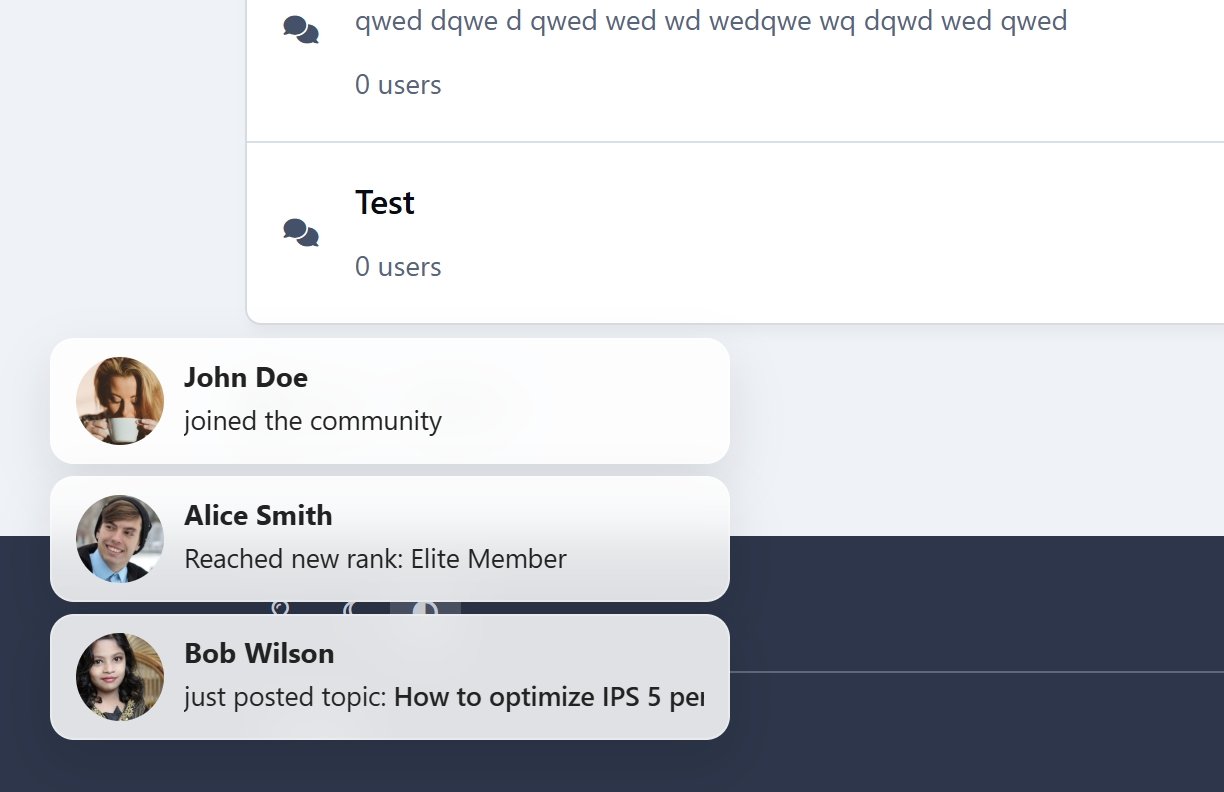
Live Activity is a live activity feed that broadcasts events across your entire website as they happen - bringing your community to life and boosting engagement instantly.
🚀 Key Features
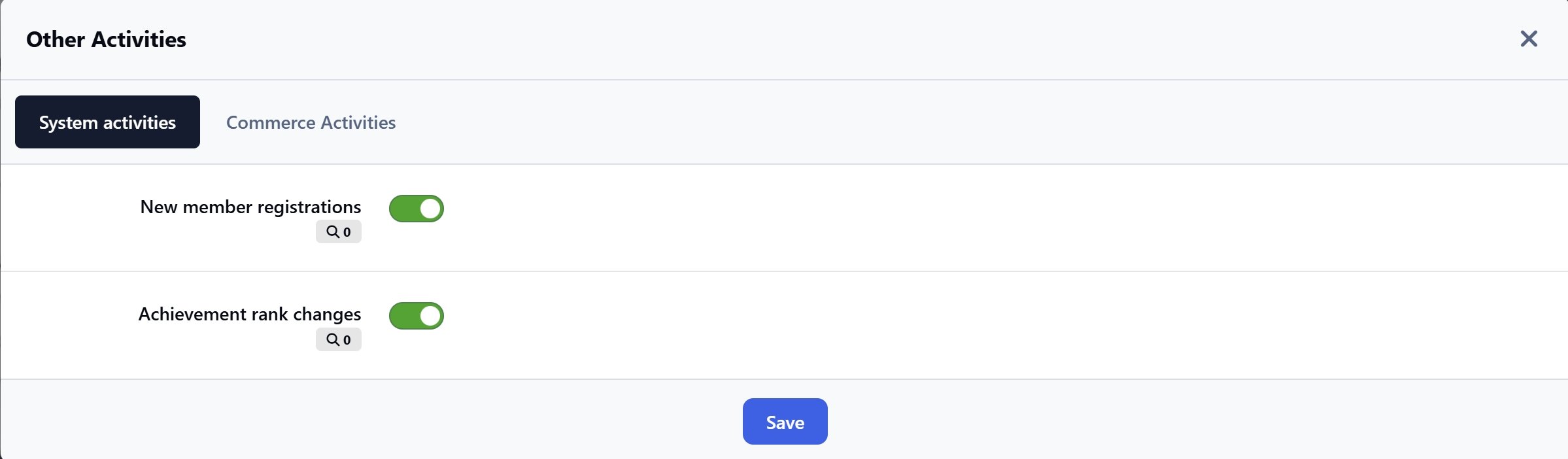
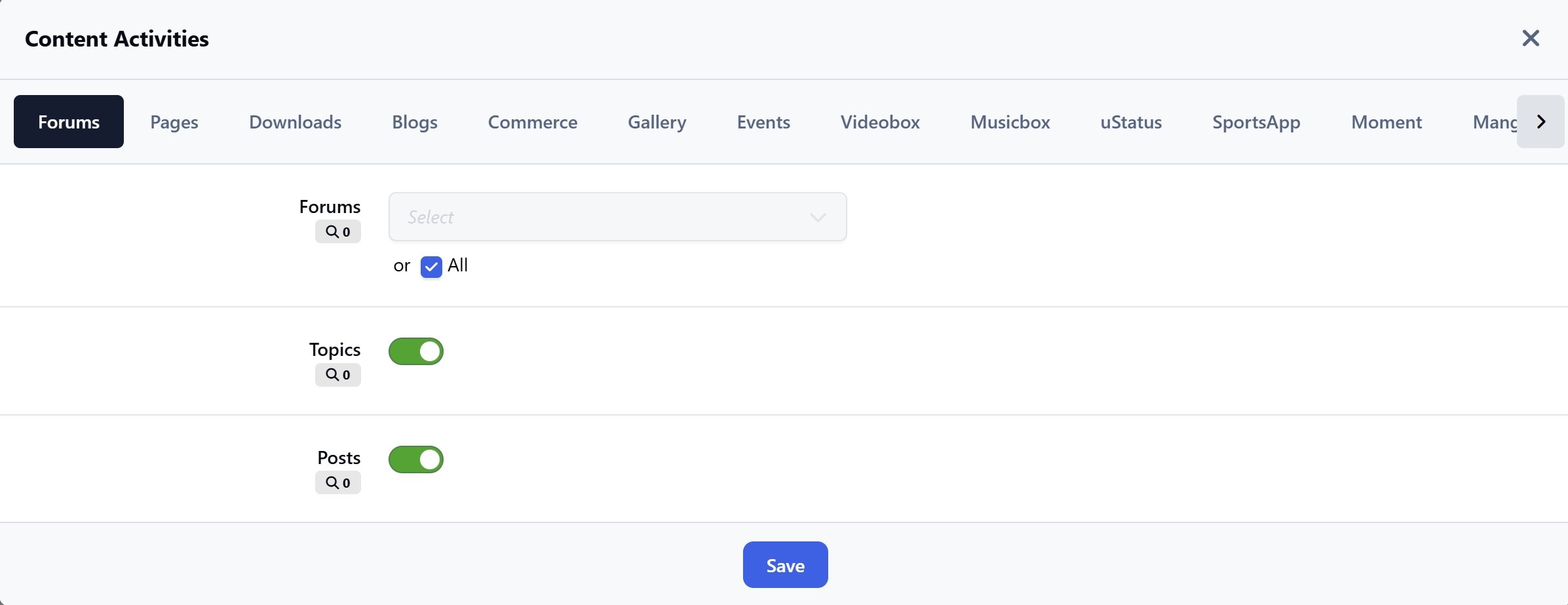
Flexible Event Types (fully customizable per application)
New content: posts, comments, reviews
New member registrations
New rank achievements
New club creations
New club memberships
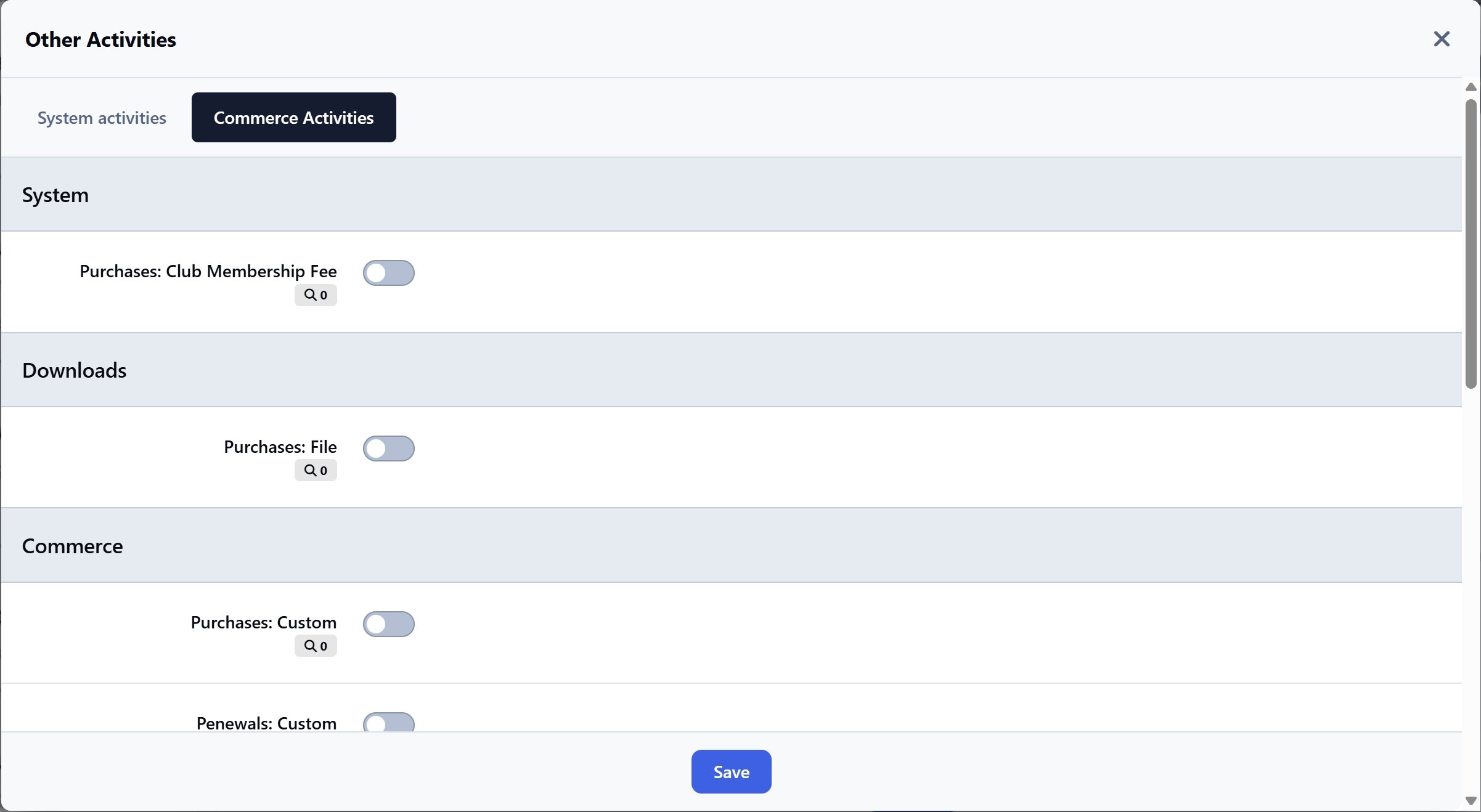
New purchases (supports Nexus-integrated applications)
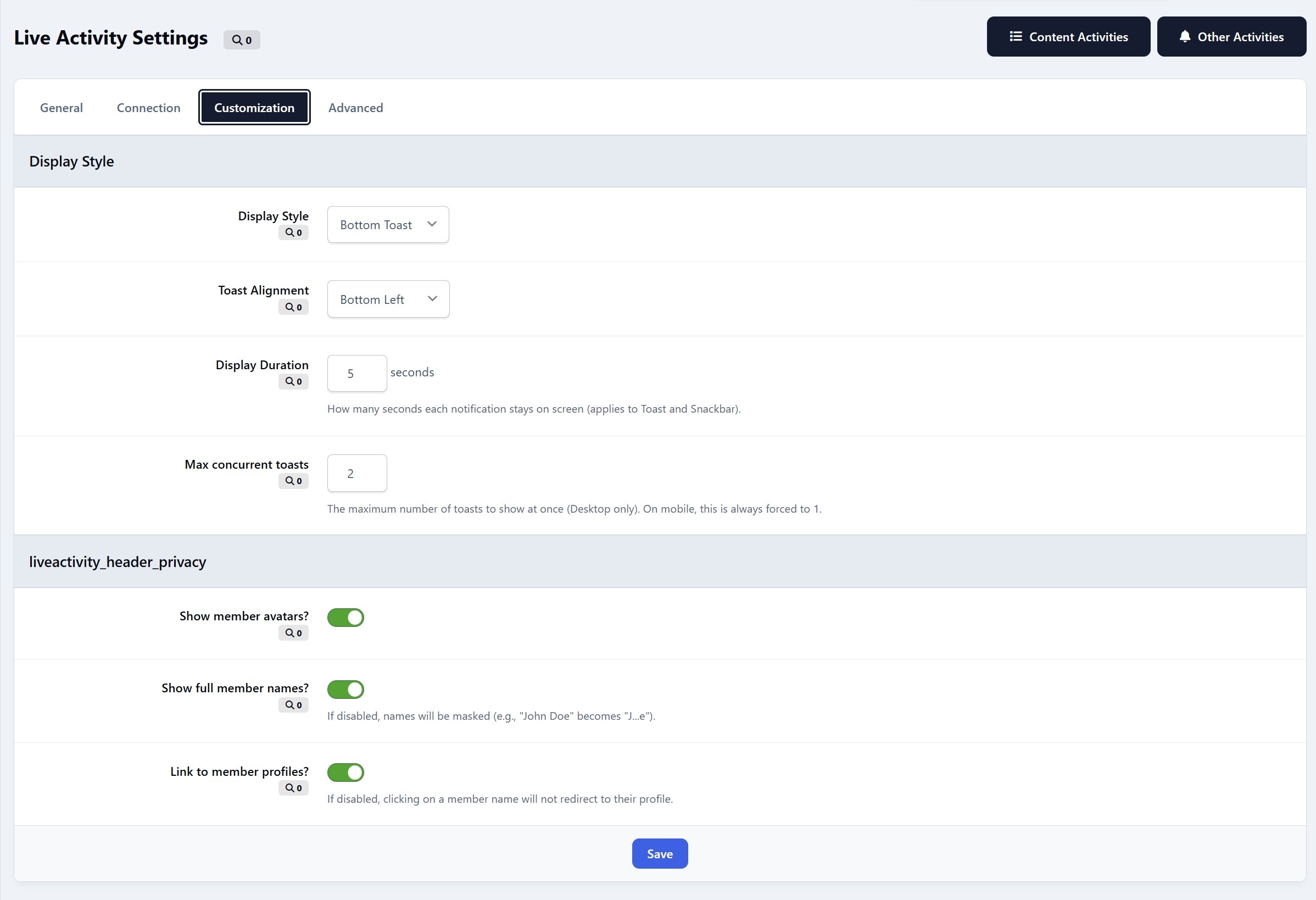
Versatile Notification Styles
Top Ticker with two modes: Marquee or Slide Down
Bottom Toast with adjustable left/right positioning
Customizable elements: show/hide avatar, username, and profile link
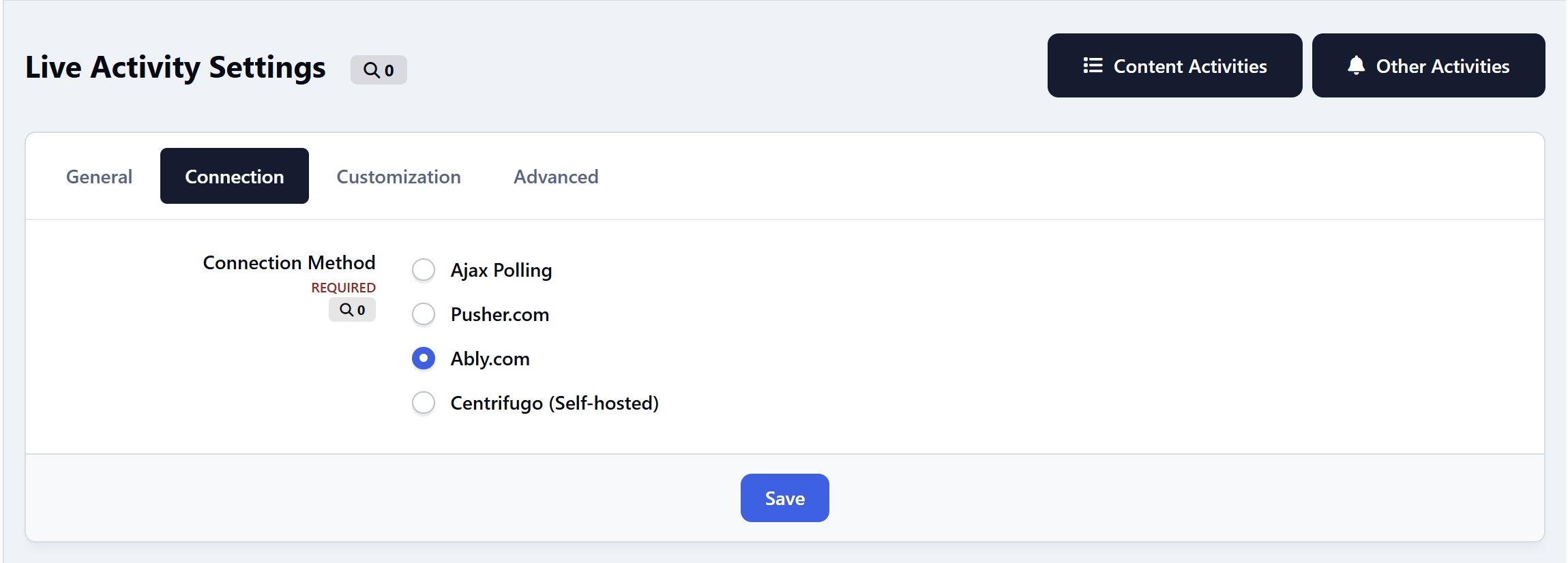
Connection Methods
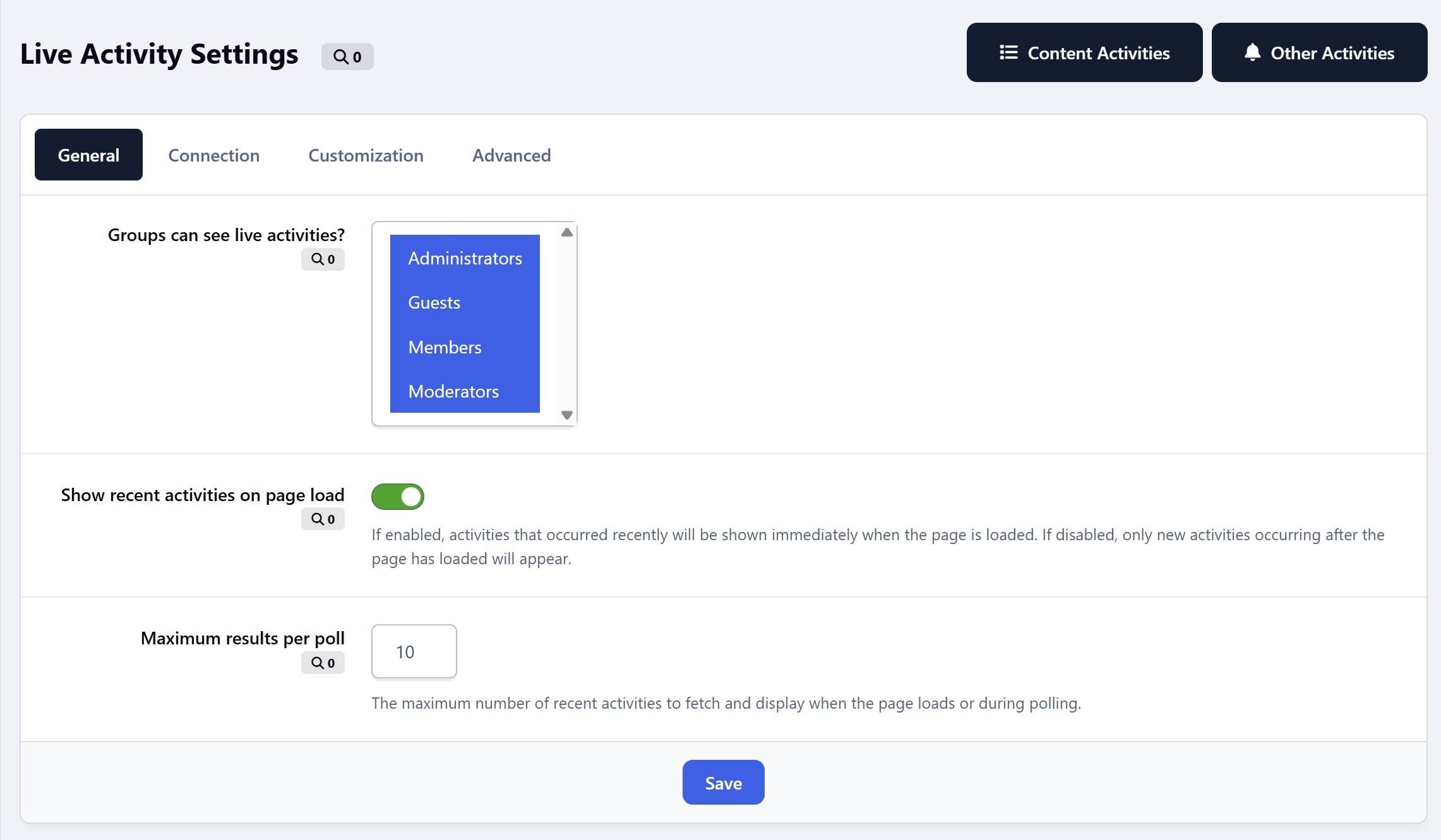
Ajax polling every X seconds (default, works out of the box)
Optional real-time support via RTHub (Pusher/Ably/Centrifugo integration for instant updates)
Optimized for a smooth and seamless experience across both desktop and mobile devices.
What's New in Version 5.0.1
Released
Completely disabled AJAX polling on IPS Cloud
New setting: Catchup Mode replaces the old "Show recent activities on page load" toggle with three options:
Always (show recent activities on every page load)
Show Unseen Only (only activities not yet seen on this browser will appear, remembered across visits)
Real-time Only (nothing shows on page load, only live events)
-
 3
3