

This app helps users connect and build friendships with others in an easy and engaging way.
Features:
Friend Requests:
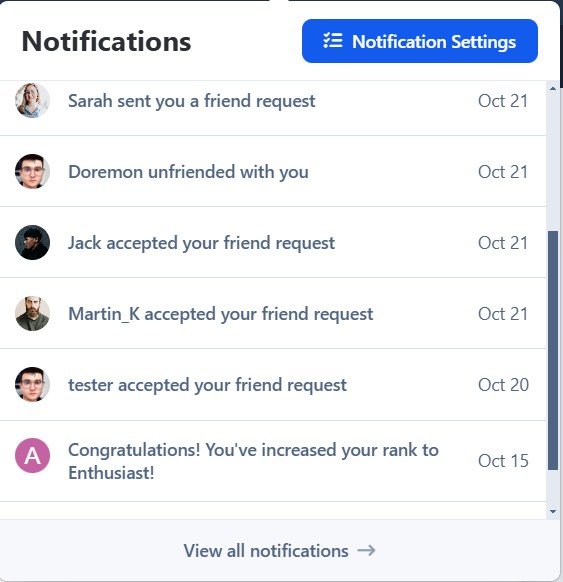
Users can send friend requests to connect with others.Notifications:
Get notified when:You receive a new friend request.
Your friend request has been accepted.
Users can manage notification preferences, choosing to enable/disable them or receive alerts via email or inline notifications.
Friend Display:
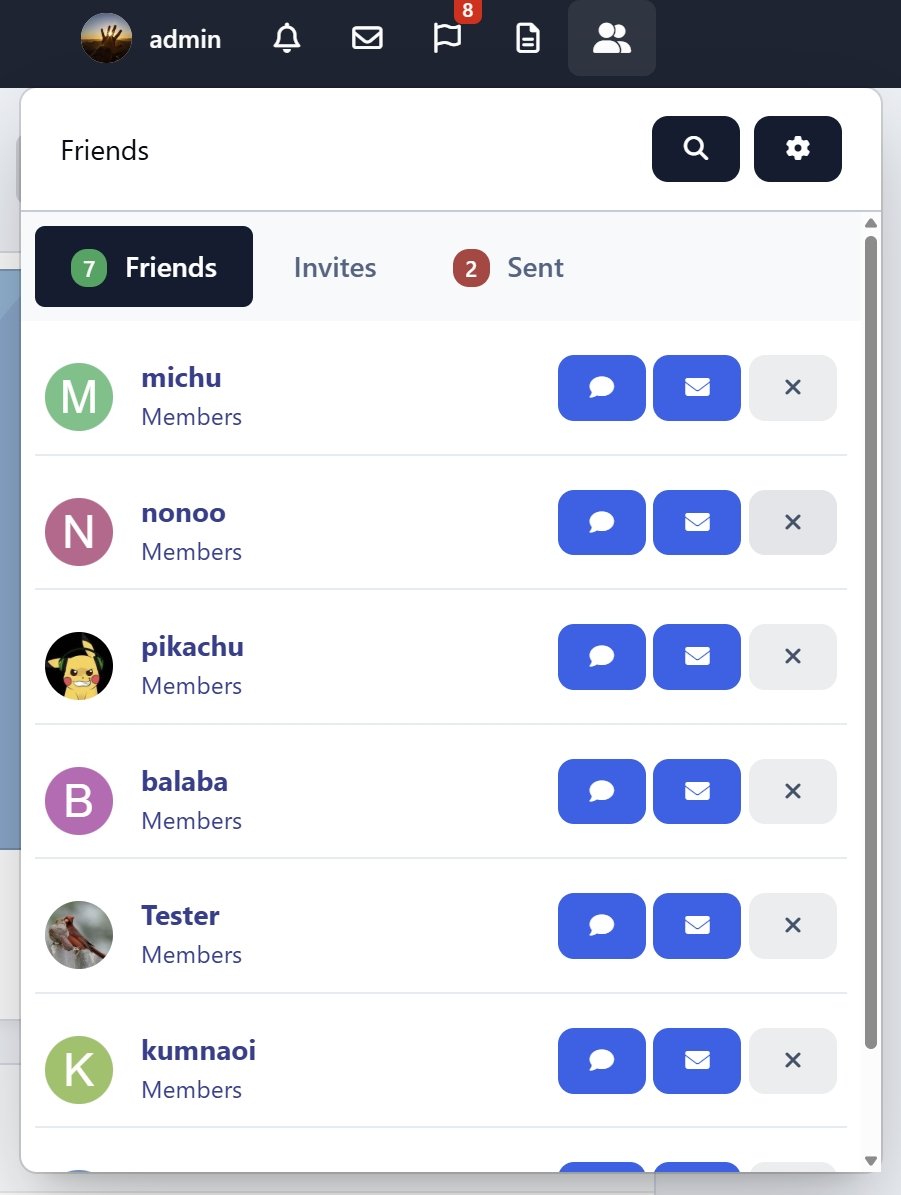
A Friends icon on the top navigation bar appears on every page.
A Friends tab is available on the profile page.
One-click access to send private messages (PM) or chat (requires Chatbox+).
Quick friend search for easy access to connections.
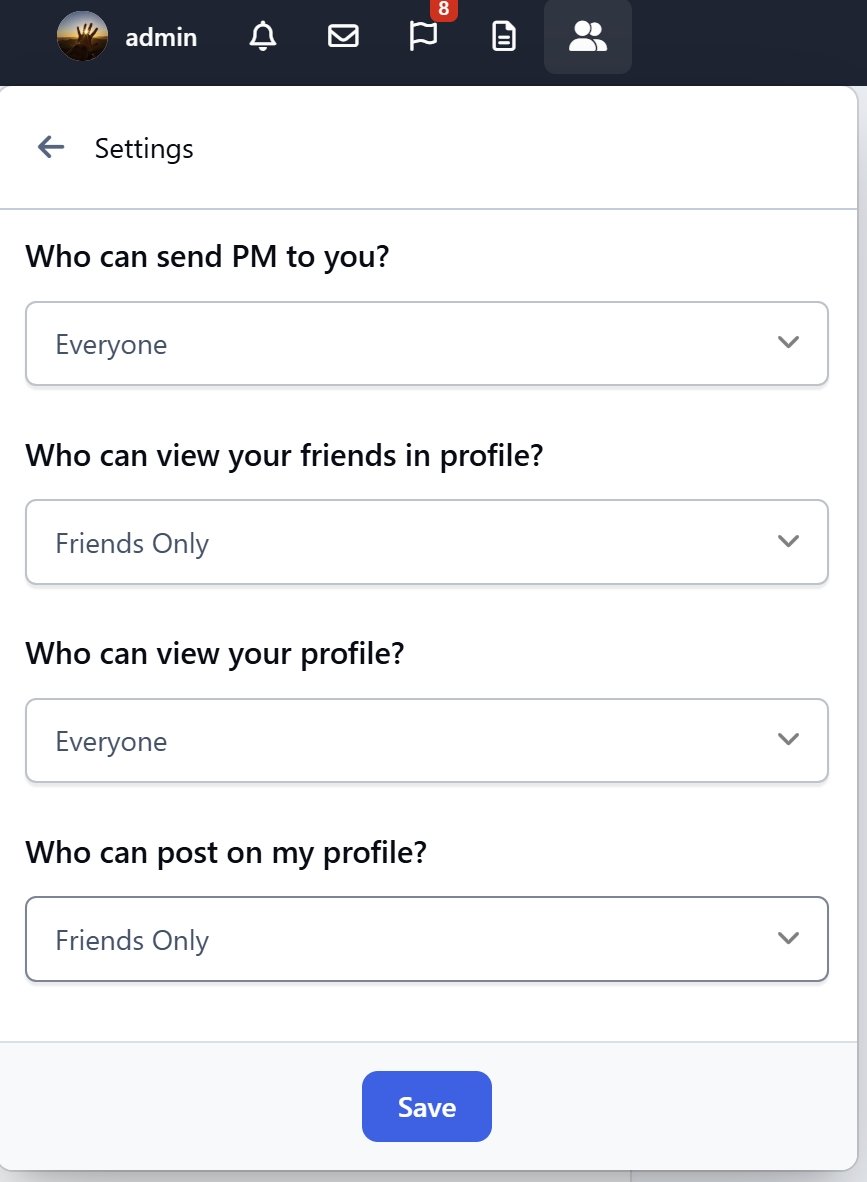
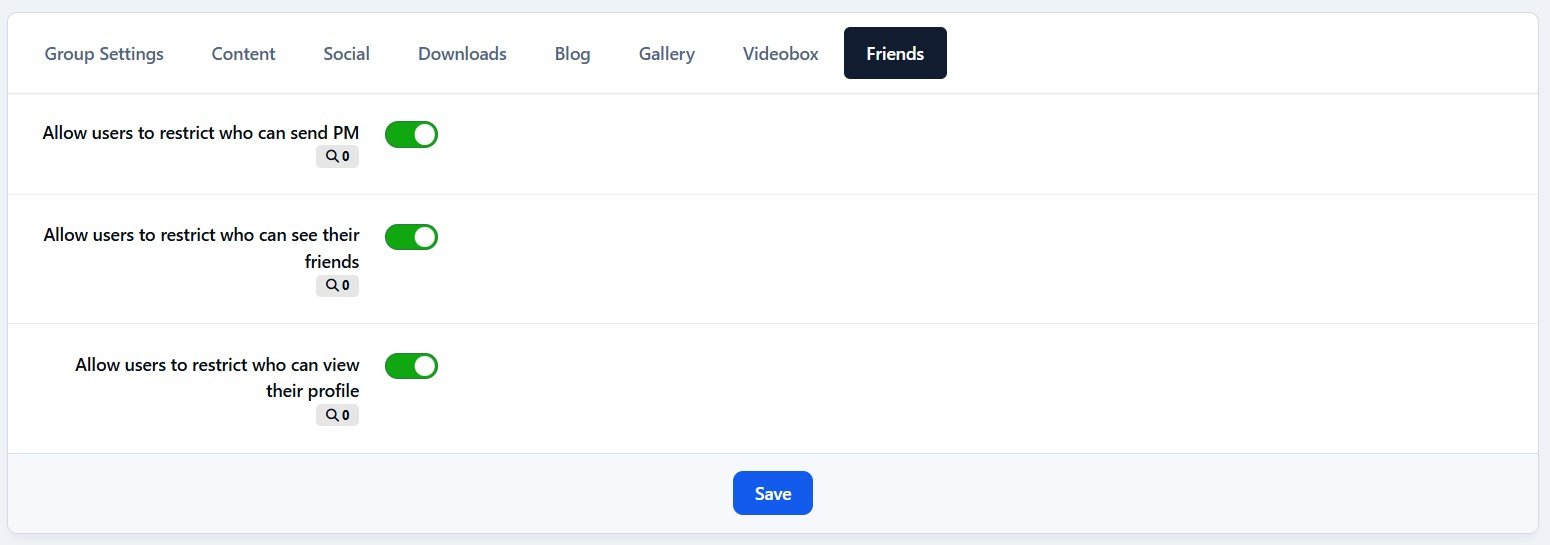
Privacy Settings:
Users have control over their privacy, with options to set:Who can view their profile.
Who can send them private messages.
Who can see their friends list on their profile.
Support the uStatus application with the permission: Who can post on your profile.
Suggested Friends Widget:
A widget displays random users you may know, available in slider or grid view for easy browsing.Mutual Friends Display:
Mutual friends are shown on the profile page and in the suggested friends widget, making it easy to find common connections.
What's New in Version 5.0.8
Released
Issues in the friend search feature.
Template errors.
JS issues.
-
 2
2