
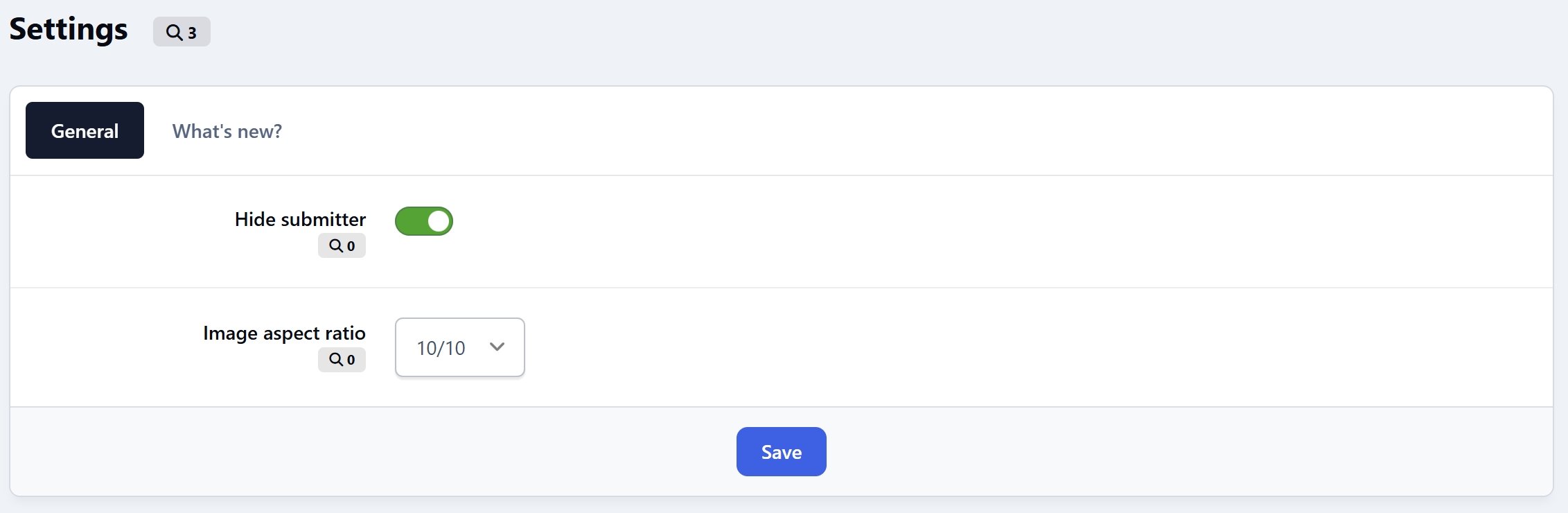
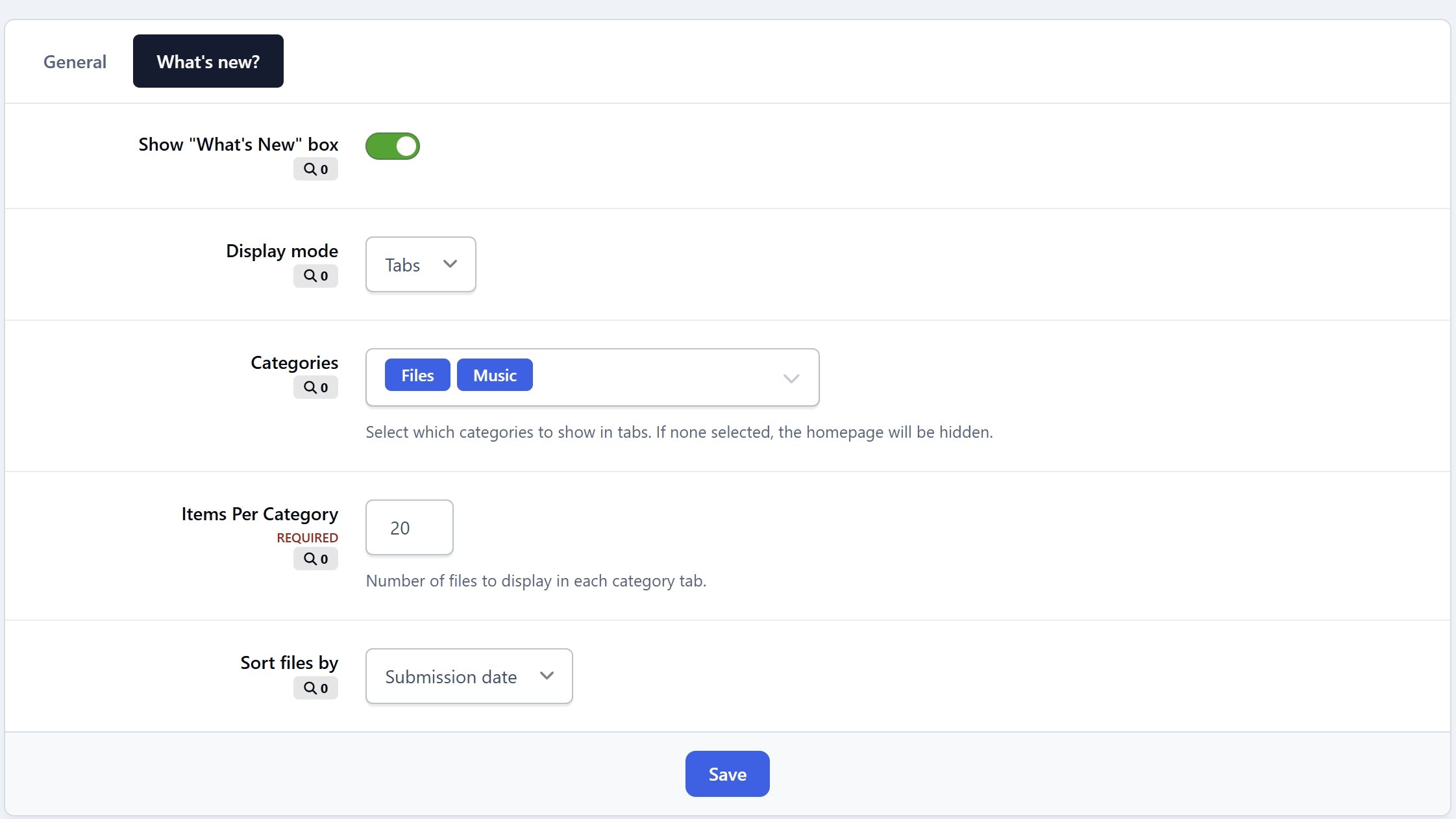
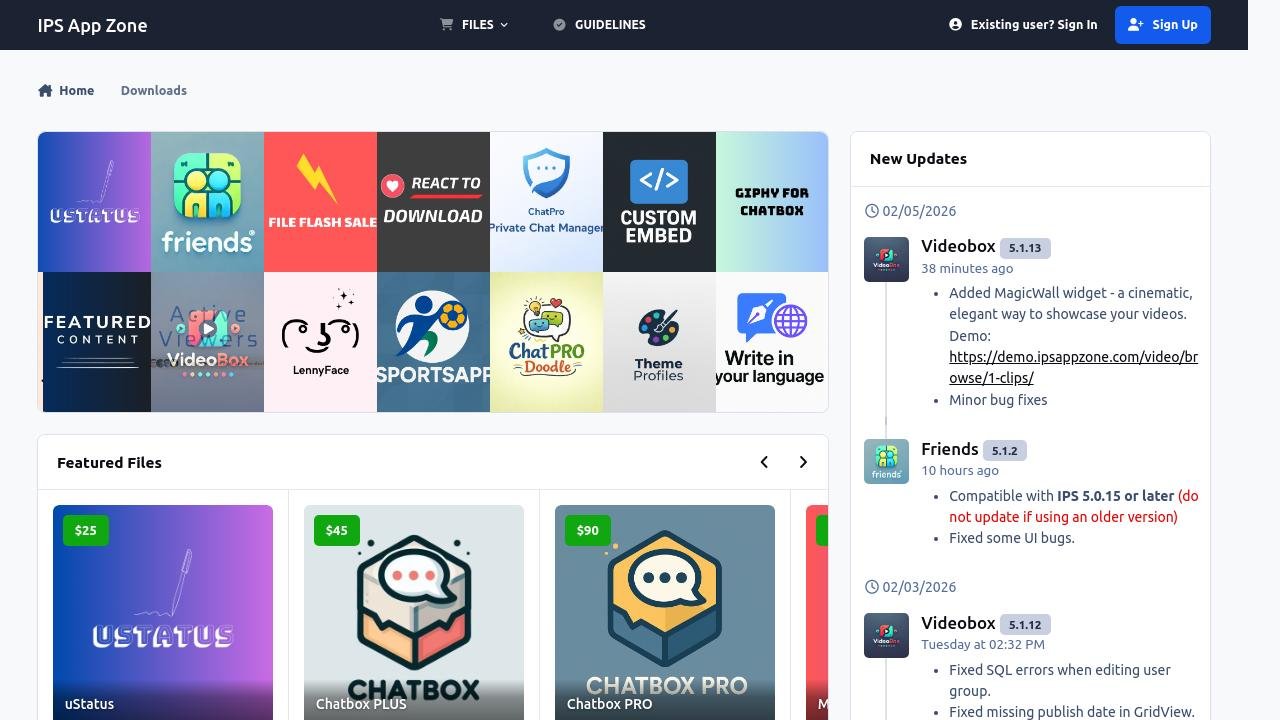


This application is designed to provide a simpler, more streamlined homepage for the Downloads application using either a tabs or grid layout. It includes options to hide the submitter information, adjust image aspect ratios (16:9, 1:1, 21:9), simplify the categories block... The portal is complemented by several useful widgets:
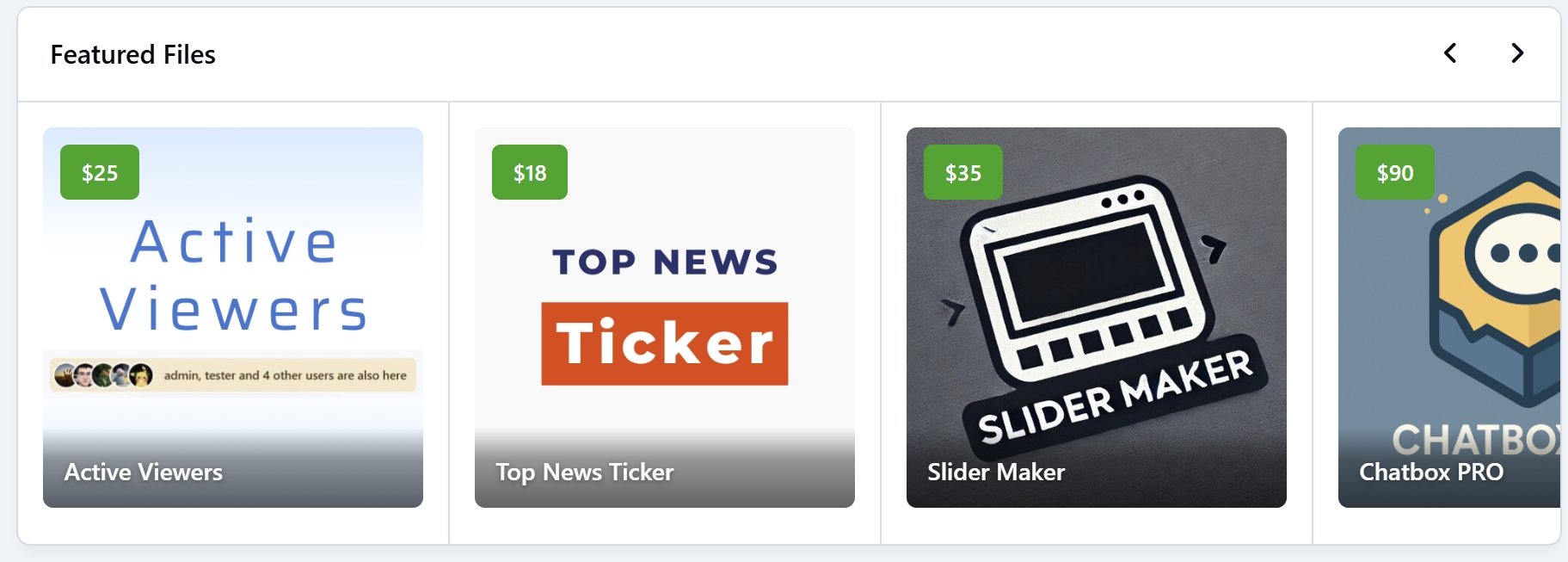
What’s New with Tabs or Grid display modes for highlighting recent and relevant files
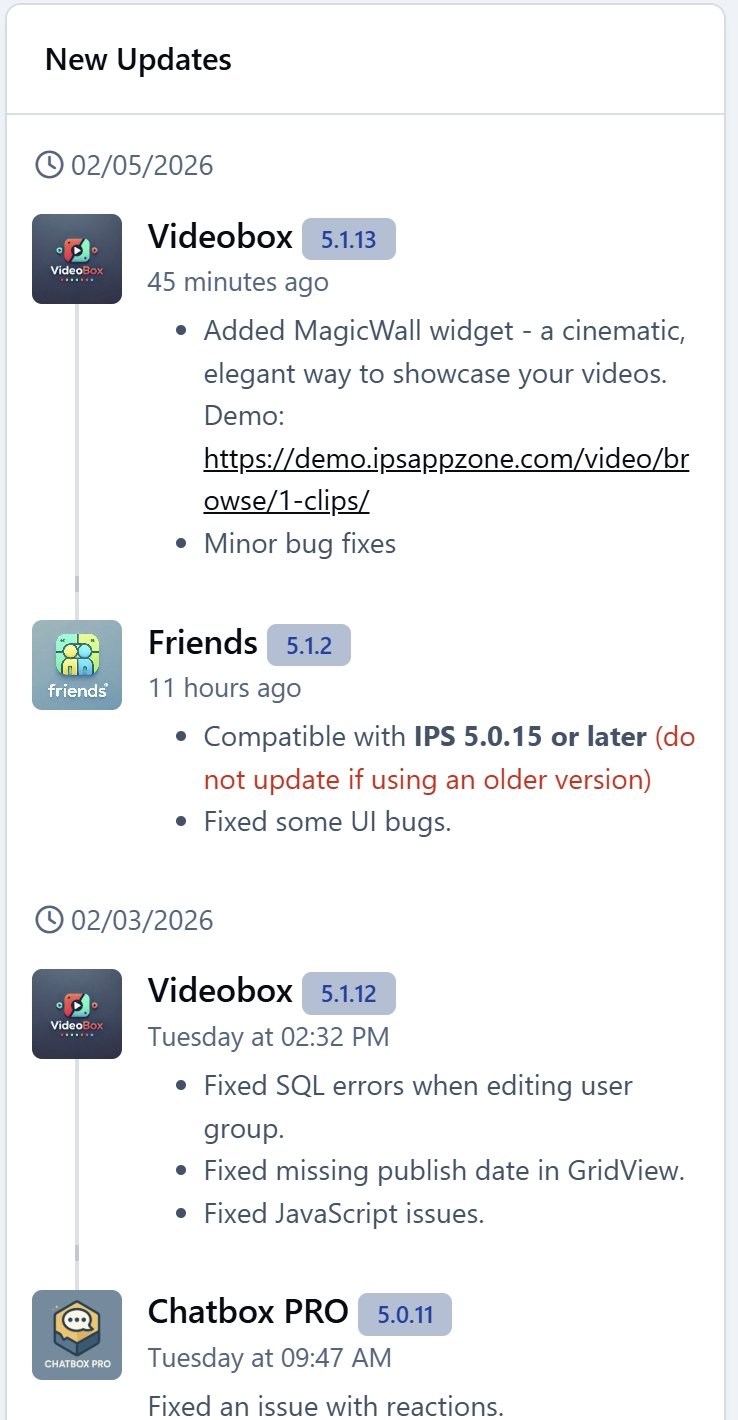
Changelogs: a visual timeline of file updates
MagicWall: a cinematic, animated wall of file screenshots with smooth random transitions to create an eye-catching showcase area
Custom File Feed: an extended version of the default File Feed with an additional random display mode
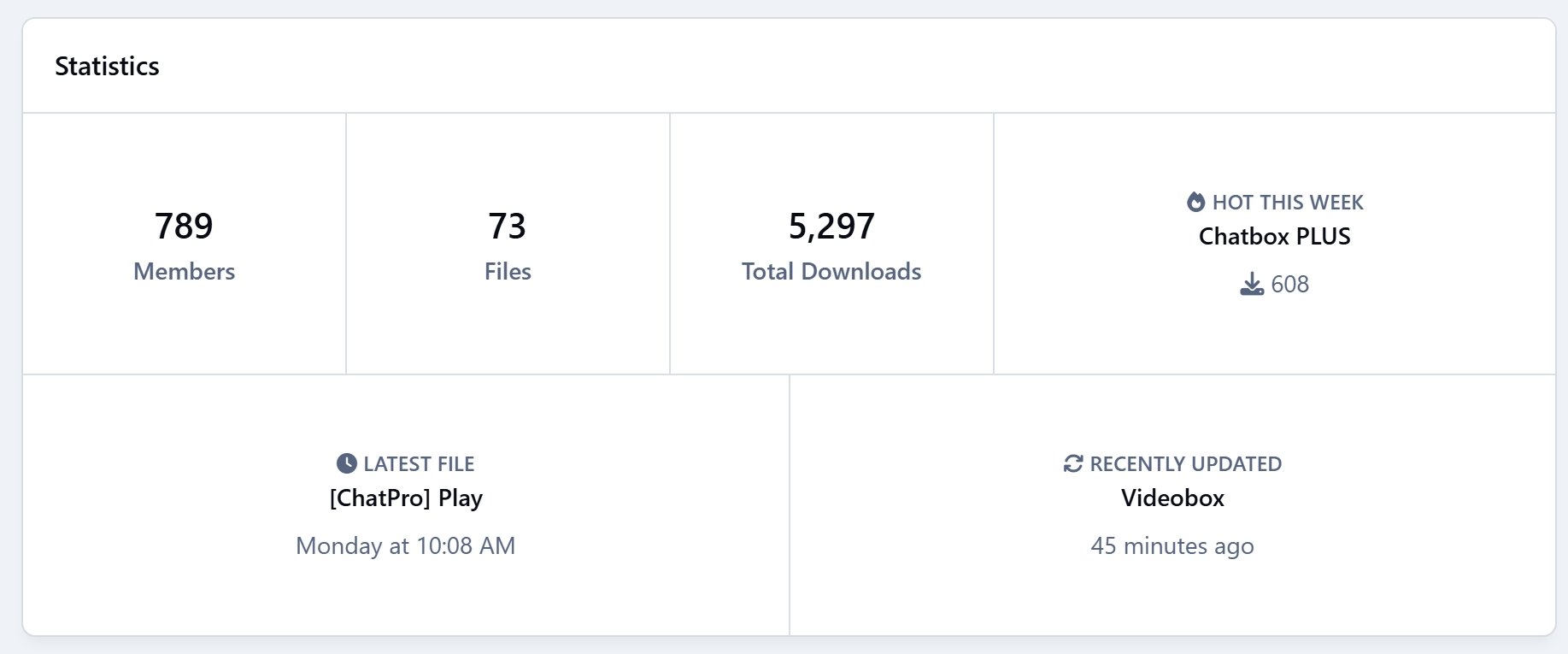
Stats:
Total Members
Total Files
Total Downloads
Total Comments
Total Reviews
Hot Files of the Week
Latest File
Recently Updated File
More widgets will be added in future updates based on community feedback.
Demo: https://ipsappzone.com/
What's New in Version 5.0.1
Released
Implemented lazy loading for MagicWall widget.
Fixed CSS issues.