









VideoBox is an application that allows sharing videos, the best choice to run your own Movies/TV Shows website.
Live demo: http://demo.ipsappzone.com/video/
Features:
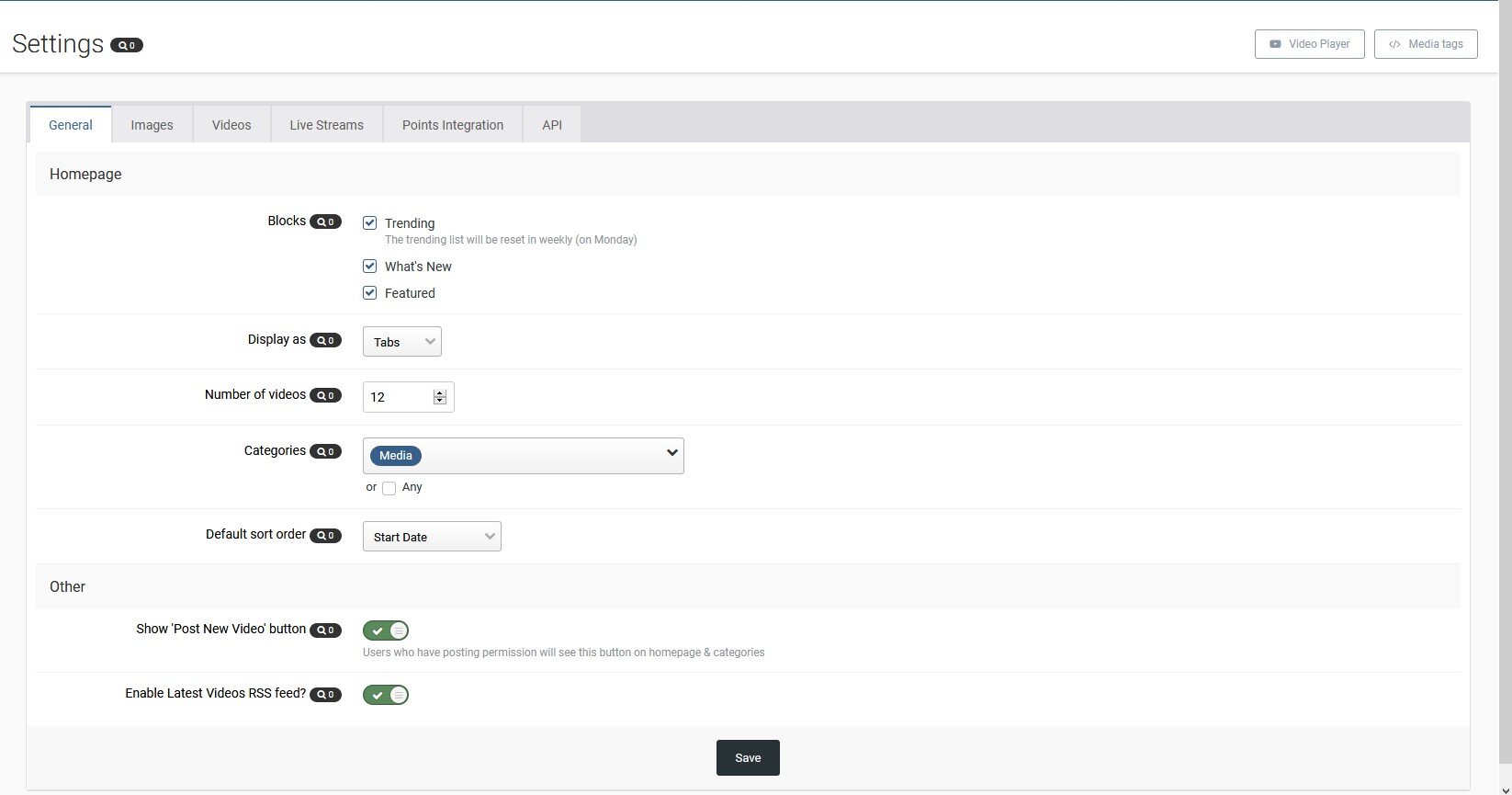
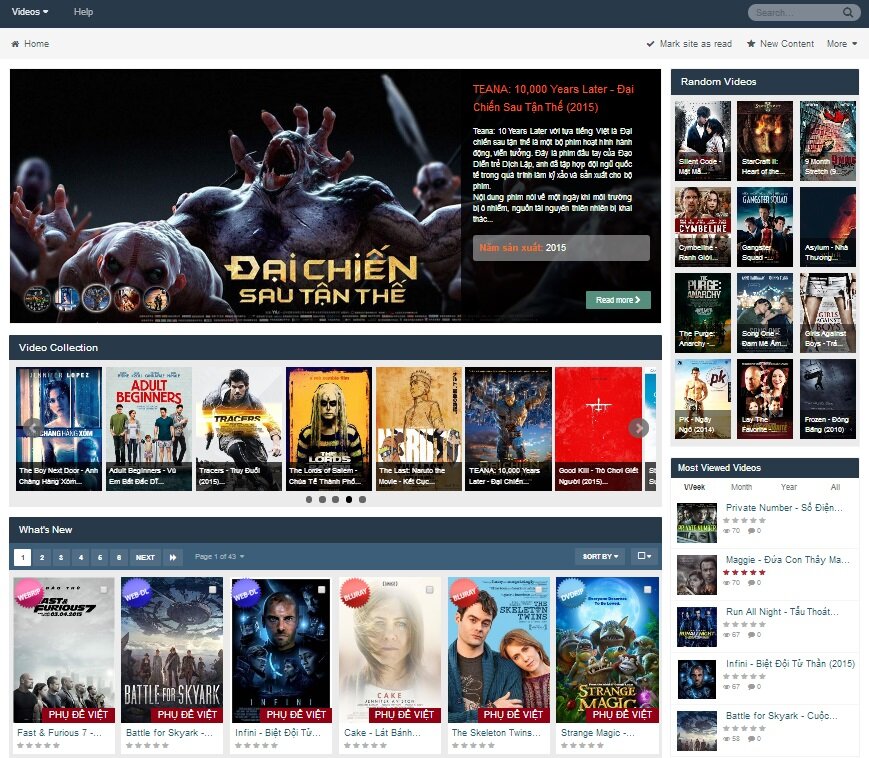
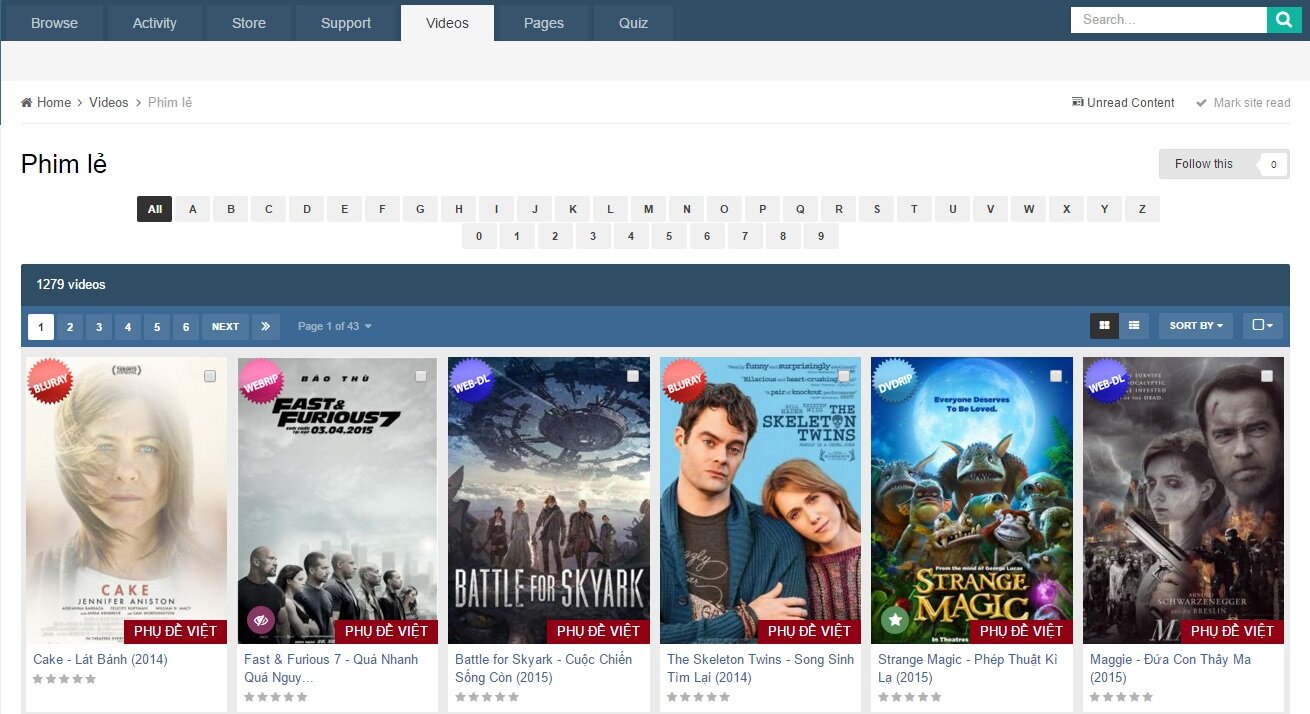
2 display modes: Grid view & List view.
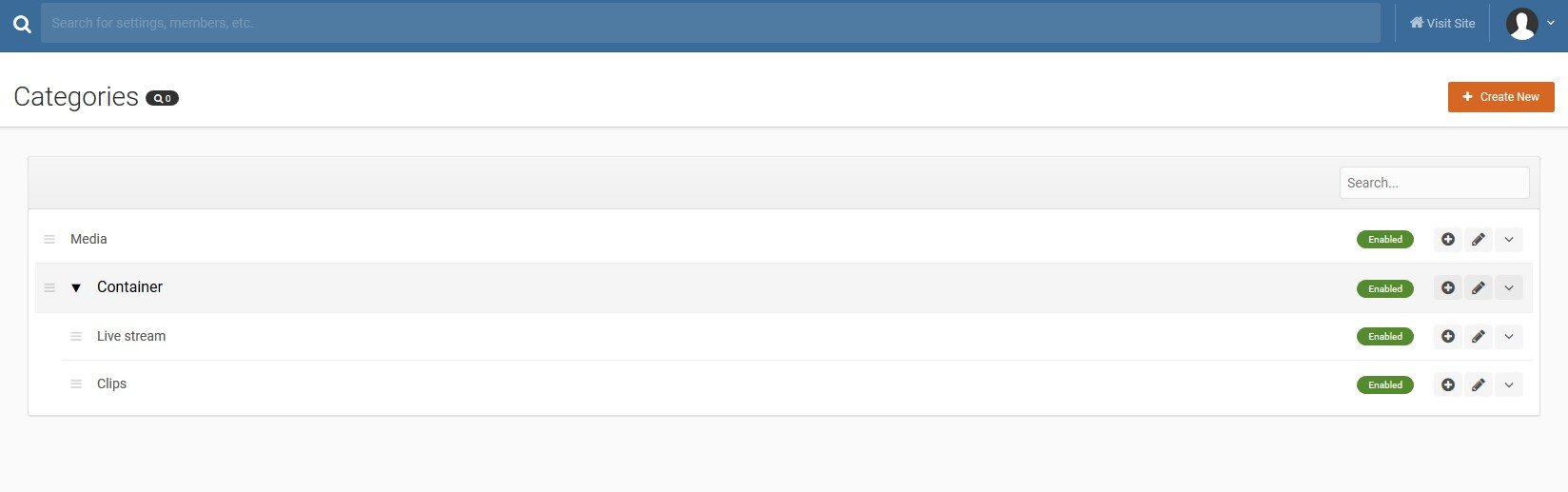
Categories/subcategories.
Custom fields for video's information.
Protected custom fields that only display for logged members, or who liked the video.
Search videos by custom fields.
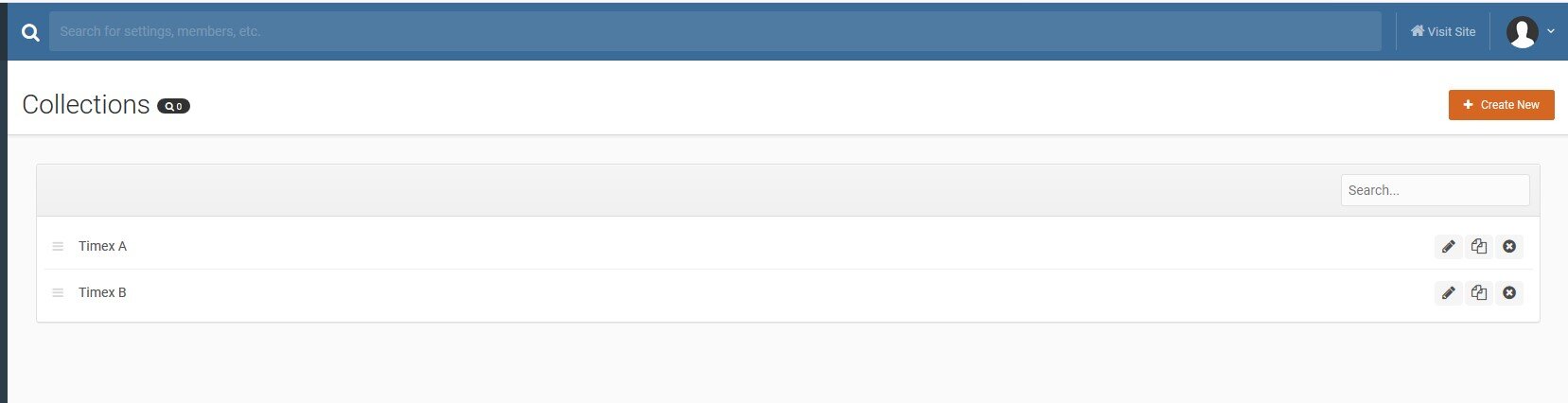
Video Collections: create/edit/remove the collections for your videos.
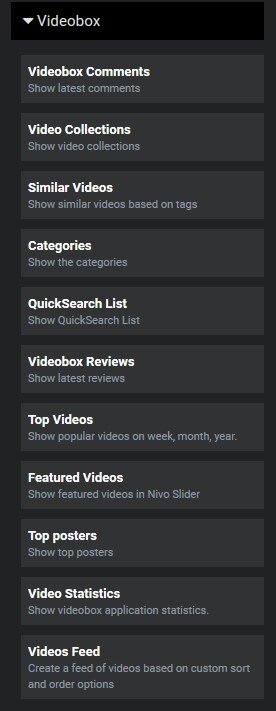
Widgets: top poster, top videos, random videos, featured videos in a slider, collections in a carousel, quick search by custom fields,...
Pages system: easy to create a new page with custom content.
Uploading or using external video URL (supports: mp4, m4v, webm, m3u8, youtube, vimeo, dailymotion).
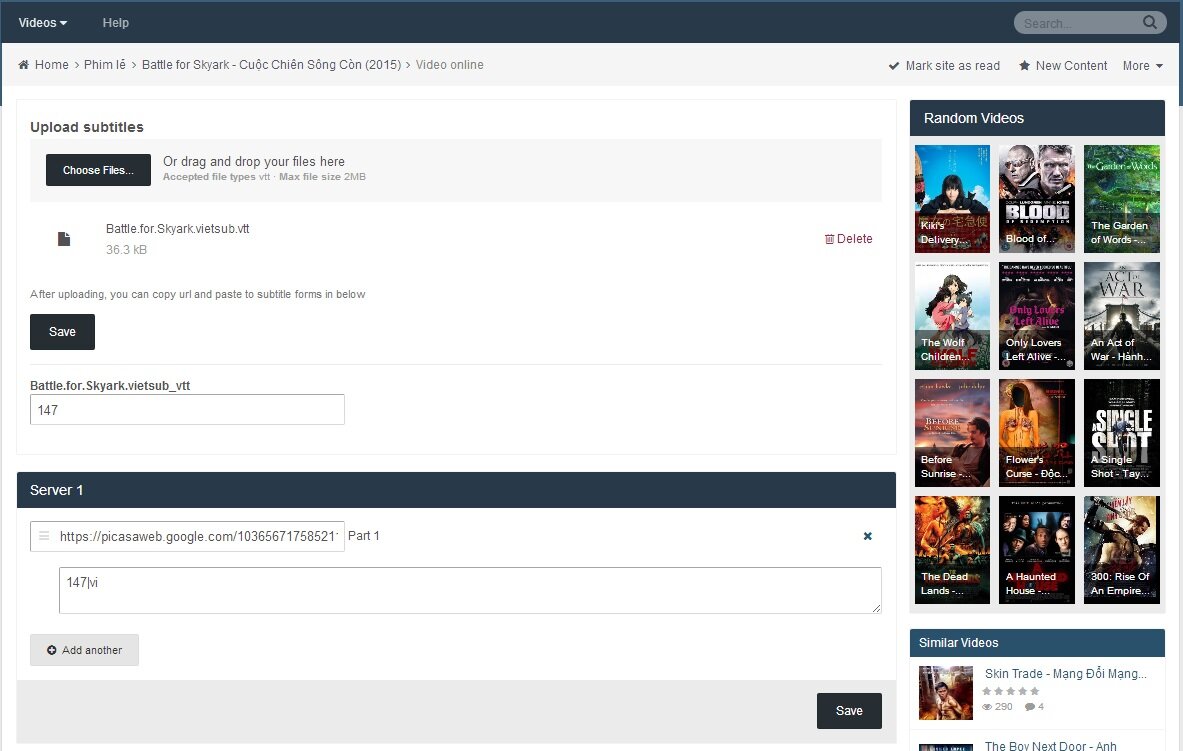
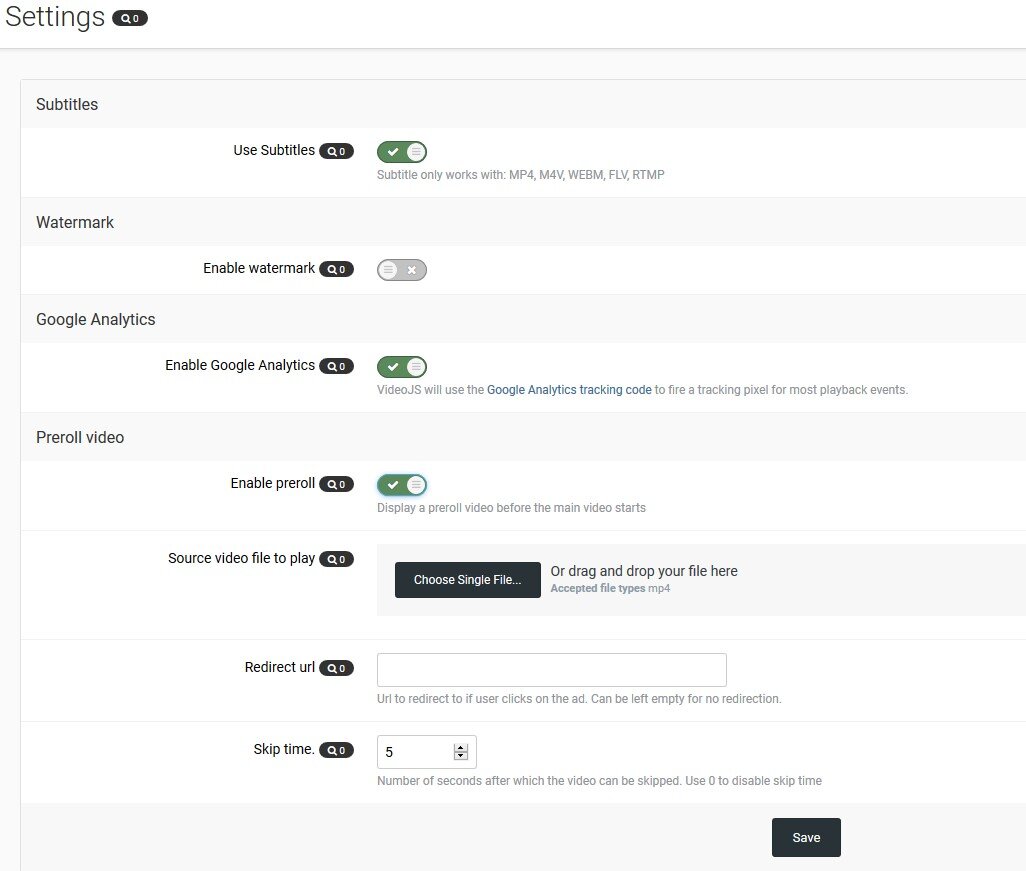
Using VideoJS to play video formats: mp4, m4v, webm. Support VTT captions, preroll video for advertising purpose *New*
Watermark on the video player.
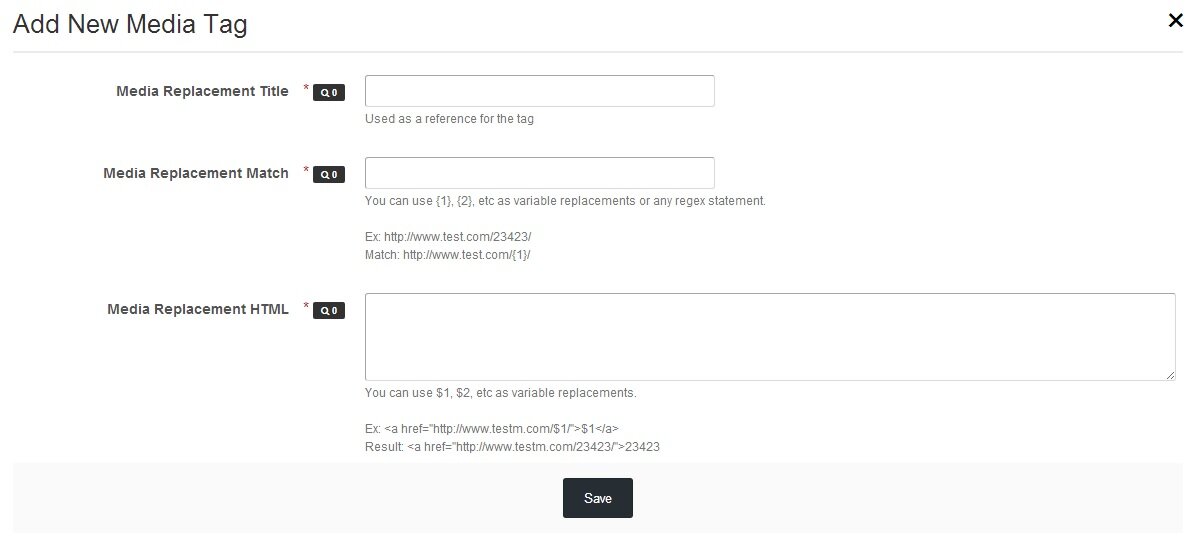
Media Tags system to define your custom player embedded from any video services (YouTube, Vimeo, Dailymotion...).
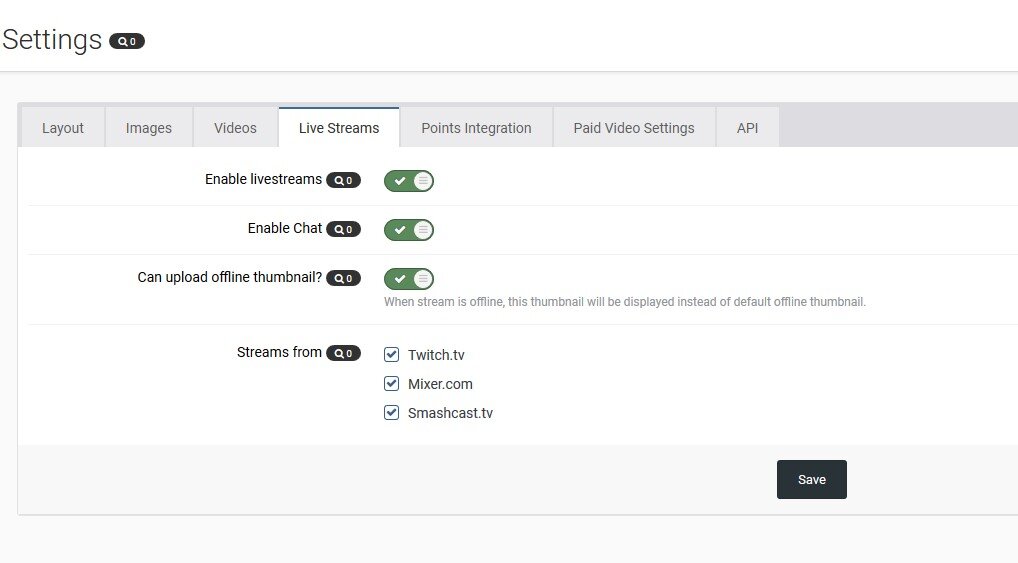
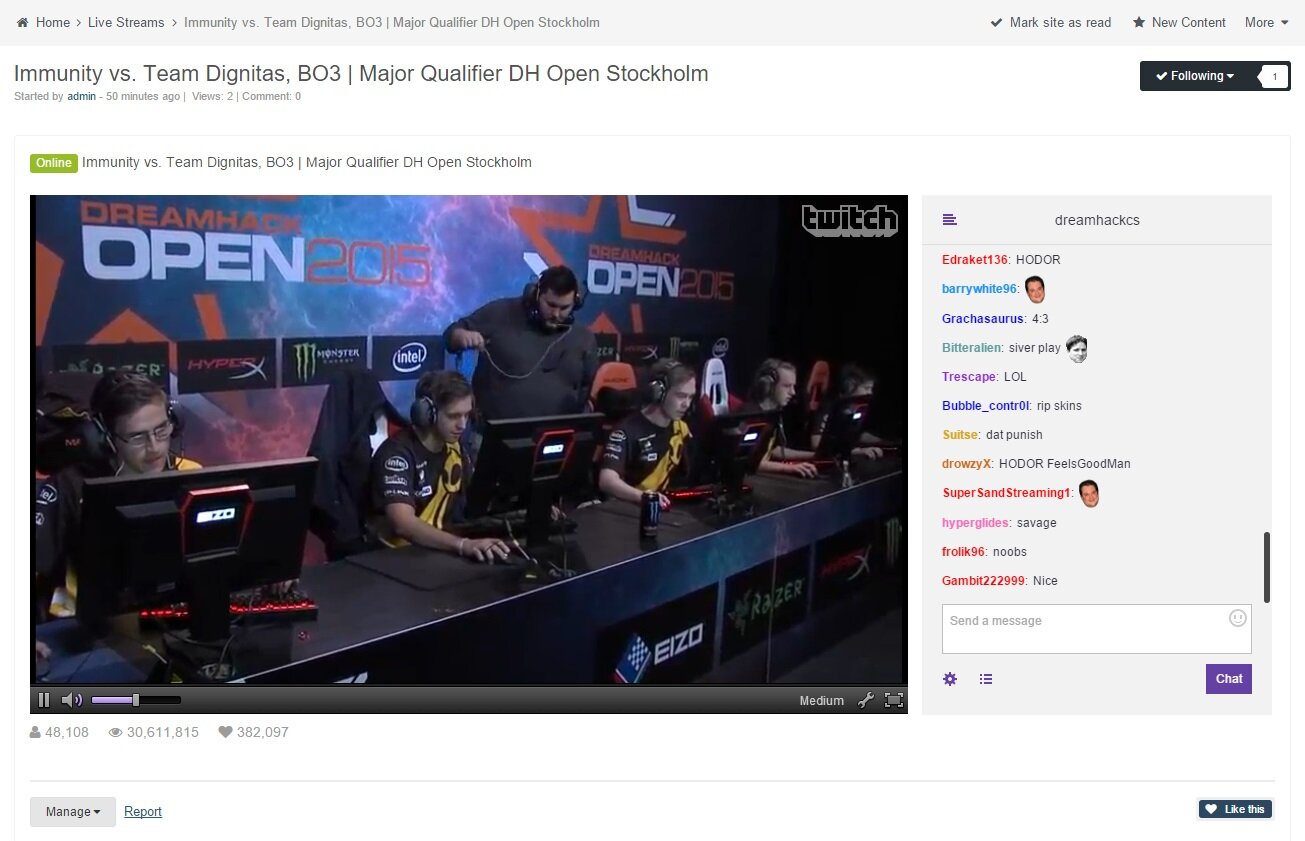
Live Streams from Twitch.tv and Youtube.com
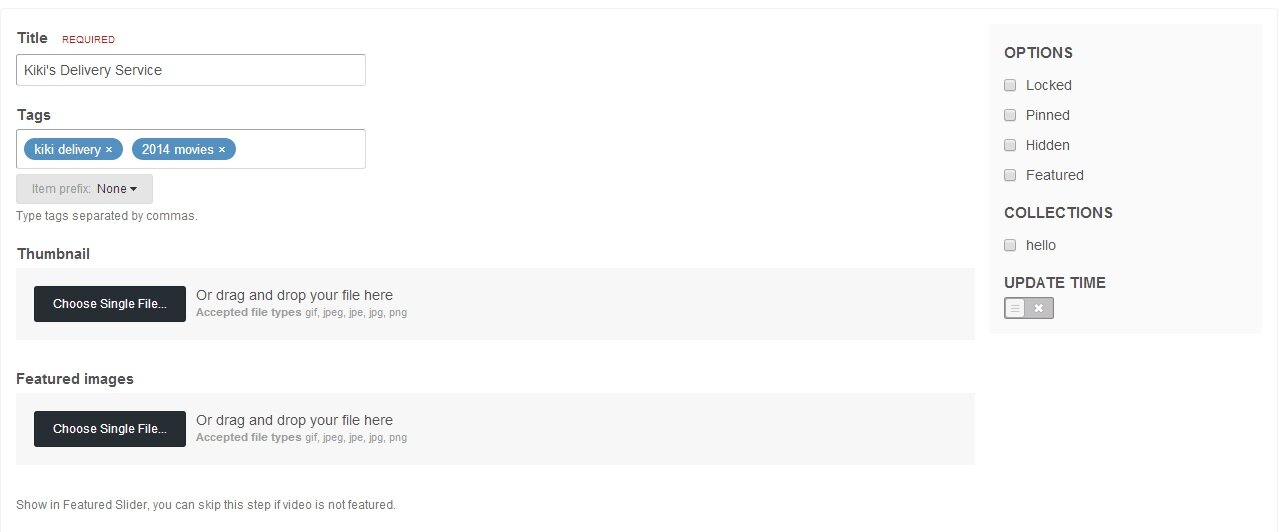
Tags Filter *New*
View video in lightbox *New*
Friendly URL.
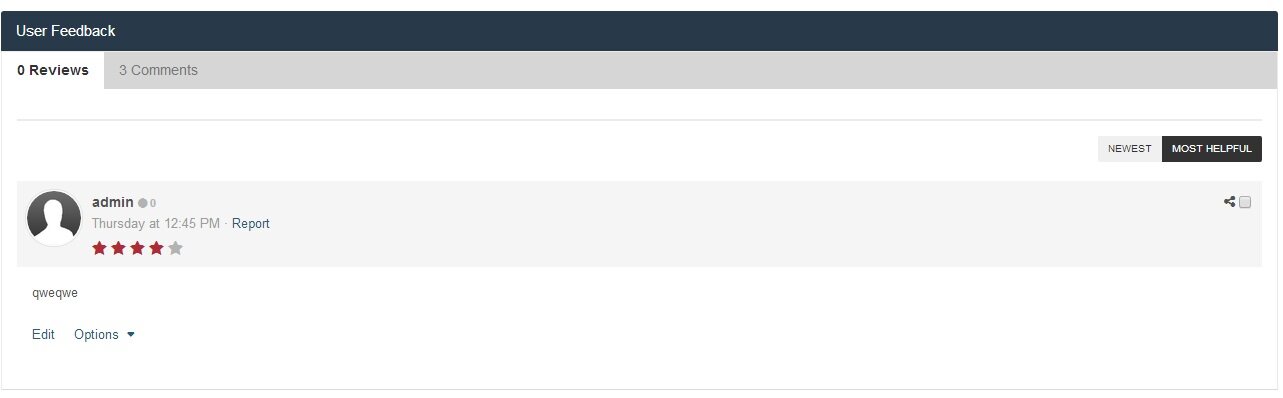
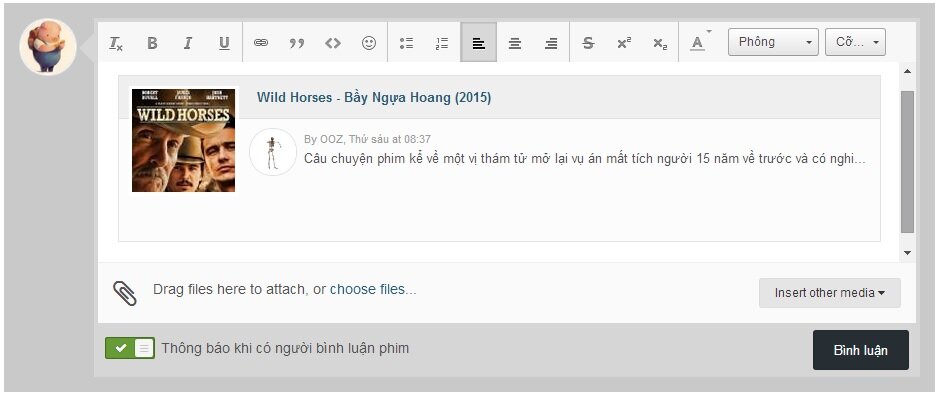
Comment system.
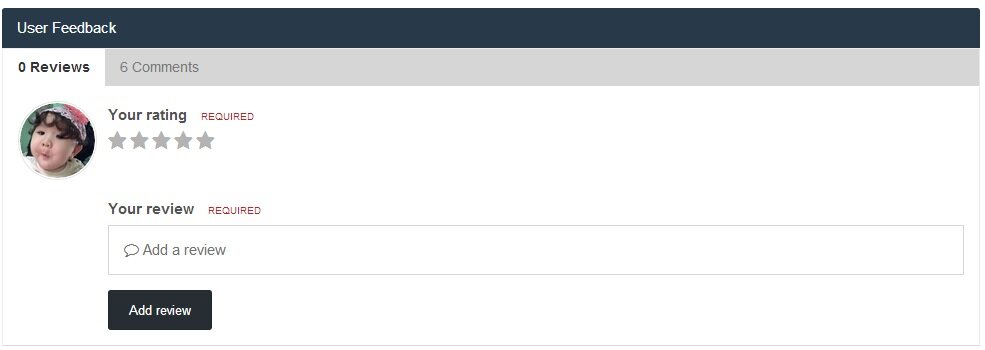
Rating system.
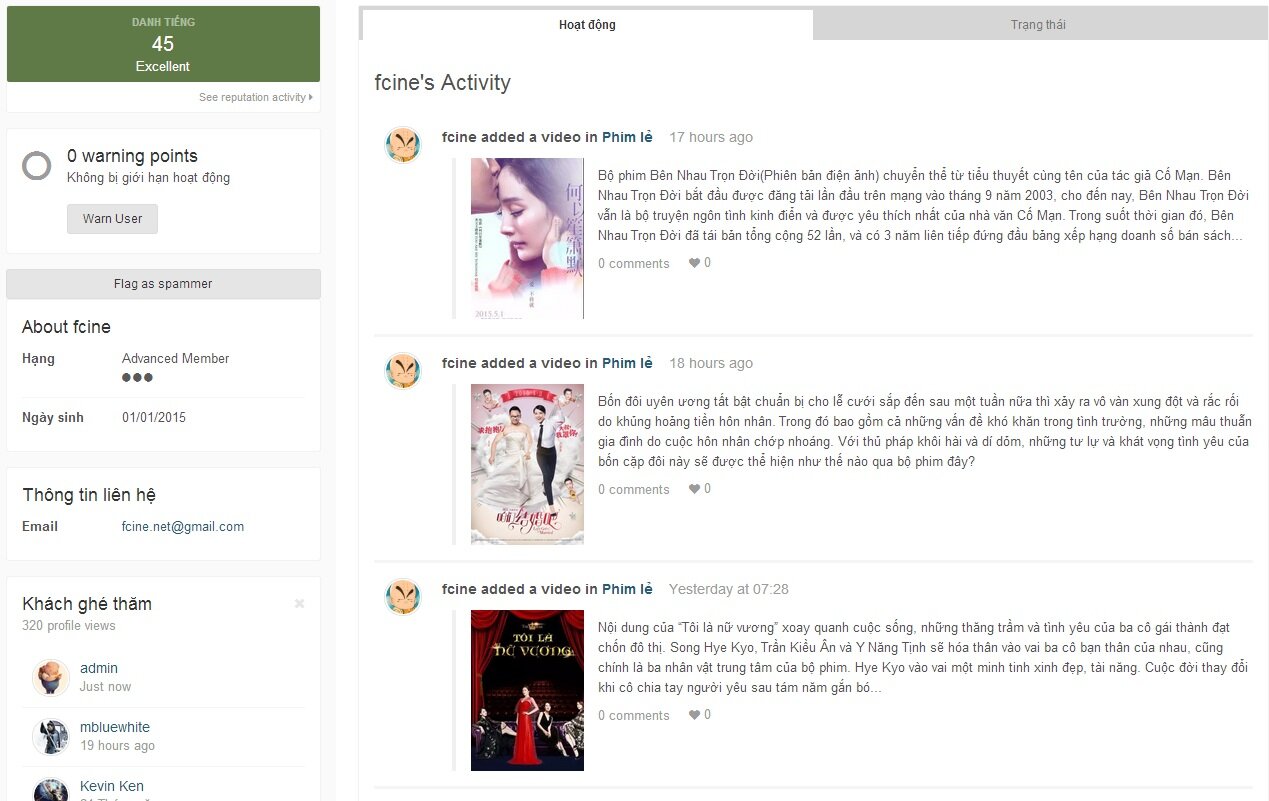
Following system.
Clubs
Reactions
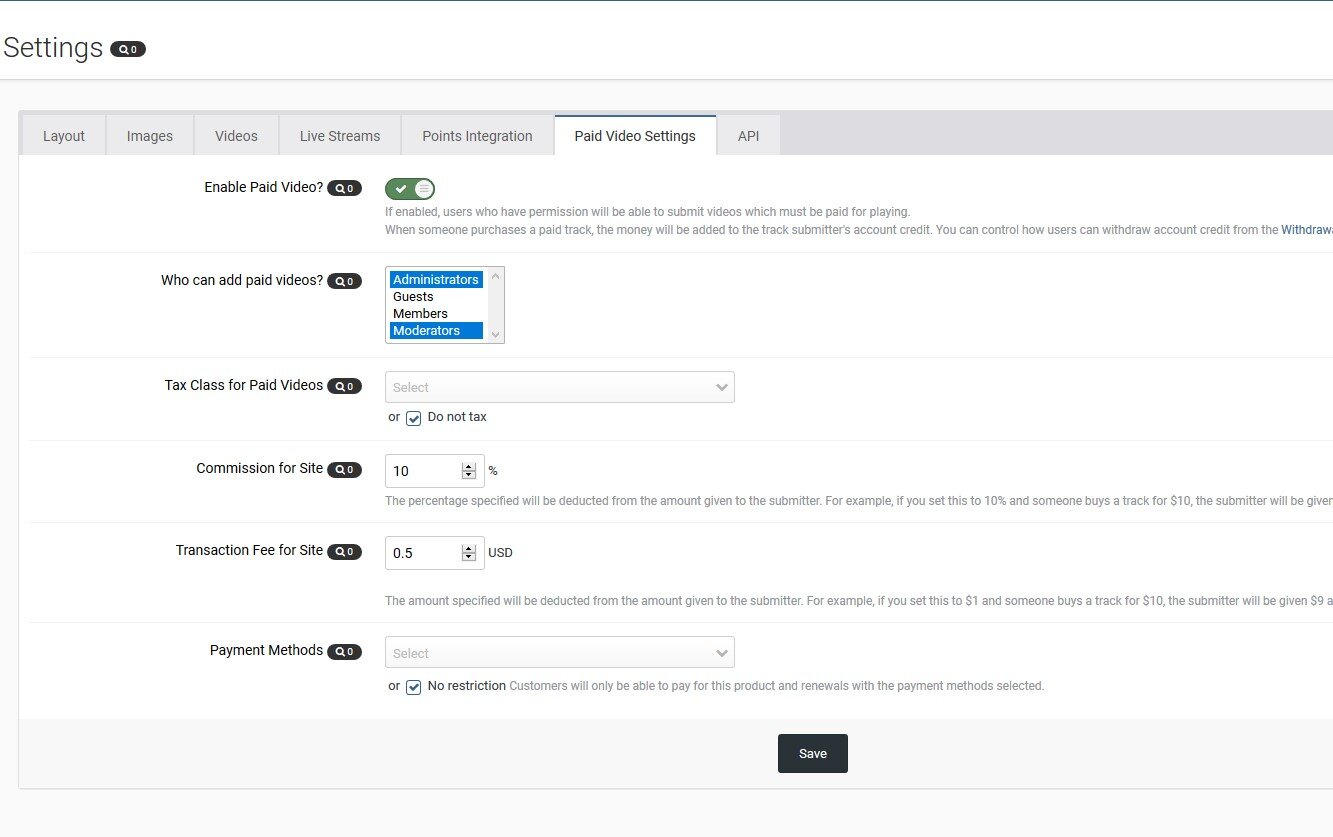
Supports Nexus (Commerce) to sell and buy videos.
Supports all Points systems:
Points for new video
Points for new comment
Points for new review
Points for reaction
Lazyload
Tags.
Latest Videos RSS feed.
What's New in Version 4.5.9
Released
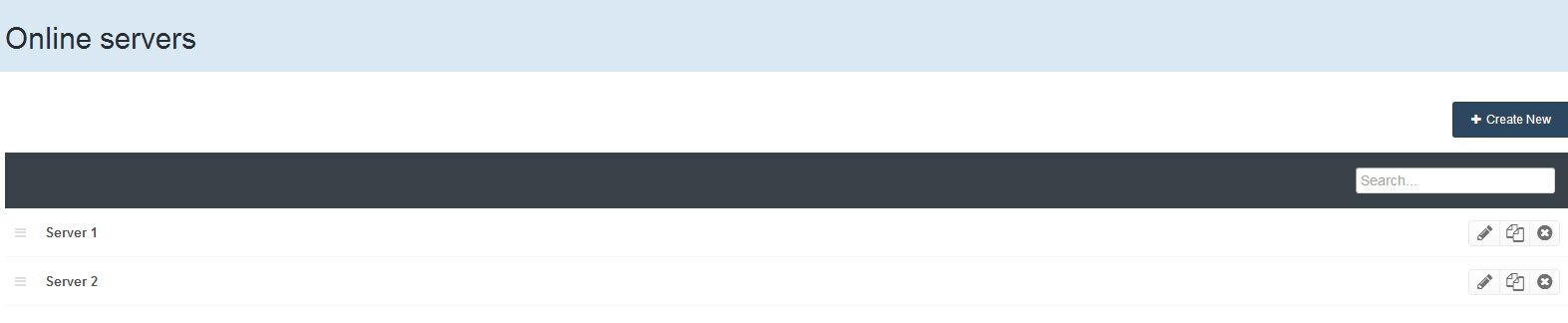
- New "Download Link" option for servers.
-
 2
2
-
 1
1