
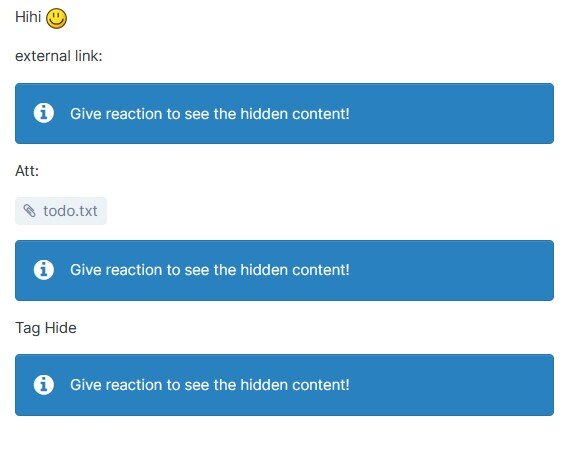
This plugin will hide LINKS, CODE, IMAGES and [HIDE] in articles from Pages app.
Features:
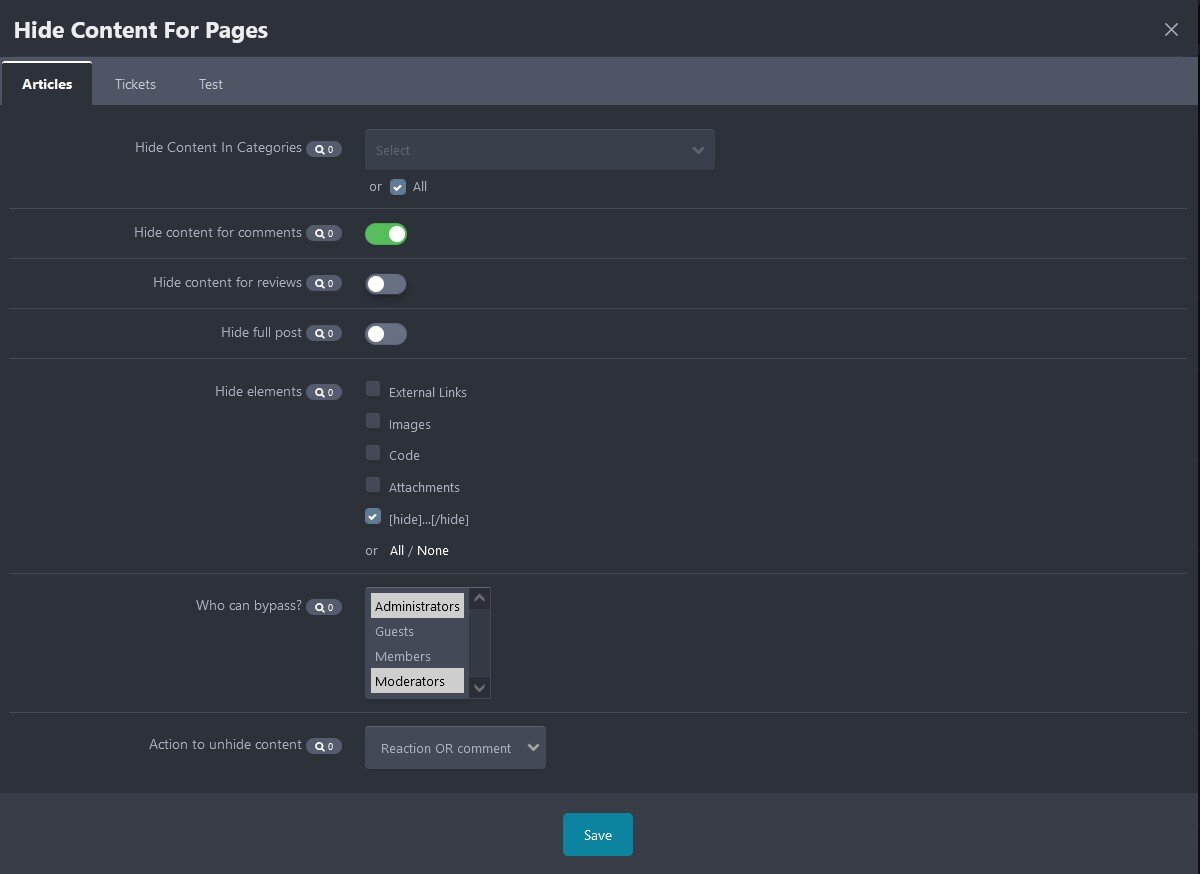
- Select content to hide: images, external links, code, [hide] tag, attachments, or full content.
- Select databases, categories for hidden content.
- Enable hidden content in comments/reviews.
- Option to specify groups can bypass the hidden content.
- Reaction, reply or review to see the hidden content.
*** Requires PAGES app
What's New in Version 1.0.4
Released
No changelog available for this version.