


Main Features:
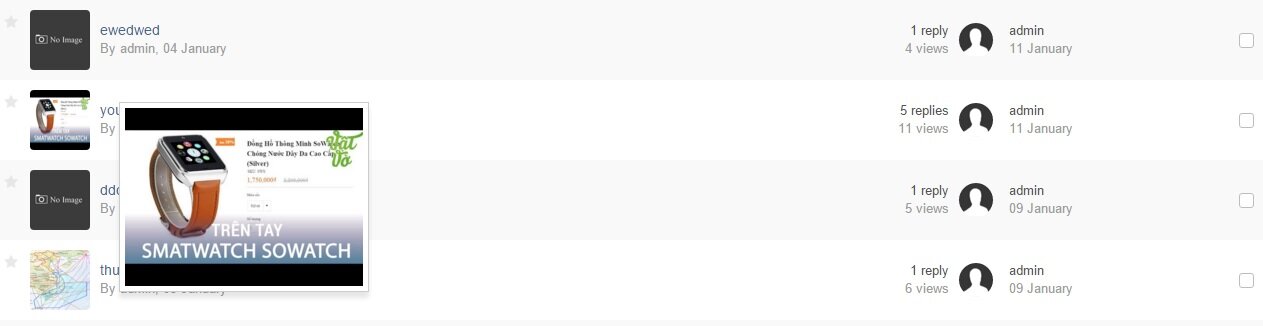
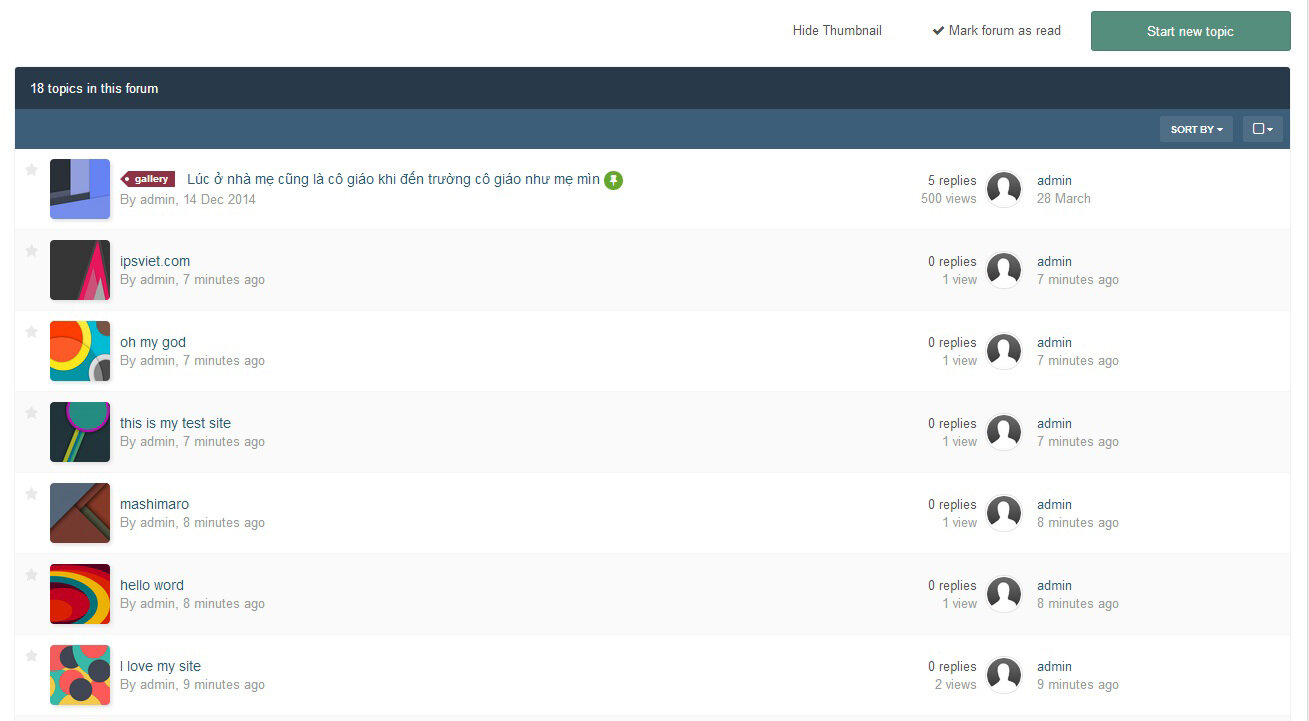
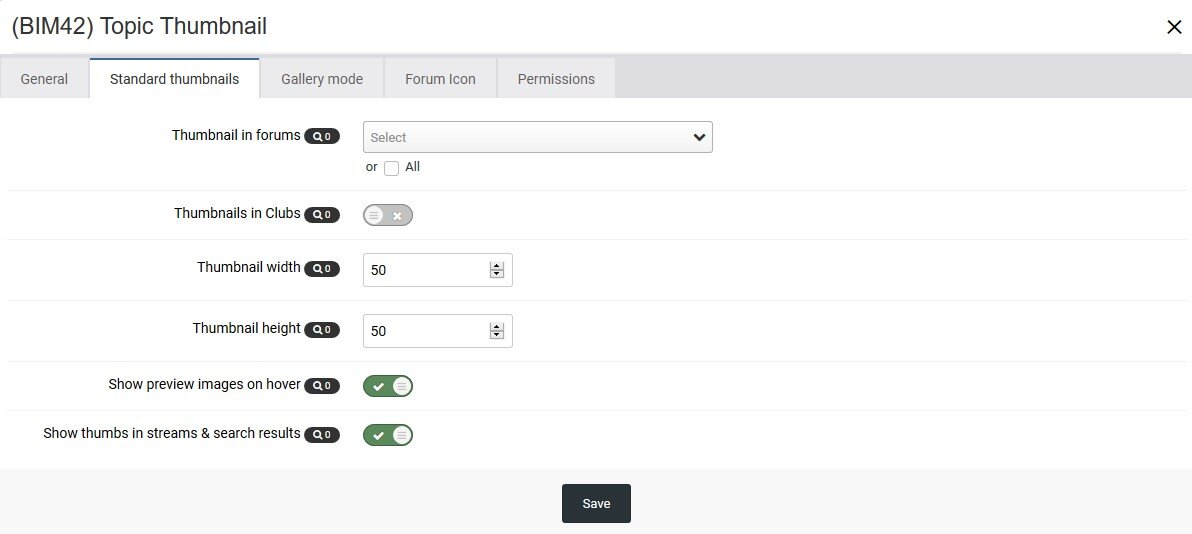
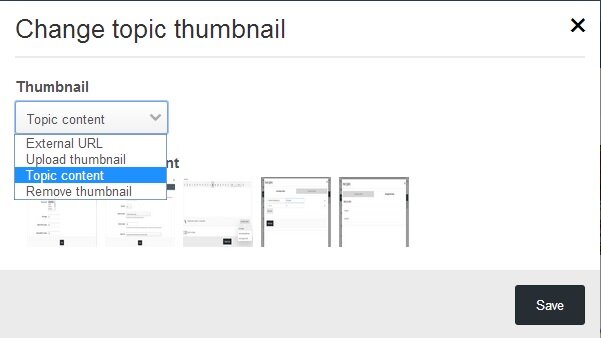
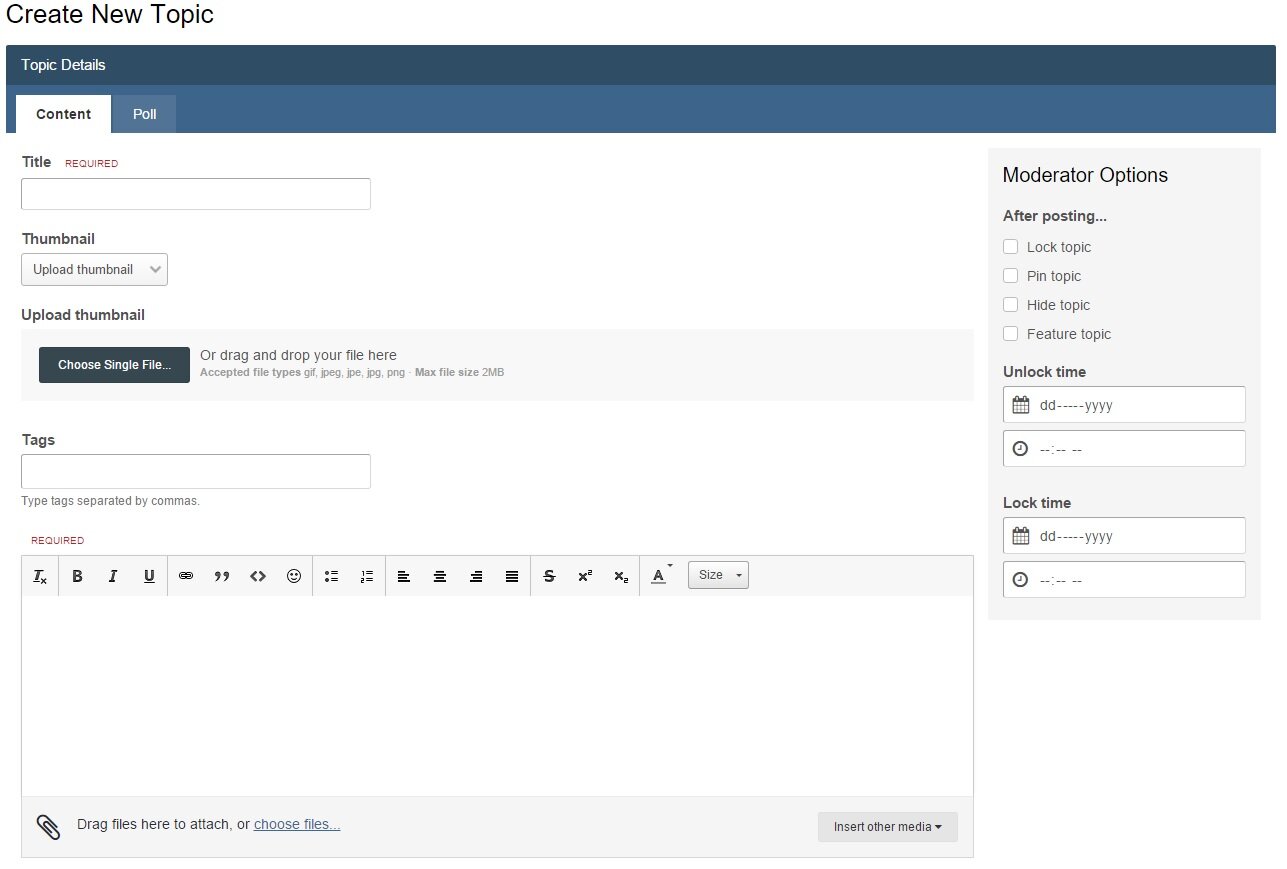
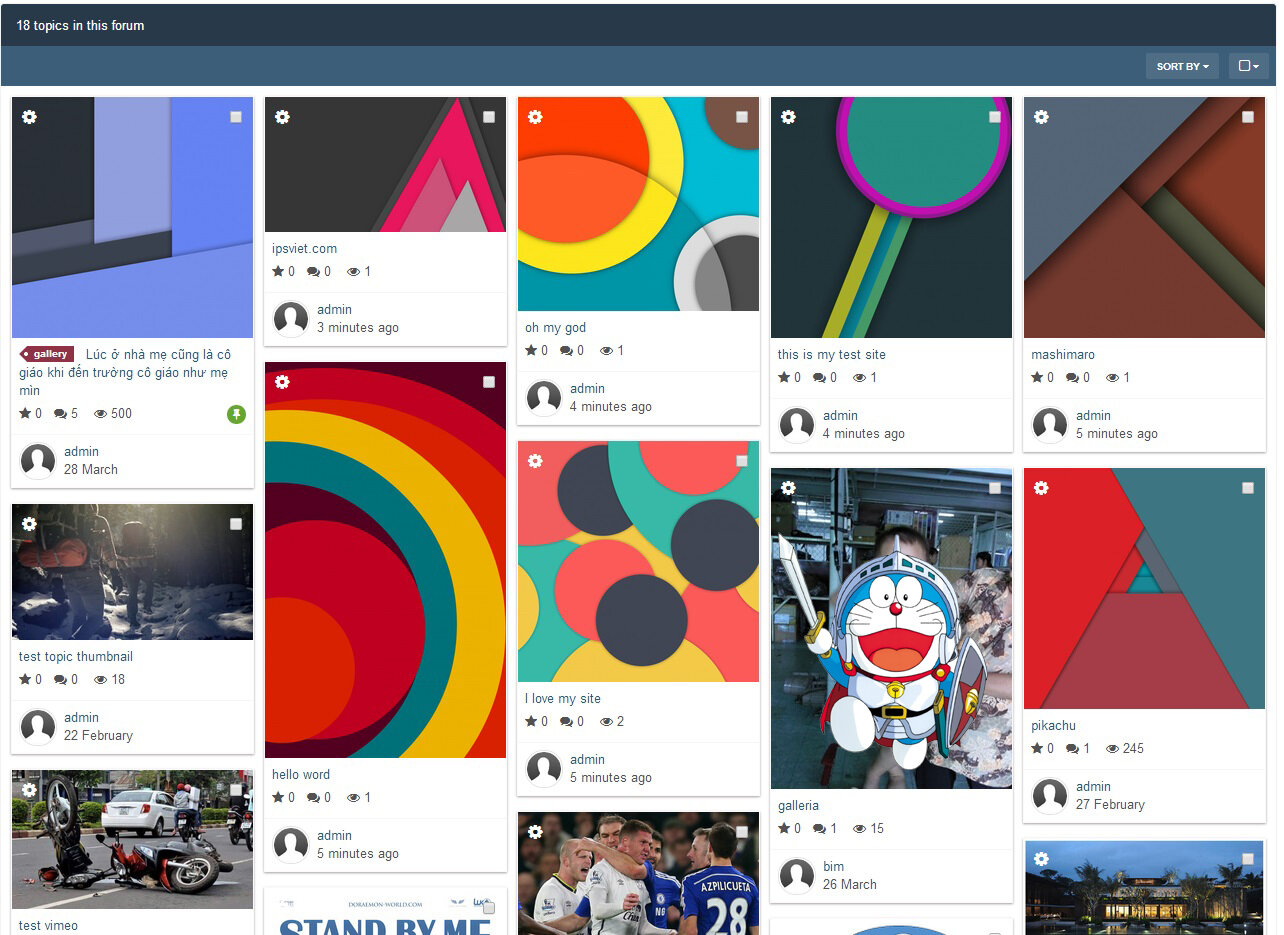
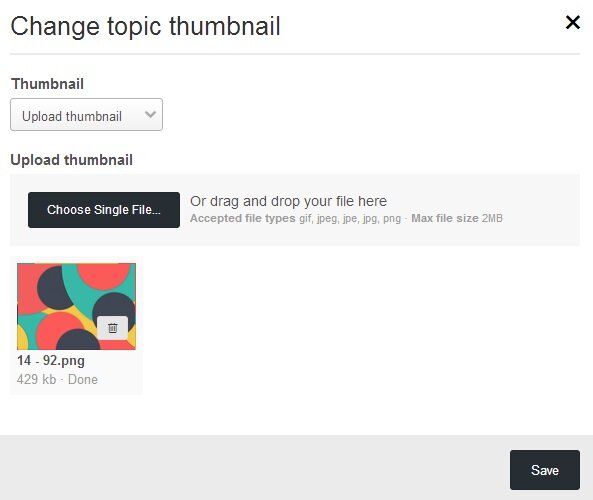
Display thumbnails of topics in the main forum view. Topic's authors or member groups that you specify can change thumbnails. They can choose a thumbnail from images in topic content, external URL, or upload from computer.
Ability to generate the thumbnail from Youtube, Vimeo, Dailymotion, and Wistia.
Using Ajax, no need to reload the page after changing the thumbnails.
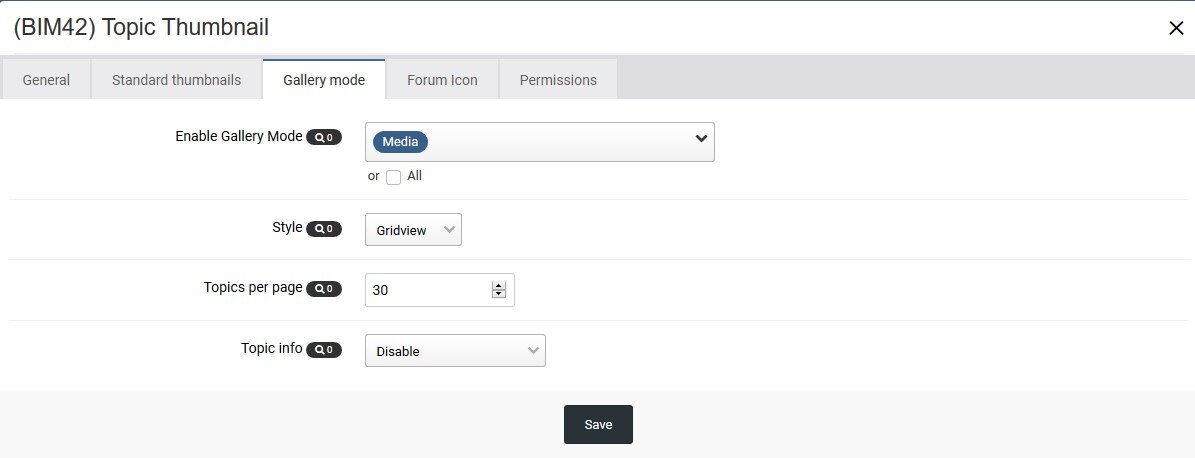
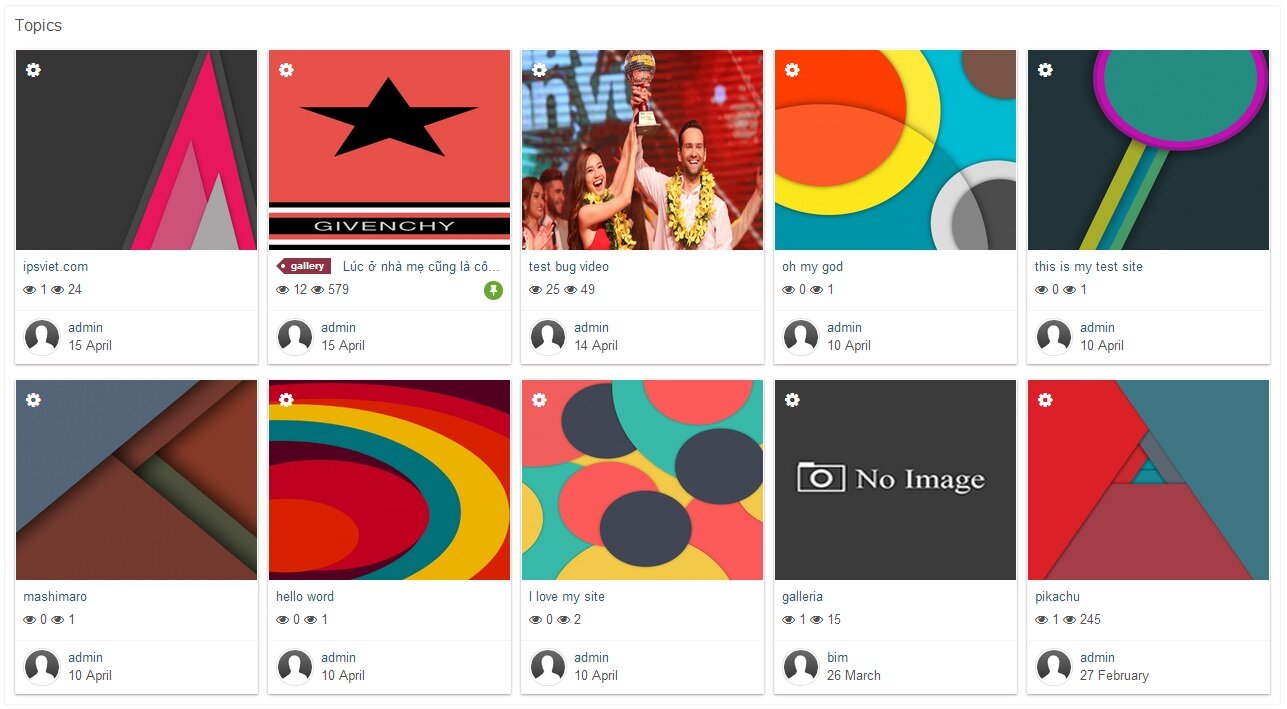
Support "Gallery View Mode" with big images in a responsive grid. (credits to Masonry)
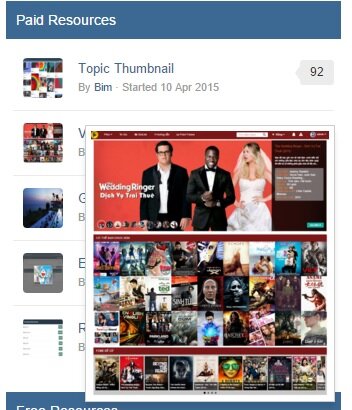
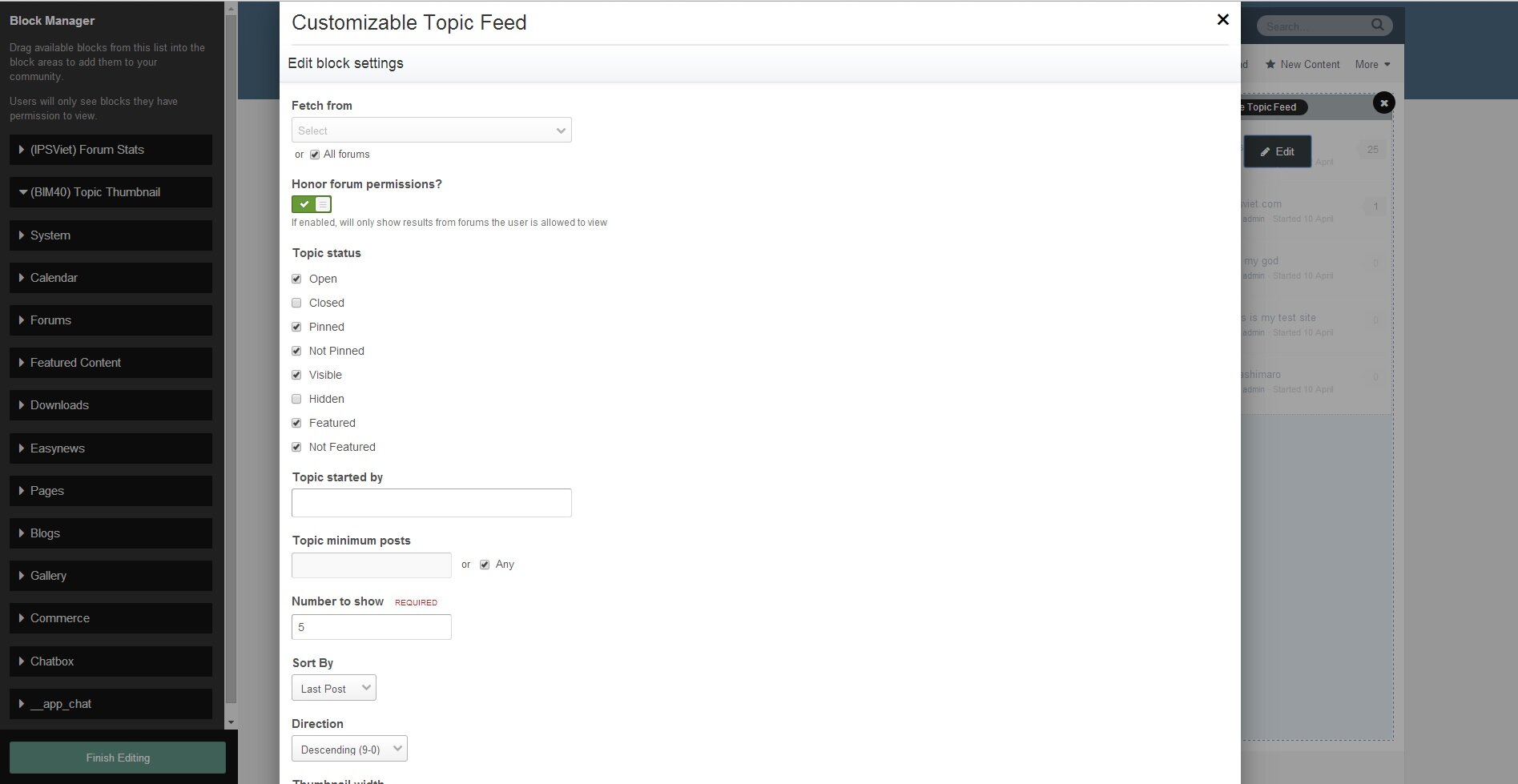
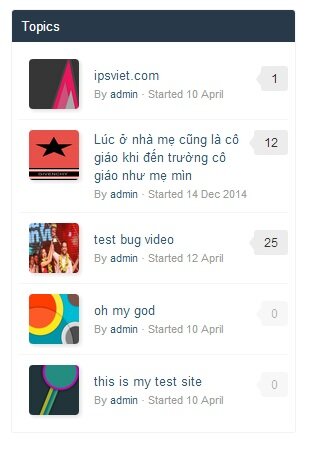
Widget to display new topics with thumbnails.
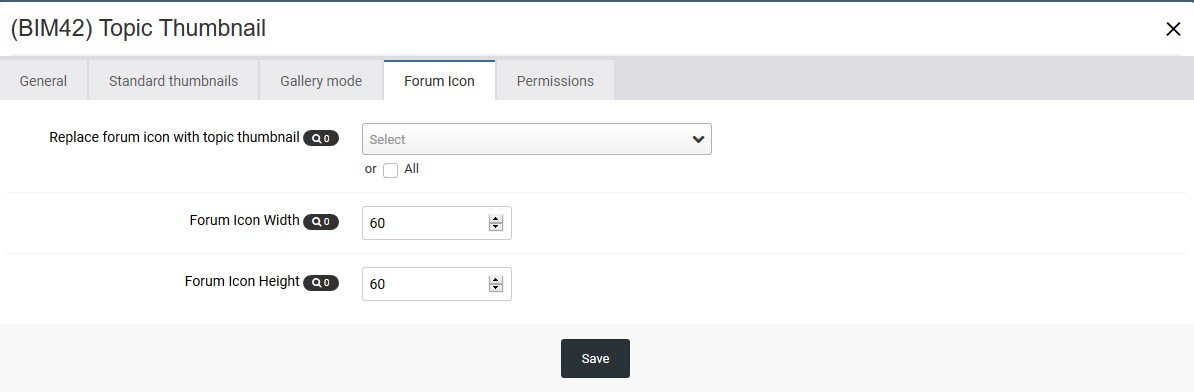
Option to replace Forum Icons with Topic Thumbnail.
Thumbnails in search results, activity.
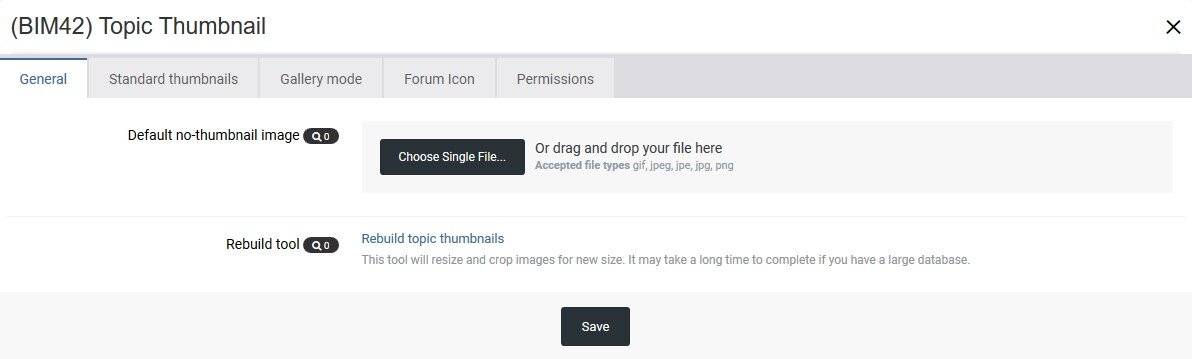
Permissions for viewing and changing thumbnails.
A Toggle Show/Hide for members.
Support IPS Clubs.
Live Demo:
https://demo.ipsappzone.com/forum/3-test-1/ (small thumbnails)
https://demo.ipsappzone.com/forum/4-test-2/ (gridview)
What's New in Version 4.7.0
Released
- Prevent creating thumbnail from /uploads/emotions/.
- Improved Rebuild Tool speed.
- Fixed Delete Tool issue causing accidental attachment deletion.
-
 2
2