



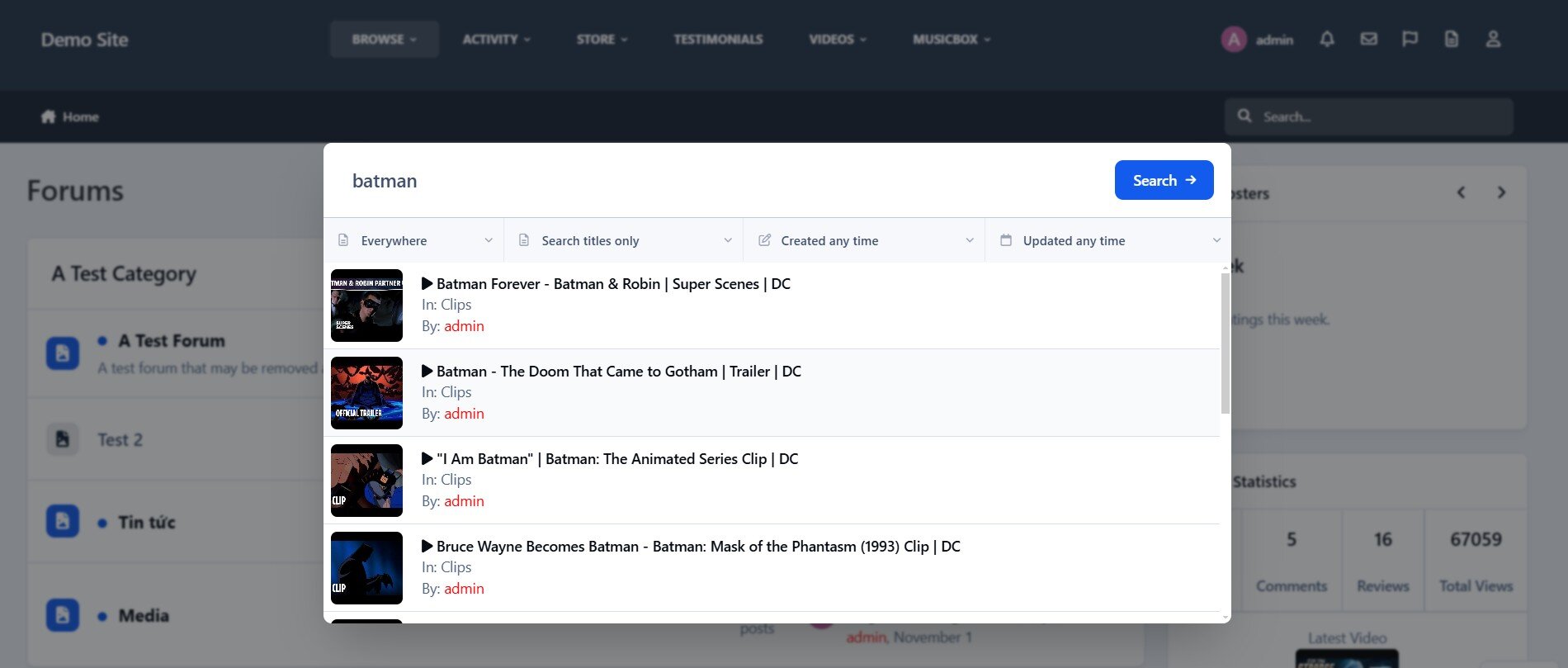
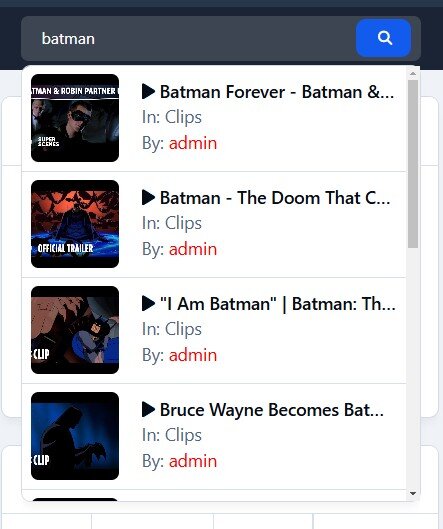
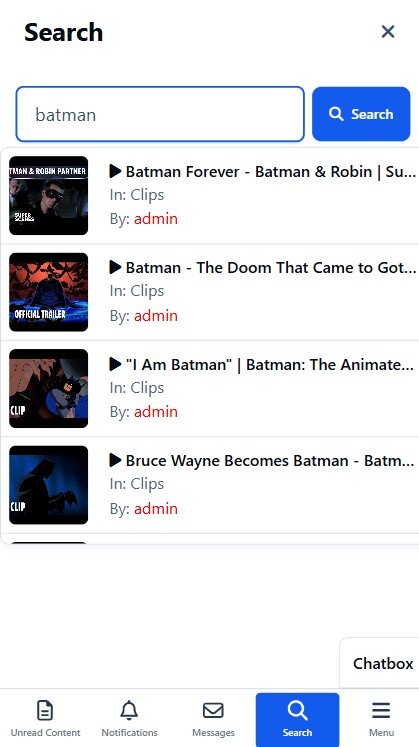
Quick Search is a small application that instantly brings an intuitive search form and smart autocomplete. Results are displayed with eye-catching thumbnails, providing a seamless browsing experience across all applications. Make finding content easier and faster with Quick Search!
Settings:
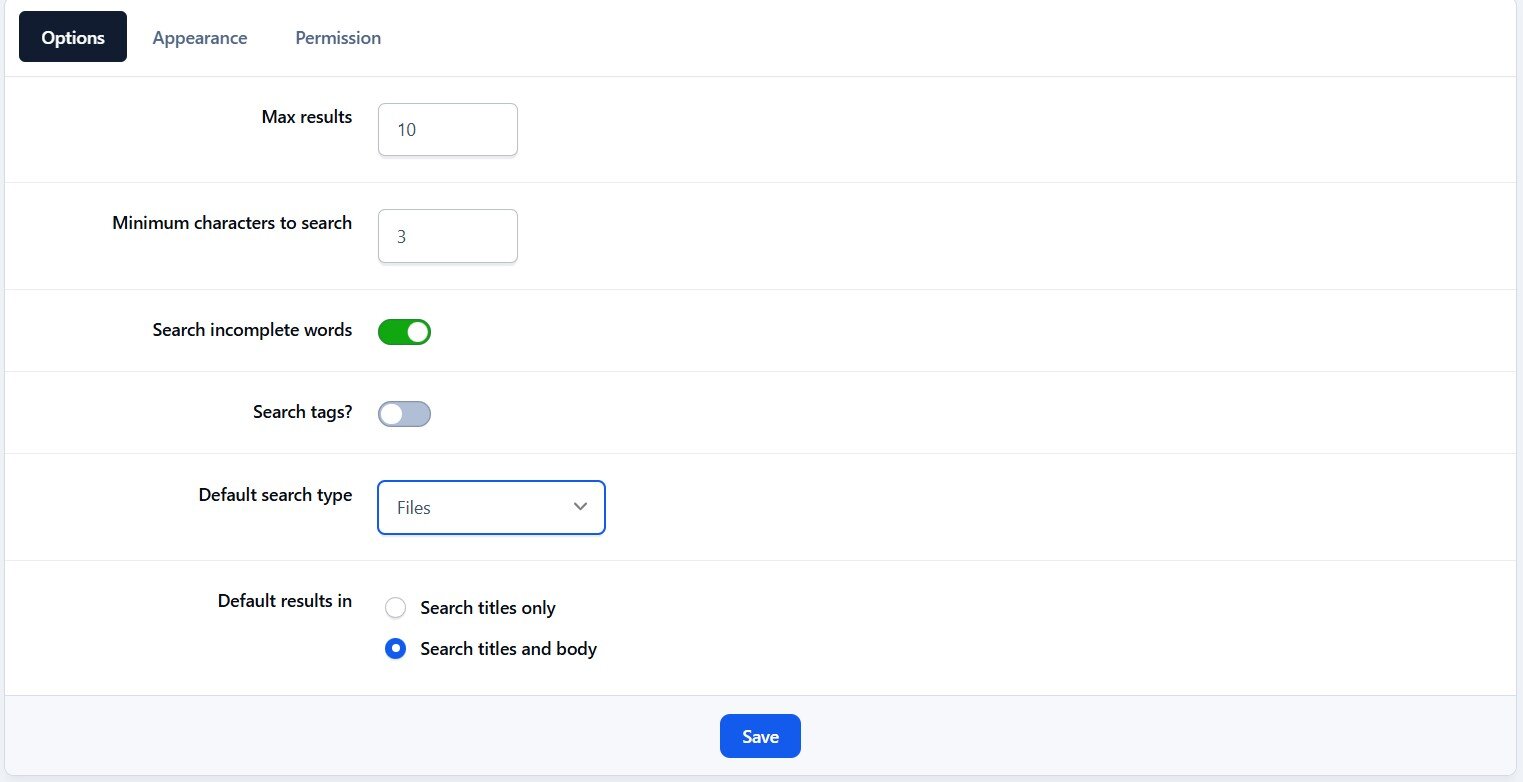
Enable/Disable.
Permissions for member groups.
Max results.
Search incomplete words
Find results in Content titles only | Content titles and body
Search Mode: OR / AND
Set default search type for all pages
Show category and author in search results.
Keyword highlighting to make search results much easier to read.
Display Quick Search in mobile & tablet.
Support widgets
What's New in Version 5.1.5
Released
Compatible with IPS 5.0.19.
Fixed an issue where search results did not respect the user's Content Preferences.
-
 2
2