

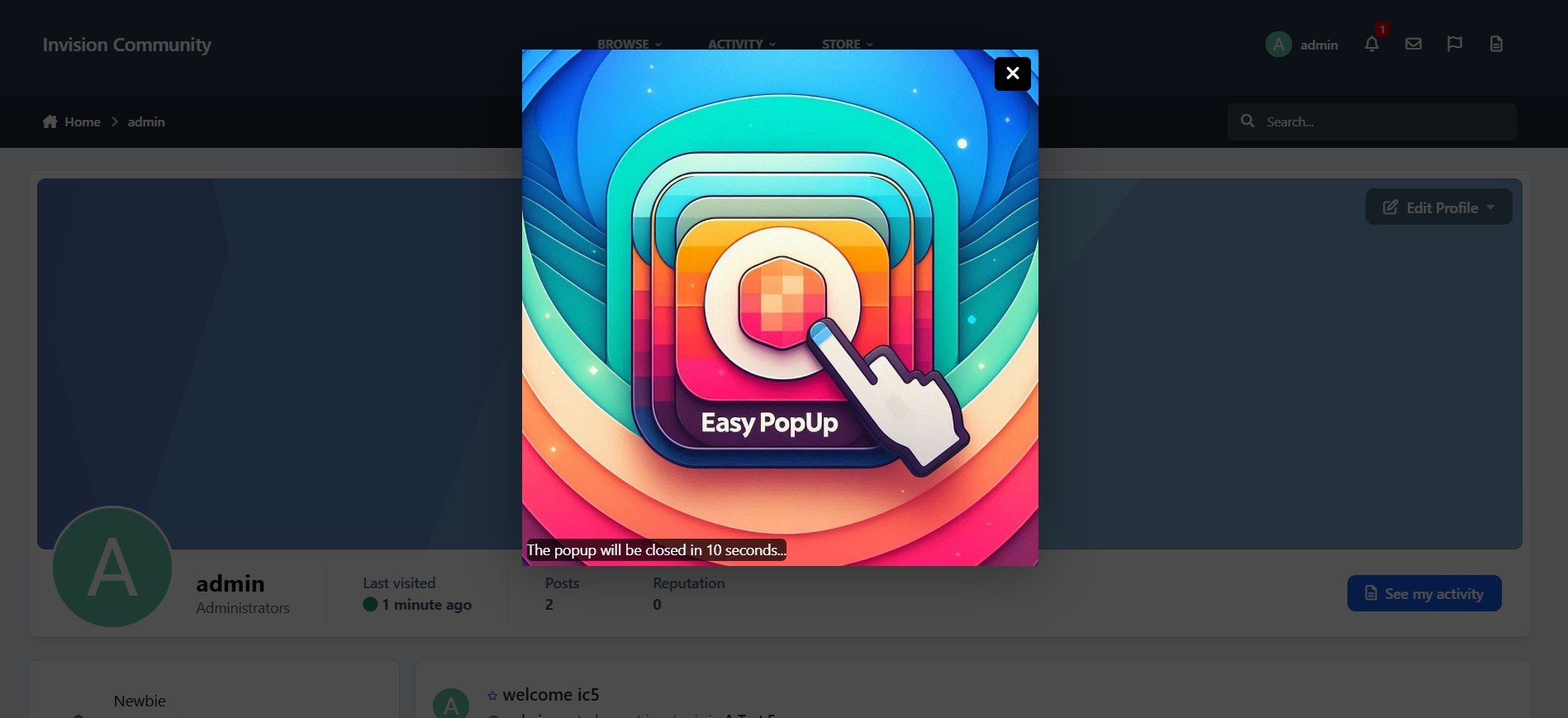
EasyPopup offers a powerful, customizable solution for creating eye-catching popups on your website. Configure everything from size, position, and transitions to timing, content, and audience targeting. With IPS Member Filters, you can tailor popups to suit specific groups and boost user engagement effortlessly.
Features:
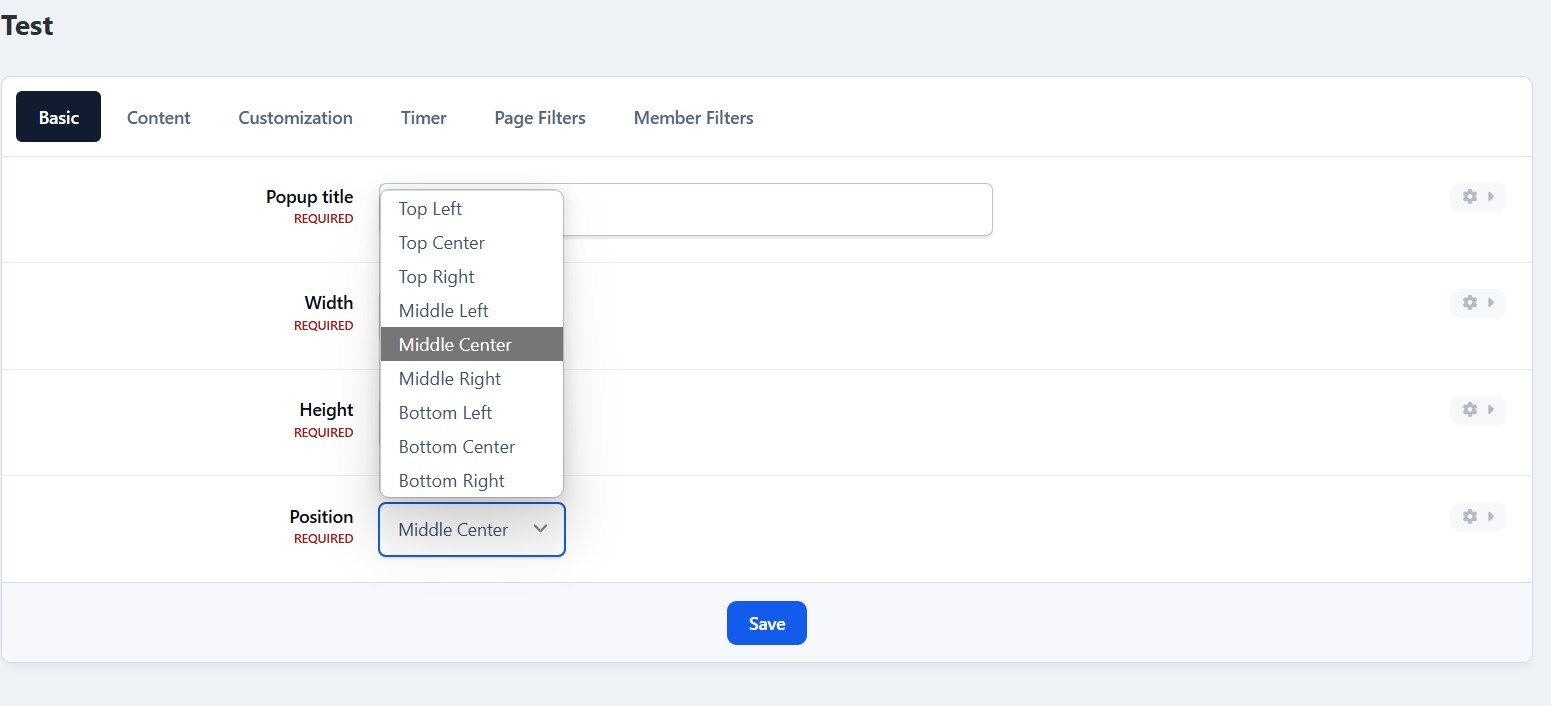
Width/Height.
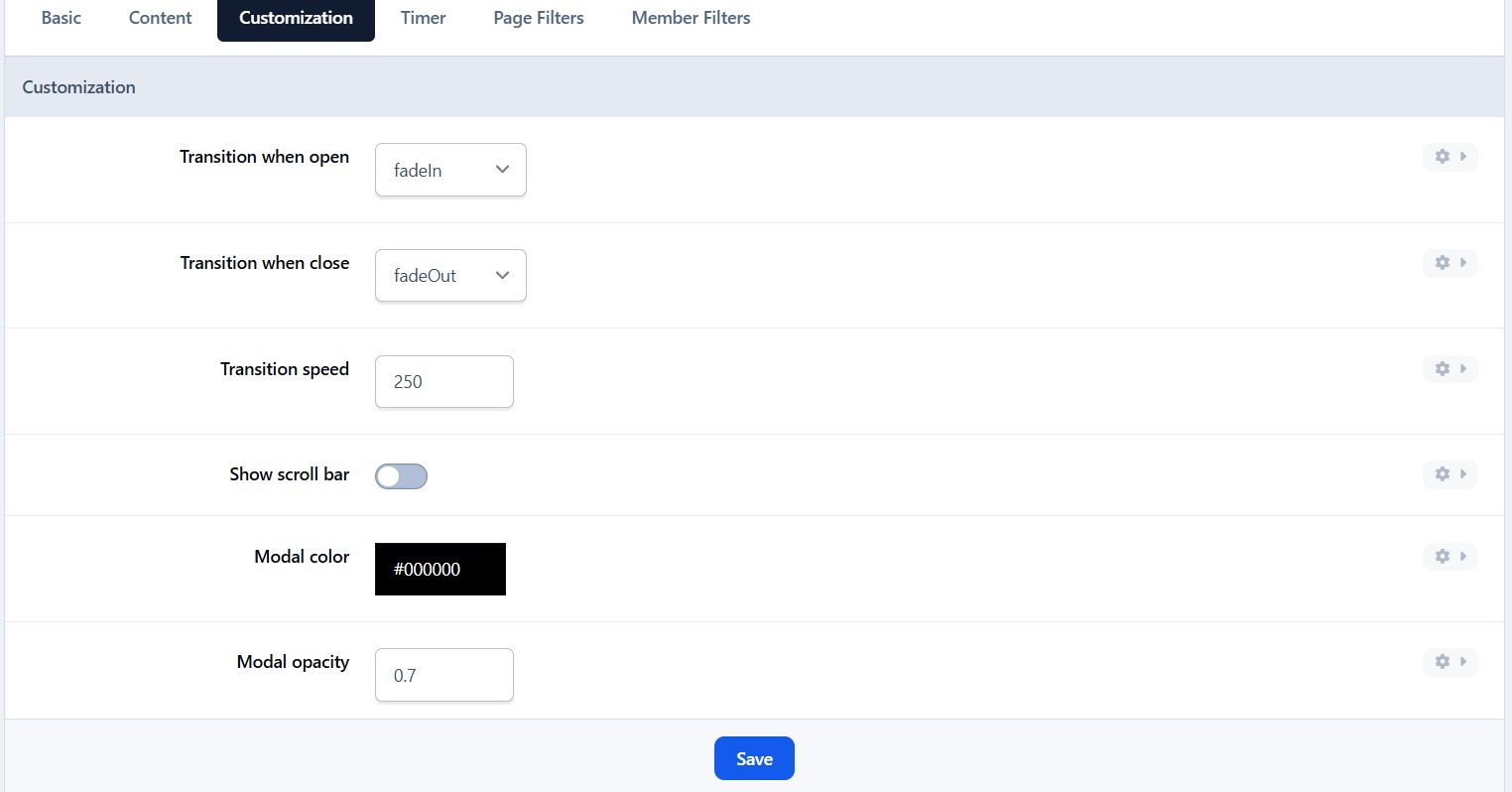
Transition open/close: FadeIn/FadeOut, SlideIn, SlideUp, SlideDown, SlideBack.
Transition speed.
Positions: Top Left, Top Center, Top Right, Middle Left, Middle Center, Middle Right, Bottom Left, Bottom Center, Bottom Right
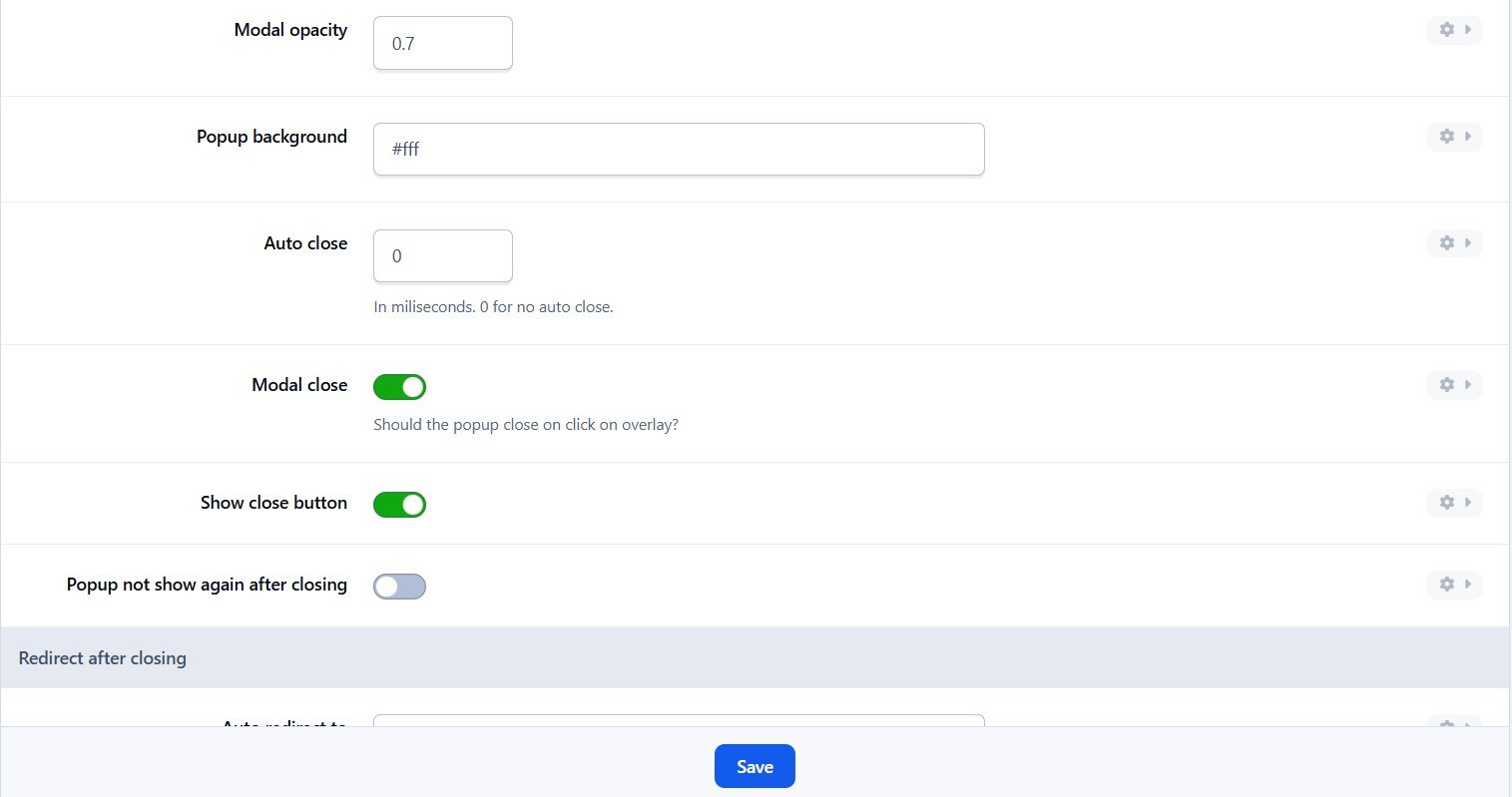
Background color.
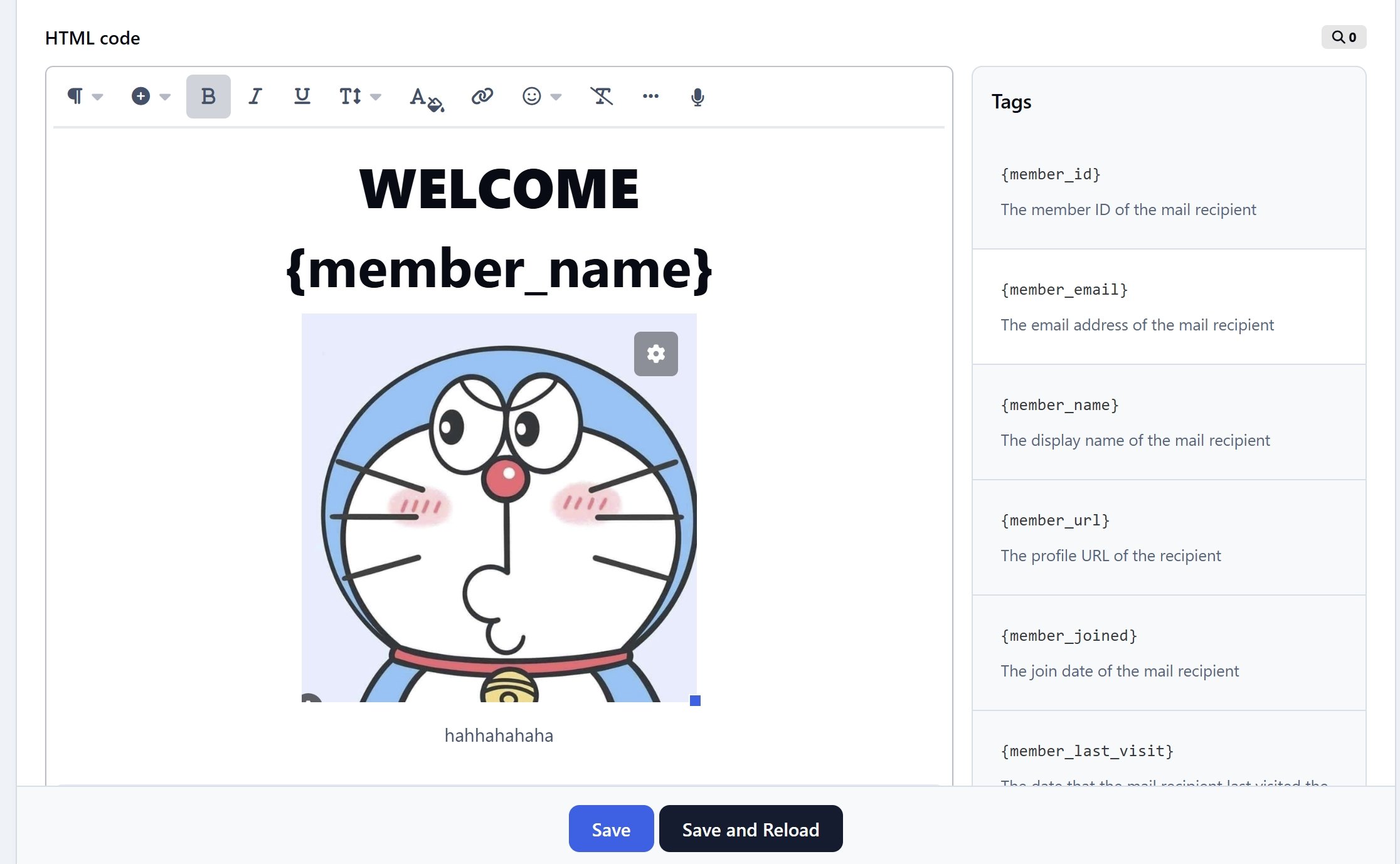
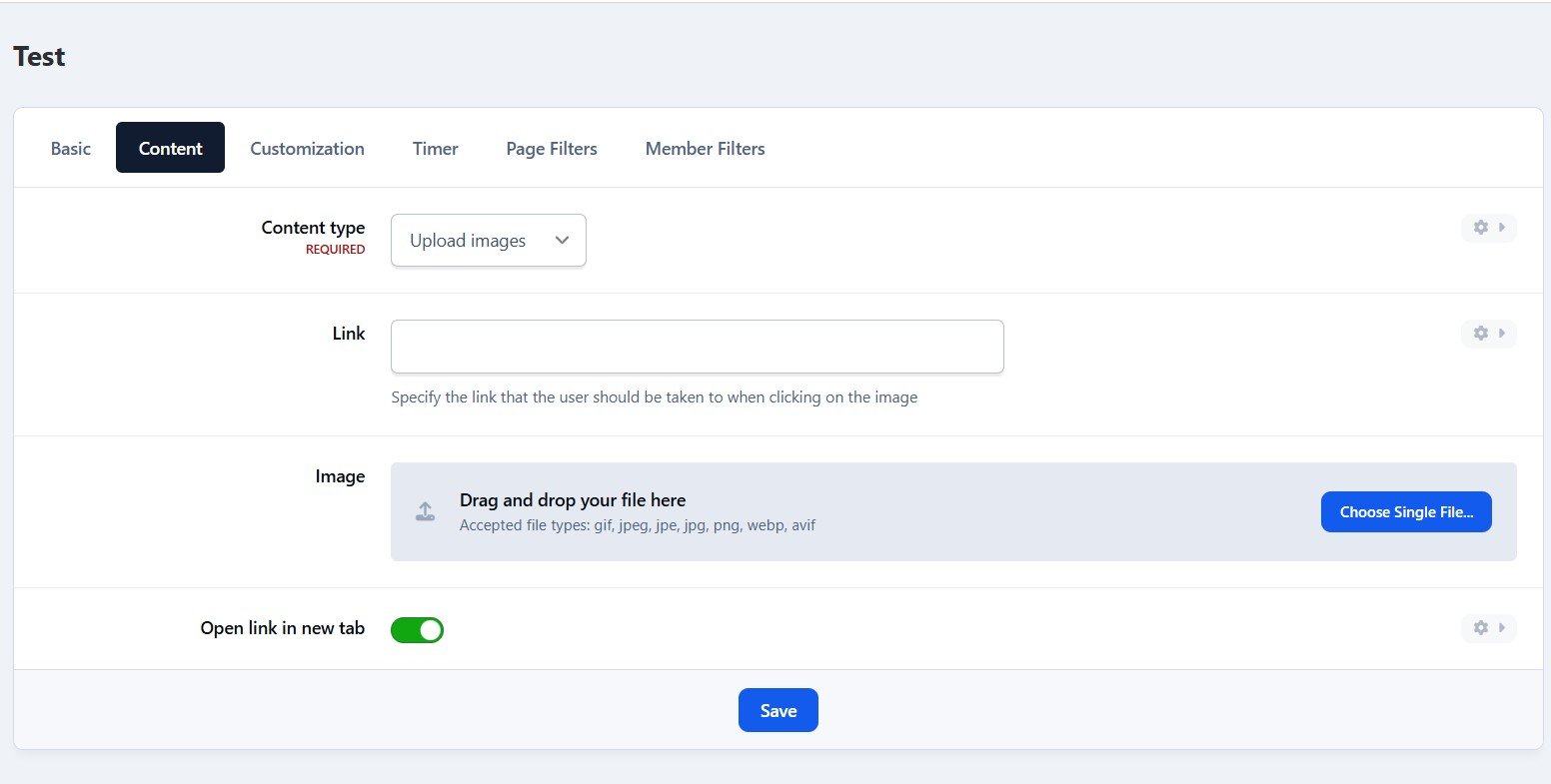
Compose popup content using the Editor or HTML, or simply upload an image.
Supports advertisement tag in the HTML code: {advertisement="key"}
Supported template tags: {member_id}, {member_email}, {member_name}...
Auto close and show timer on popup.
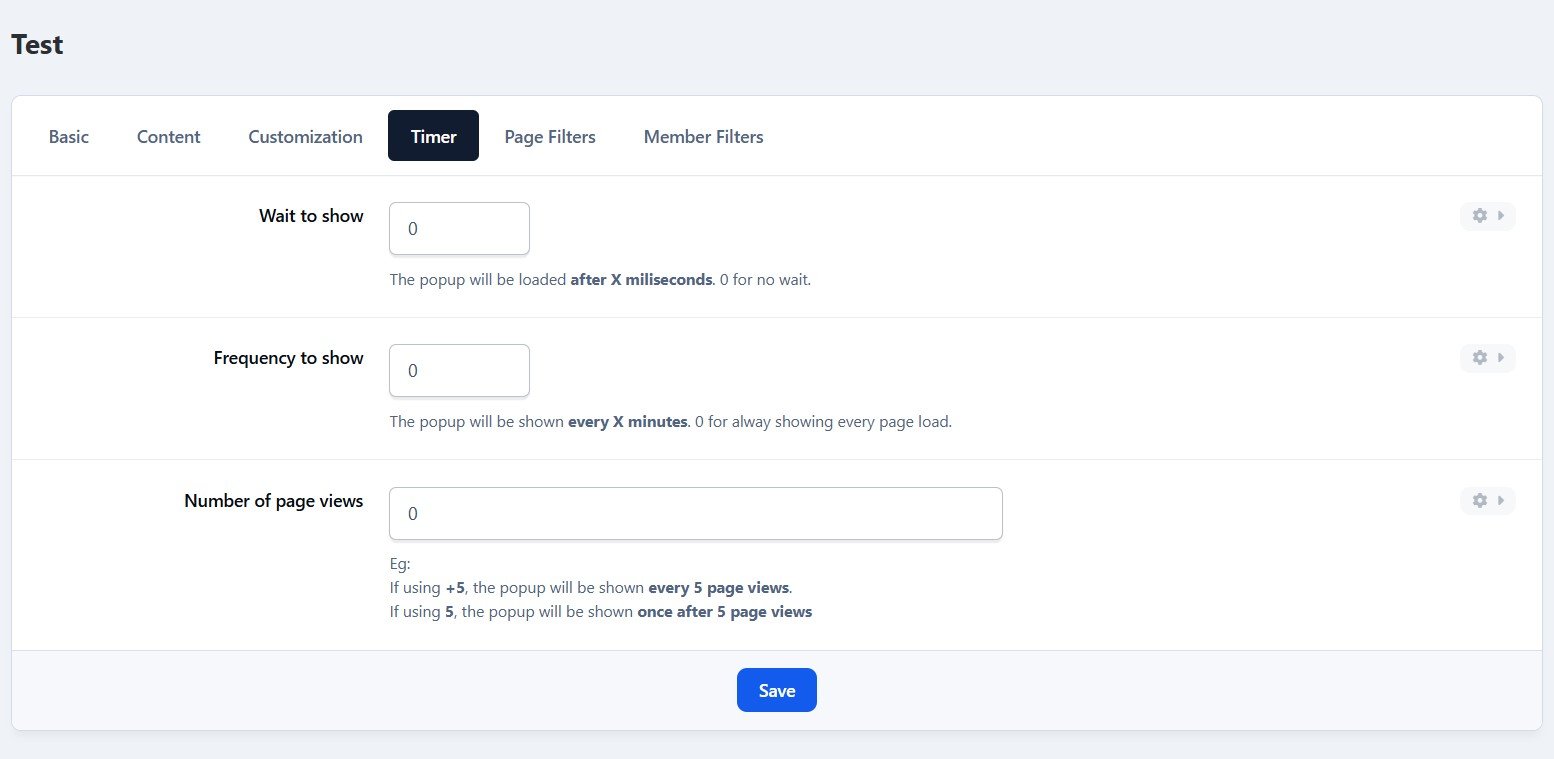
Showing popups every page loads or every X minutes.
Waiting for X miliseconds to show.
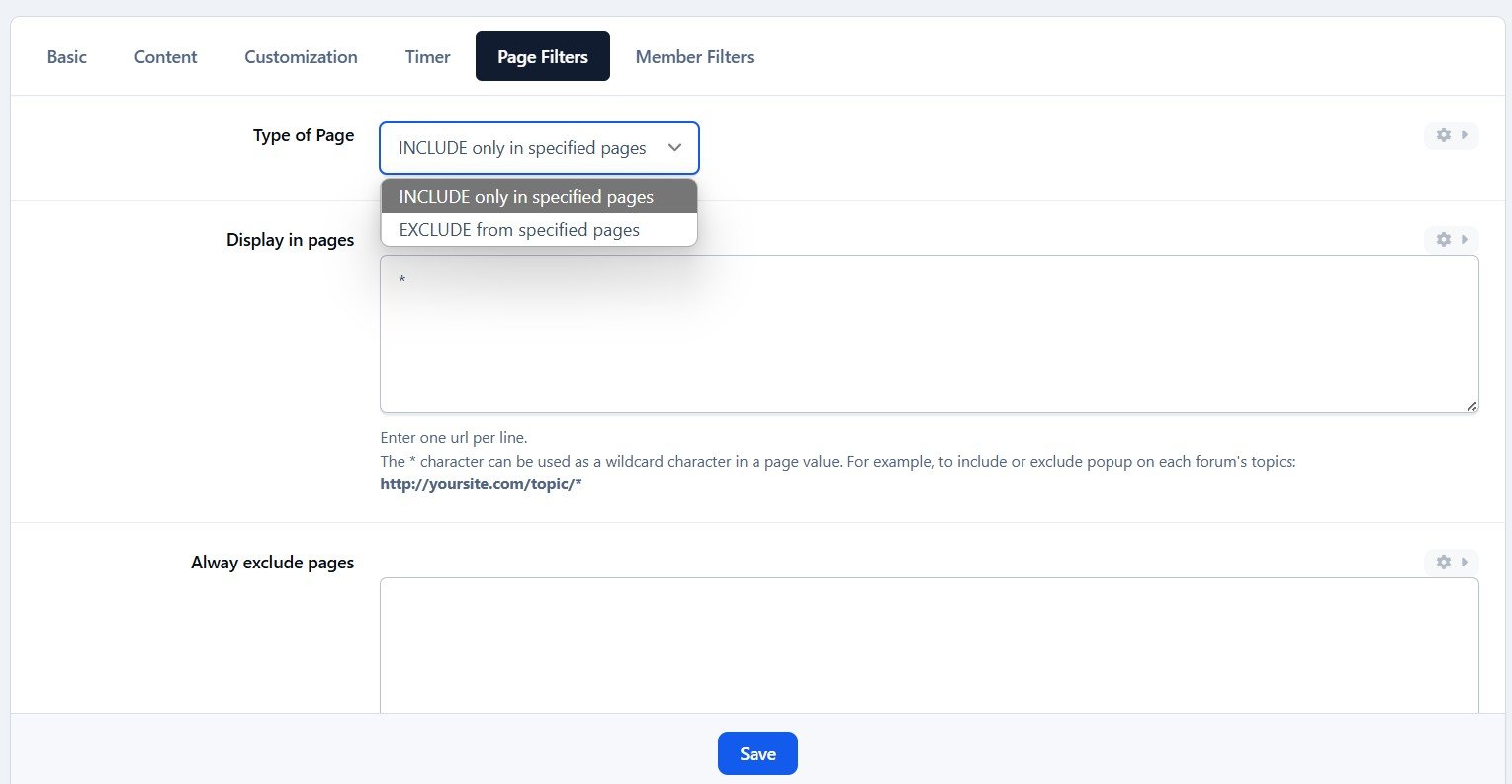
Easily set specific URLs for popup display.
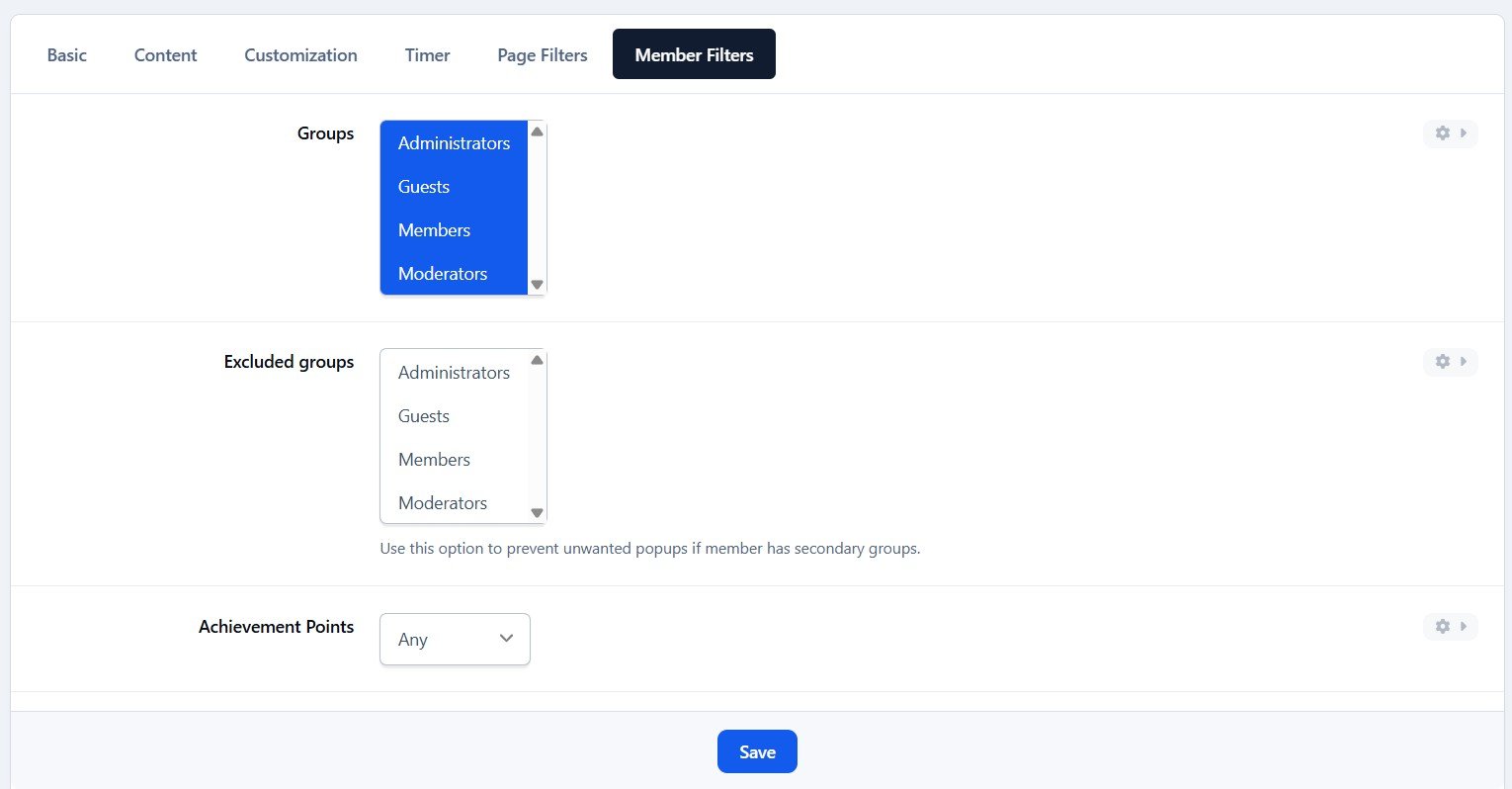
IPS Member Filter System to show popups. (filter by groups, content count, joined date, last posted, last visited, reputation, member of the day....)
What's New in Version 5.0.6
Released
Optimized the codebase.
Supported template tags: {member_id}, {member_email}, {member_name}...
Added a "Save & Reload" button in the ACP editor.
-
 1
1